Samsung · 2026 · open_icecat
Samsung ViewFinity S8 S80HF 27" 5K Monitor, 90W USB-C
27-inch 5120 x 2880 IPS monitor from Samsung with 90W USB-C power delivery, HDMI 2.1, DisplayPort 1.4, built-in Ethernet and a USB hub at 60 Hz.
Editorial Verdict“A sharp 5K desk monitor with real 90W USB-C, held back by 60 Hz and 350 nits.”
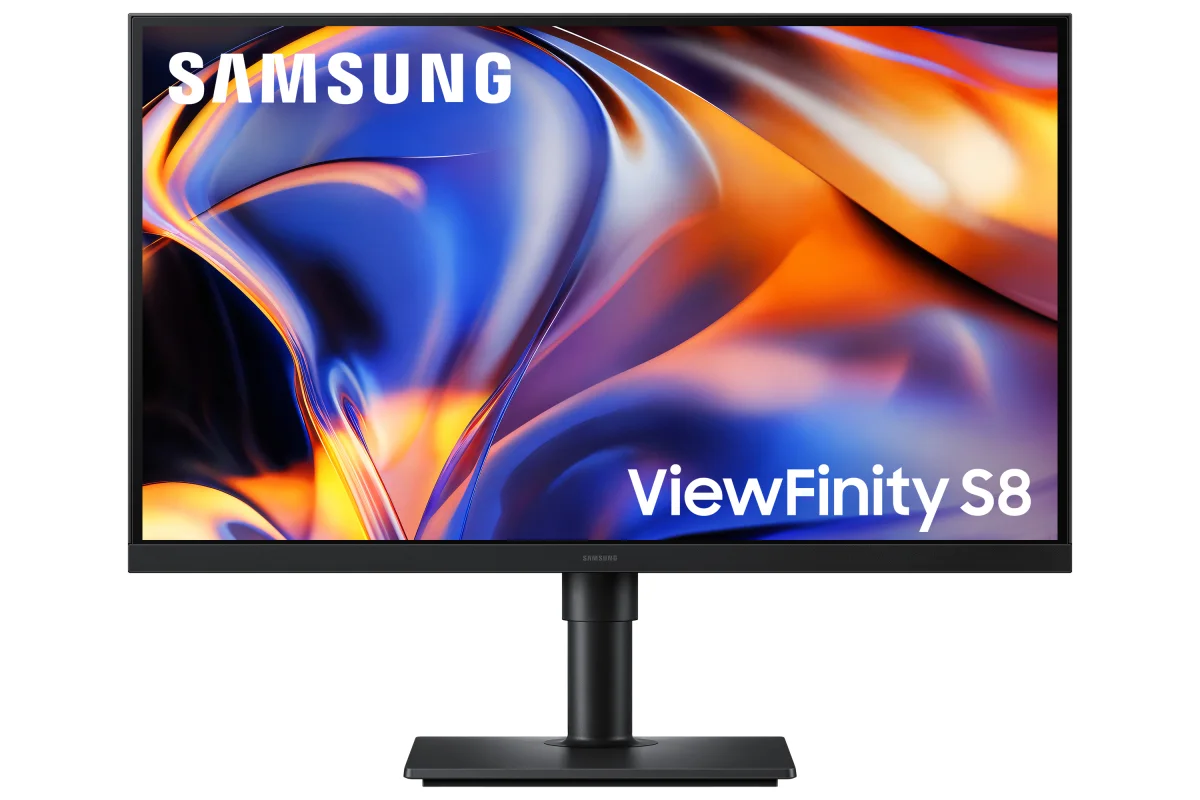
Key Findings & Trade-offs
The S80HF is a 27-inch 5K (5120 x 2880) IPS monitor whose single USB-C port carries video and up to 90W of charging, so one cable can cover a laptop's display, power and accessories. Maximum brightness is 350 nits and refresh is 60 Hz, so it favours sharp text over fast motion.
Three model codes exist (LS27H804EFAXEN, LS27H802EFAXEN, LS27H804EFAXXU), so match the code to your market. At 4 kg, it is a desk monitor rather than a travel display.
5120 x 2880 on a 27-inch IPS panel gives crisp text and plenty of working space for documents, spreadsheets and photo editing.
One USB-C port delivers up to 90W, enough for most thin-and-light laptops, though power-hungry machines may still need their own charger under load.
A USB hub and Ethernet in the monitor cut down on dongles when a laptop is connected by a single cable.
60 Hz and 350 nits suit office and photo work, but not fast gaming or very bright rooms.
- Laptop owners who want a one-cable desk with 5K resolution and up to 90W charging.
- Writers, analysts and photo editors who value sharp text and screen space on a 27-inch panel.
- Wired desk setups where built-in Ethernet and a USB hub reduce the number of adapters.
- You play fast games or want motion smoother than 60 Hz.
- Your laptop needs more than 90W to run at full speed while charging.
- You work in a bright room and want more than 350 nits of brightness.
Compatibility Notes
Well-Matched Laptops
Matched on verified wattage & port specs


Where to Check Availability
Direct merchant link (no redirect). Editorial specs are never influenced by availability.Verified Technical Specifications
- Wired Ethernet
- Yes
- USB-C Power Delivery
- Yes
- Weight
- 4 kg
- HDMI ports
- 1
- Panel
- IPS
- Refresh rate
- 60 Hz
- USB-C ports
- 1
- HDMI version
- 2.1
- product family
- ViewFinity
- product series
- S8
- Max USB-C PD
- 90 W
- Display size
- 27″
- Built-in USB hub
- Yes
- DisplayPort outputs
- 1
- Resolution
- 5120 x 2880
- Peak brightness
- 350 nits
- DisplayPort version
- 1.4
Verified Configurations & Identifiers (3)
Frequently Asked Questions
How much power can the Samsung S80HF deliver over USB-C?
Up to 90W through its single USB-C port, which also carries the video signal.
What resolution and refresh rate does the S80HF have?
It is a 27-inch IPS panel with a native resolution of 5120 x 2880 at 60 Hz and a maximum brightness of 350 nits.
Which ports does the Samsung S80HF have?
One USB-C, one HDMI 2.1 and one DisplayPort 1.4, plus a built-in USB hub and Ethernet.