Samsung · 2026 · open_icecat
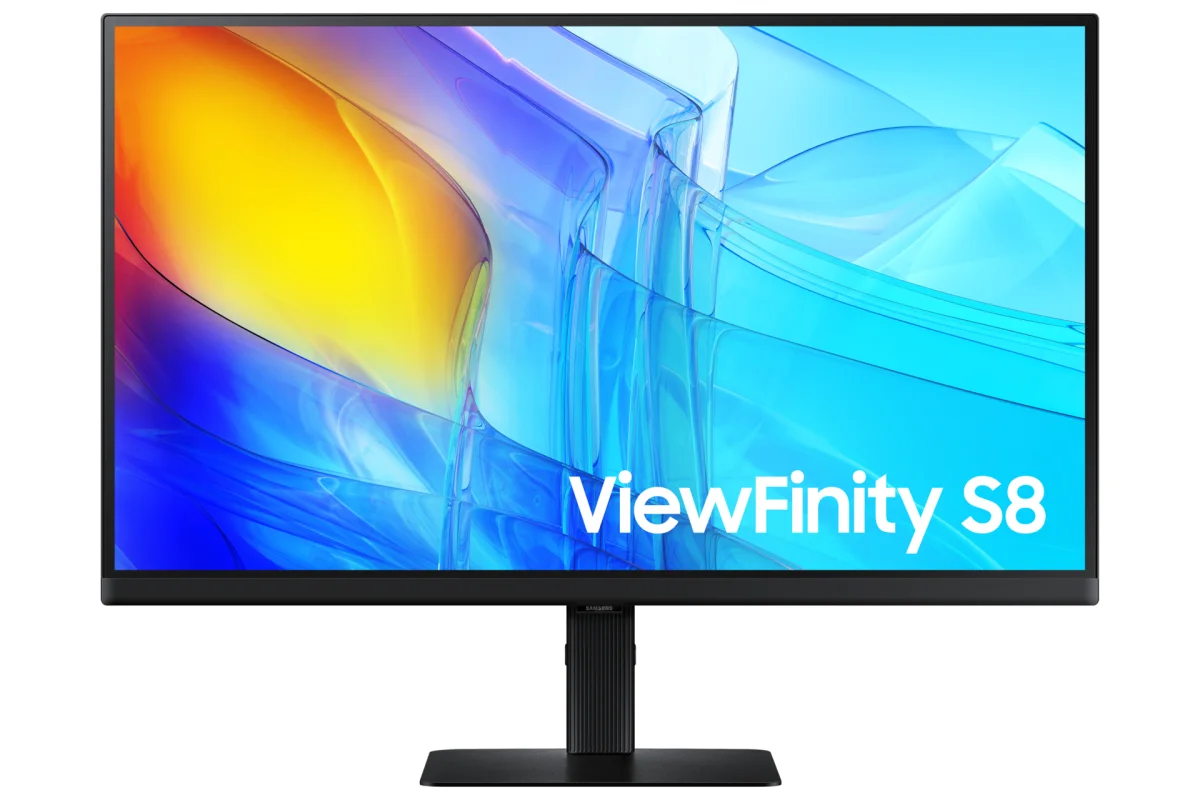
Samsung ViewFinity S8 4K
A 27-inch IPS monitor with UHD resolution for office work, where the extra pixels help keep small text and crowded spreadsheets legible.
Editorial Verdict“A practical main screen for desk work.”
Key Findings & Trade-offs
Fine lines and small type are easier to make out on a dense pixel grid. If menus or text look too small at the native resolution, raise the scaling in your operating system. That makes controls and type easier to read while leaving less room for windows side by side.
The panel runs at 60 Hz, which suits documents and browsing. Fast motion will look less fluid than on a high-refresh screen.
The screen reaches 350 nits at maximum brightness, with some room to turn it up as daylight changes.
Plug peripherals into the monitor to keep their cables close to the screen.
- Developers who keep code and documentation open side by side.
- Readers and editors who regularly review long, detailed PDFs.
- You want high refresh rates for fast-paced games.
- Your editing workflow calls for an ultrawide screen to show more of the timeline at once.
Compatibility Notes
Well-Matched Laptops
Matched on verified wattage & port specs


Where to Check Availability
Direct merchant link (no redirect). Editorial specs are never influenced by availability.Verified Technical Specifications
- Weight
- 3.7 kg
- Panel
- IPS
- Refresh rate
- 60 Hz
- product family
- ViewFinity
- product series
- S8
- Display size
- 27″
- Built-in USB hub
- Yes
- DisplayPort outputs
- 1
- Resolution
- 3840 x 2160
- Peak brightness
- 350 nits
Verified Configurations & Identifiers (3)
Frequently Asked Questions
What is the native resolution of the Samsung ViewFinity S8 LS27D802EA?
Its native resolution is 3840 × 2160 pixels.
How much does the LS27D802EA weigh?
It weighs 3.7 kg.