Samsung · 2026 · open_icecat
Samsung Odyssey G55H 34" Ultrawide, 3440x1440, 180 Hz VA
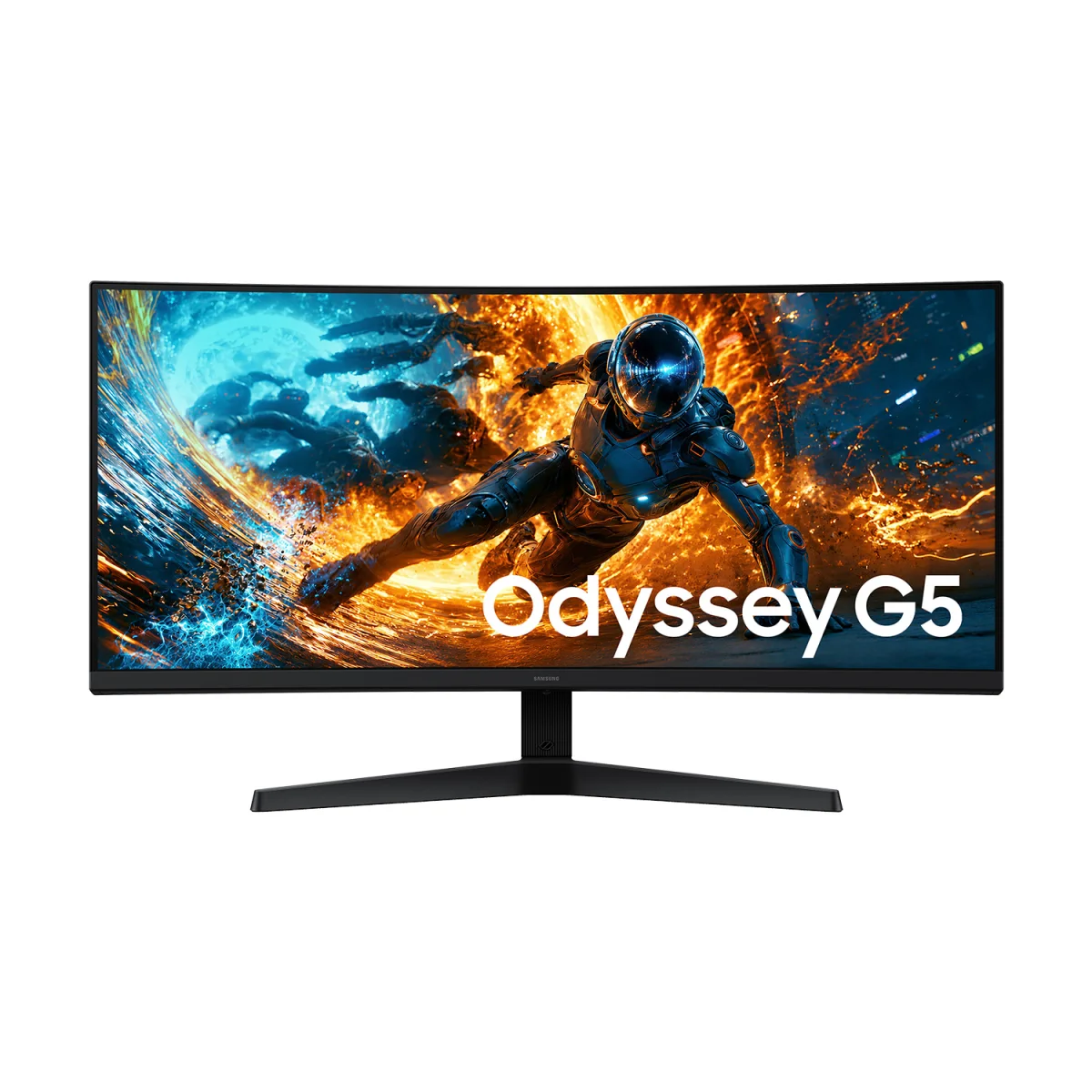
Samsung Odyssey G55H is a 34-inch 3440 x 1440 VA ultrawide gaming monitor with a 180 Hz refresh rate, one HDMI 2.1 port and one DisplayPort input.
Editorial Verdict“A 180 Hz ultrawide for gaming PCs, but without USB-C or a hub it is a poor single-cable laptop partner.”
Key Findings & Trade-offs
The G55H is a 34-inch VA panel at 3440 x 1440 and 180 Hz, with one HDMI 2.1 and one DisplayPort input. There is no USB-C and no built-in USB hub, so a laptop connects over HDMI or DisplayPort and charges separately, and peripherals plug into the computer rather than the screen.
Peak brightness is 250 nits, which is modest for bright rooms, and the monitor weighs 5 kg. Eight part numbers cover the G55H range; LS34HG552EUXEN is the 34-inch one.
34-inch VA at 3440 x 1440 gives a wide Quad HD-class canvas for games and side-by-side windows.
Smooth motion, provided your GPU can hold high frame rates at this resolution.
One HDMI 2.1 and one DisplayPort, so two sources at most and no USB-C connection.
Fine in a controlled room, but weak for a desk that gets direct daylight.
- Desktop gamers with a PC that has HDMI or DisplayPort and wants a 180 Hz ultrawide.
- Anyone running two sources, one on HDMI 2.1 and one on DisplayPort, on a single screen.
- You want a one-cable USB-C laptop setup with charging and a USB hub.
- You work in a bright room and need more than 250 nits of peak brightness.
- You need more than two video inputs.
Compatibility Notes
Well-Matched Laptops
Matched on verified wattage & port specs


Where to Check Availability
Direct merchant link (no redirect). Editorial specs are never influenced by availability.Verified Technical Specifications
- Weight
- 5 kg
- HDMI ports
- 1
- Panel
- VA
- Refresh rate
- 180 Hz
- HDMI version
- 2.1
- product family
- Odyssey
- product series
- G5
- Display size
- 34″
- Built-in USB hub
- No
- DisplayPort outputs
- 1
- Resolution
- 3440 x 1440
- Peak brightness
- 250 nits
Verified Configurations & Identifiers (8)
Frequently Asked Questions
Does the Samsung Odyssey G55H have USB-C?
No. Its video inputs are one HDMI 2.1 and one DisplayPort, and there is no built-in USB hub. A laptop needs an HDMI or DisplayPort output and its own charger.
What resolution and refresh rate does the G55H run?
It is a 34-inch VA panel at 3440 x 1440 with a 180 Hz refresh rate. Your source device and cable must support that combination.
Can I connect two computers to the G55H?
Yes, one through the HDMI 2.1 port and one through the DisplayPort input. There are no other video inputs.