Samsung · 2026 · open_icecat
Samsung Essential Monitor G35H 144 Hz
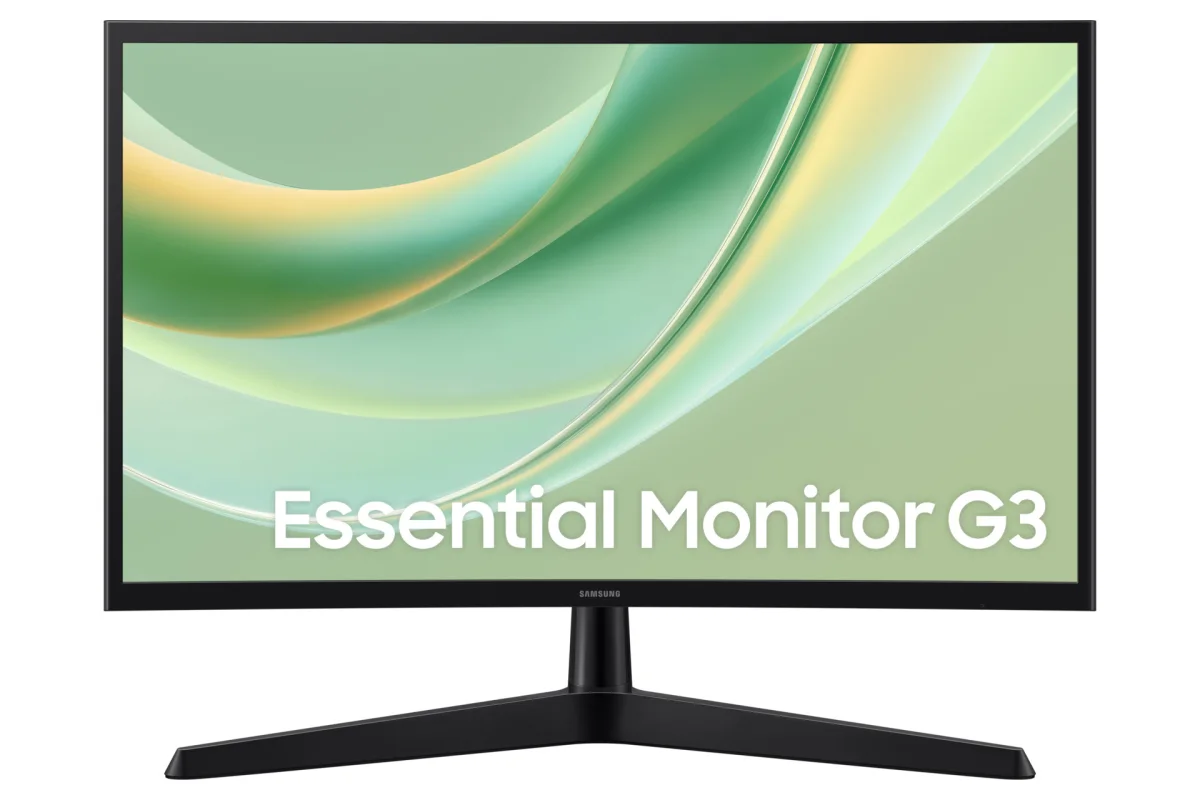
The Samsung G35H is a 24-inch Full HD monitor with a VA panel. Its compact format suits a desk shared between everyday work and games.
Editorial Verdict“The G35H makes the most sense when smooth motion matters more than desktop space.”
Key Findings & Trade-offs
The G35H family has four model codes, and LS24HG350EUXEN identifies this version. Full HD gives a single app room to fill the screen at this size. If you spend much of the day with documents and reference material side by side, that workspace can feel cramped.
At 144 Hz, fast movement can look smoother when your computer delivers enough frames.
The 250-nit maximum leaves limited headroom on a desk that gets strong daylight.
At 2.5 kg, the monitor is easy to move when you rearrange your desk.
- Players of fast-paced games with a PC that can sustain high frame rates.
- People who alternate between a desktop with DisplayPort and a laptop with HDMI.
- You need plenty of brightness for a desk in strong daylight.
- You need to leave three video sources connected to the monitor.
Compatibility Notes
Well-Matched Laptops
Matched on verified wattage & port specs


Where to Check Availability
Direct merchant link (no redirect). Editorial specs are never influenced by availability.Verified Technical Specifications
- Weight
- 2.5 kg
- HDMI ports
- 1
- Panel
- VA
- Refresh rate
- 144 Hz
- HDMI version
- 1.4
- product family
- Essential Monitor
- Display size
- 24″
- Built-in USB hub
- No
- DisplayPort outputs
- 1
- Resolution
- 1920 x 1080
- Peak brightness
- 250 nits
- DisplayPort version
- 1.2
Verified Configurations & Identifiers (4)
Frequently Asked Questions
What resolution should I set for the Samsung G35H?
Set your computer to 1920 × 1080 for the monitor’s native resolution.
Can I leave a laptop and desktop connected to the Samsung G35H?
Yes. Connect one computer to HDMI and the other to DisplayPort.