Samsung · 2026 · open_icecat
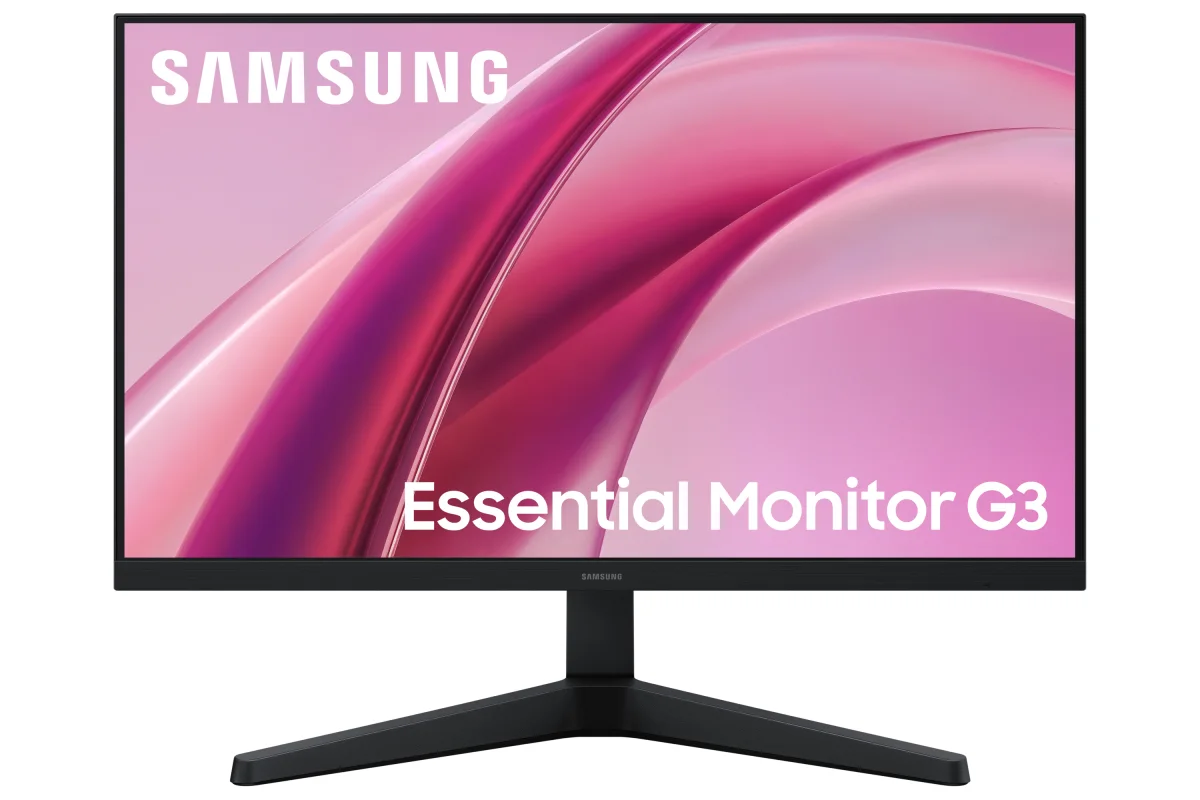
Samsung Essential Monitor G31H 24" Full HD, 144 Hz IPS
Samsung Essential Monitor G31H: a 24-inch 1920 x 1080 IPS panel running at 144 Hz, with 250 nits peak brightness, HDMI 2.0 and one DisplayPort 1.4.
Editorial Verdict“A bare-bones 144 Hz 1080p IPS monitor with only HDMI and DisplayPort, no USB hub and 250 nits.”
Key Findings & Trade-offs
The G31H is a plain 24-inch Full HD IPS monitor whose main trick is a 144 Hz refresh rate. Peak brightness of 250 nits suits a normally lit indoor room rather than a sunlit desk.
Connectivity is bare: one HDMI 2.0 input, one DisplayPort 1.4 input and no built-in USB hub. Your laptop needs a compatible video output, and it charges separately. Five variants exist across European and worldwide markets.
the 24-inch IPS panel refreshes at 144 Hz, a clear step up in motion smoothness from a 60 Hz office screen.
1920 x 1080 on 24 inches keeps the image easy to drive for modest graphics hardware, but fine text is not especially sharp.
one HDMI 2.0 and one DisplayPort 1.4 let you connect a laptop and a second source, with no USB-C input to rely on.
at 2.4 kg it is easy to move between desks or set up in a small space.
- Anyone adding a cheap, fast second screen to a laptop or desktop that already has HDMI or DisplayPort output.
- Players stepping up from a 60 Hz screen who run at 1080p and want a 144 Hz refresh rate.
- You want a single-cable laptop setup with data and charging over USB-C, which this monitor does not offer.
- You work in a bright room and need more than 250 nits of peak brightness.
- You need sharper text or more desktop space than 1920 x 1080 gives at 24 inches.
Compatibility Notes
Well-Matched Laptops
Matched on verified wattage & port specs


Where to Check Availability
Direct merchant link (no redirect). Editorial specs are never influenced by availability.Verified Technical Specifications
- Weight
- 2.4 kg
- Panel
- IPS
- Refresh rate
- 144 Hz
- HDMI version
- 2.0
- product family
- Essential Monitor
- Display size
- 24″
- Built-in USB hub
- No
- DisplayPort outputs
- 1
- Resolution
- 1920 x 1080
- Peak brightness
- 250 nits
- DisplayPort version
- 1.4
Verified Configurations & Identifiers (5)
Frequently Asked Questions
What refresh rate and resolution does the Samsung G31H support?
It uses a 24-inch IPS panel with a native resolution of 1920 x 1080 and a refresh rate of 144 Hz.
Does the Samsung G31H have USB-C or a USB hub?
No hub is built in. The video inputs are one HDMI 2.0 port and one DisplayPort 1.4 port.
How bright is the Samsung G31H?
Peak brightness is 250 nits, which is fine for a normally lit indoor room but limited next to brighter monitors.