Samsung · 2026 · open_icecat
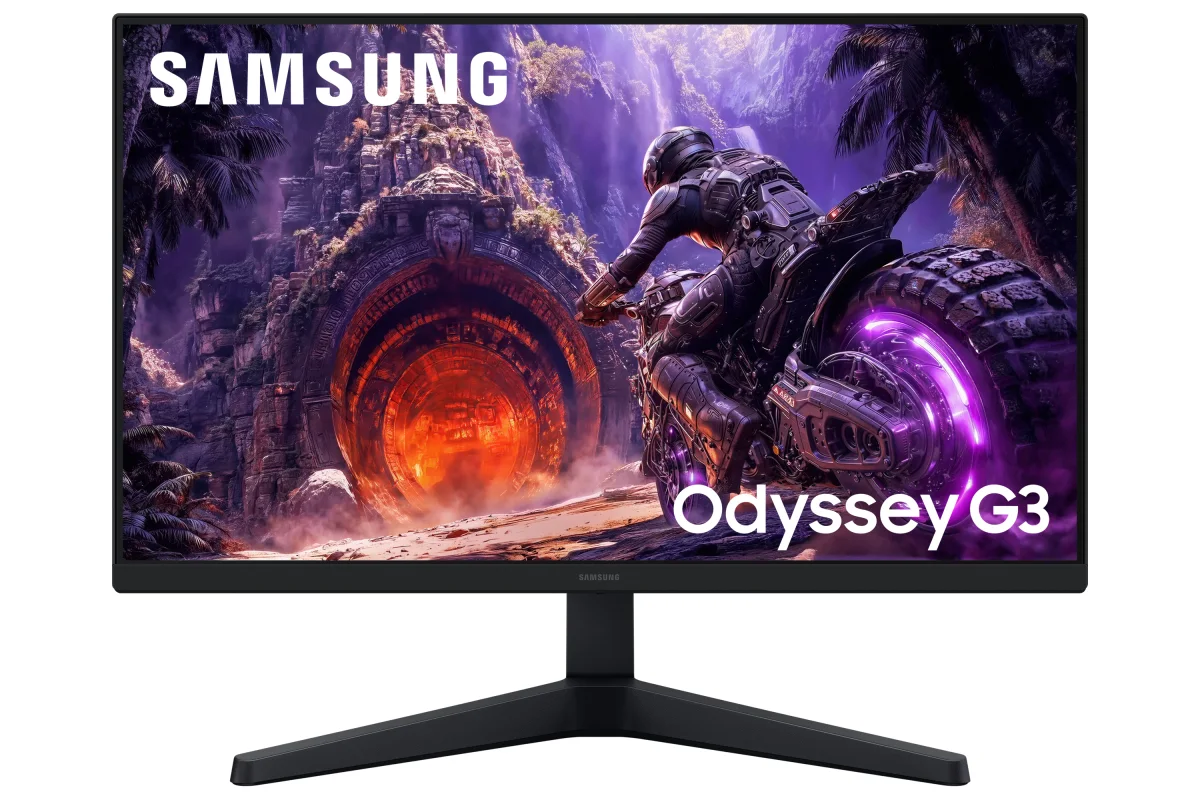
Samsung Odyssey G3 G30H 24" Full HD 200 Hz IPS Monitor
Samsung Odyssey G3 G30H is a 24-inch 1920 x 1080 IPS gaming monitor with a 200 Hz refresh rate, one HDMI 2.0 and one DisplayPort 1.4 input.
Editorial Verdict“A plain 24-inch 1080p IPS panel built around 200 Hz, with only two inputs and no USB-C or hub.”
Key Findings & Trade-offs
A 24-inch Full HD IPS panel that spends its budget on refresh rate. At 1920 x 1080 the pixel load is low, so 200 Hz is realistic on modest graphics hardware, while 250 nits keeps it a screen for controlled lighting.
Connectivity is bare: one HDMI 2.0, one DisplayPort 1.4, no USB-C and no USB hub. A laptop needs a video-out port or adapter and its own charger. Four model codes cover the 2026 release, split by EUXEN and EUXXU suffixes.
200 Hz on an IPS panel is a clear step up from 60 Hz office screens for fast games and cursor movement.
1920 x 1080 at 24 inches keeps the load on your graphics card low, which makes high frame rates easier to reach.
250 nits maximum luminance is modest. Fine for a normal room, weak against direct daylight.
2.4 kg is light enough to move between desks without much effort.
- Players pairing a 1080p-class graphics card with a high refresh rate.
- Two-source setups, such as a PC on DisplayPort and a console on HDMI.
- Smaller desks that need a 24-inch, 2.4 kg screen.
- You want to connect or charge a laptop over a single USB-C cable.
- You want sharpness beyond Full HD or high brightness, since the panel tops out at 250 nits.
- You need a USB hub or more than two video inputs.
Compatibility Notes
Well-Matched Laptops
Matched on verified wattage & port specs


Where to Check Availability
Direct merchant link (no redirect). Editorial specs are never influenced by availability.Verified Technical Specifications
- Weight
- 2.4 kg
- HDMI ports
- 1
- Panel
- IPS
- Refresh rate
- 200 Hz
- HDMI version
- 2.0
- product family
- Odyssey
- product series
- G3
- Display size
- 24″
- Built-in USB hub
- No
- DisplayPort outputs
- 1
- Resolution
- 1920 x 1080
- Peak brightness
- 250 nits
- DisplayPort version
- 1.4
Verified Configurations & Identifiers (4)
Frequently Asked Questions
Does the Samsung Odyssey G3 G30H have USB-C?
No. Video comes in over one HDMI 2.0 or one DisplayPort 1.4 input, and there is no built-in USB hub.
What resolution and refresh rate does the G30H run?
It is a 24-inch IPS panel at 1920 x 1080 with a 200 Hz refresh rate and 250 nits maximum luminance.
How do I connect a laptop that only has USB-C?
Use a USB-C cable or adapter that outputs DisplayPort or HDMI. The monitor has no USB-C input, so the laptop charges from its own power adapter.