Lenovo · 2026 · open_icecat
Lenovo ThinkVision P34w-20 34.1" Ultrawide, 100W USB-C Hub
Lenovo ThinkVision P34w-20 is a 34.1-inch 3440 x 1440 IPS ultrawide monitor with 100W USB-C power delivery, a USB hub and Ethernet at 60 Hz.
Editorial Verdict“A solid one-cable ultrawide for laptop desks, held back by 60 Hz and a modest 300-nit panel.”
Key Findings & Trade-offs
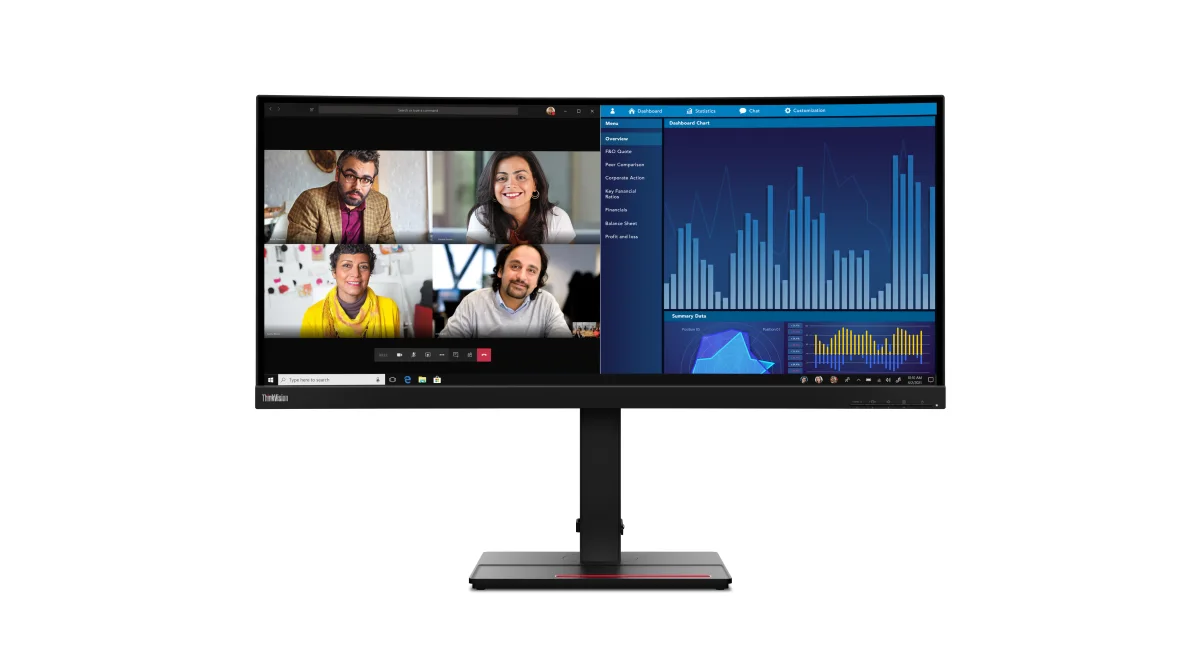
A 34.1-inch IPS ultrawide at 3440 x 1440 and 60 Hz, suited to one-cable laptop desks rather than fast motion. The single USB-C port carries video and up to 100W of power delivery, and the built-in hub adds three USB-A ports and Ethernet.
The catch is brightness and weight: 300 nits is modest for bright rooms, and 7.4 kg makes it a desk fixture. Inputs are two HDMI 2.0 and two DisplayPort 1.2. Fourteen variants exist under regional part numbers, so match the MPN to your market.
USB-C with DisplayPort Alt Mode and up to 100W power delivery lets a compatible laptop get video, charging and the hub over a single cable.
Three USB-A ports plus Ethernet mean keyboard, mouse and wired network can stay plugged into the monitor instead of the laptop.
34.1-inch IPS at 3440 x 1440 gives room for two documents side by side, but refresh tops out at 60 Hz.
300 nits maximum and 7.4 kg suit a fixed desk with controlled lighting, less so a spot near a window.
- Laptop users who want video, charging, USB and Ethernet over one USB-C cable.
- Office multitaskers who work in spreadsheets and documents side by side.
- Shared desks that switch between USB-C, HDMI and DisplayPort sources.
- You want high refresh rates for gaming or fast motion; the panel is 60 Hz.
- You work in a bright room and need more than 300 nits.
- Your laptop needs more than 100W to charge under load, or you move the monitor often at 7.4 kg.
Compatibility Notes
Well-Matched Laptops
Matched on verified wattage & port specs


Where to Check Availability
Direct merchant link (no redirect). Editorial specs are never influenced by availability.Verified Technical Specifications
- Wired Ethernet
- Yes
- USB-C Power Delivery
- Yes
- Weight
- 7.4 kg
- HDMI ports
- 2
- Panel
- IPS
- Refresh rate
- 60 Hz
- DisplayPort Alt Mode
- Yes
- USB-A ports
- 3
- USB-C ports
- 1
- HDMI version
- 2.0
- product family
- ThinkVision
- Max USB-C PD
- 100 W
- Display size
- 34.1″
- Built-in USB hub
- Yes
- DisplayPort outputs
- 2
- Resolution
- 3440 x 1440
- Peak brightness
- 300 nits
- DisplayPort version
- 1.2
Verified Configurations & Identifiers (14)
Frequently Asked Questions
How much power can the ThinkVision P34w-20 send over USB-C?
Up to 100W through its single USB-C port, which also carries video via DisplayPort Alt Mode. Laptops that draw more than 100W under load need their own charger.
Does the P34w-20 have Ethernet and USB ports?
Yes. The built-in hub provides Ethernet and three USB-A ports, in addition to the USB-C port.
What resolution and refresh rate does it support?
The 34.1-inch IPS panel runs at 3440 x 1440 and 60 Hz, with a maximum brightness of 300 nits.