Lenovo · 2026 · open_icecat
Lenovo ThinkVision P25i-30 24.5" 1080p 100 Hz IPS Monitor
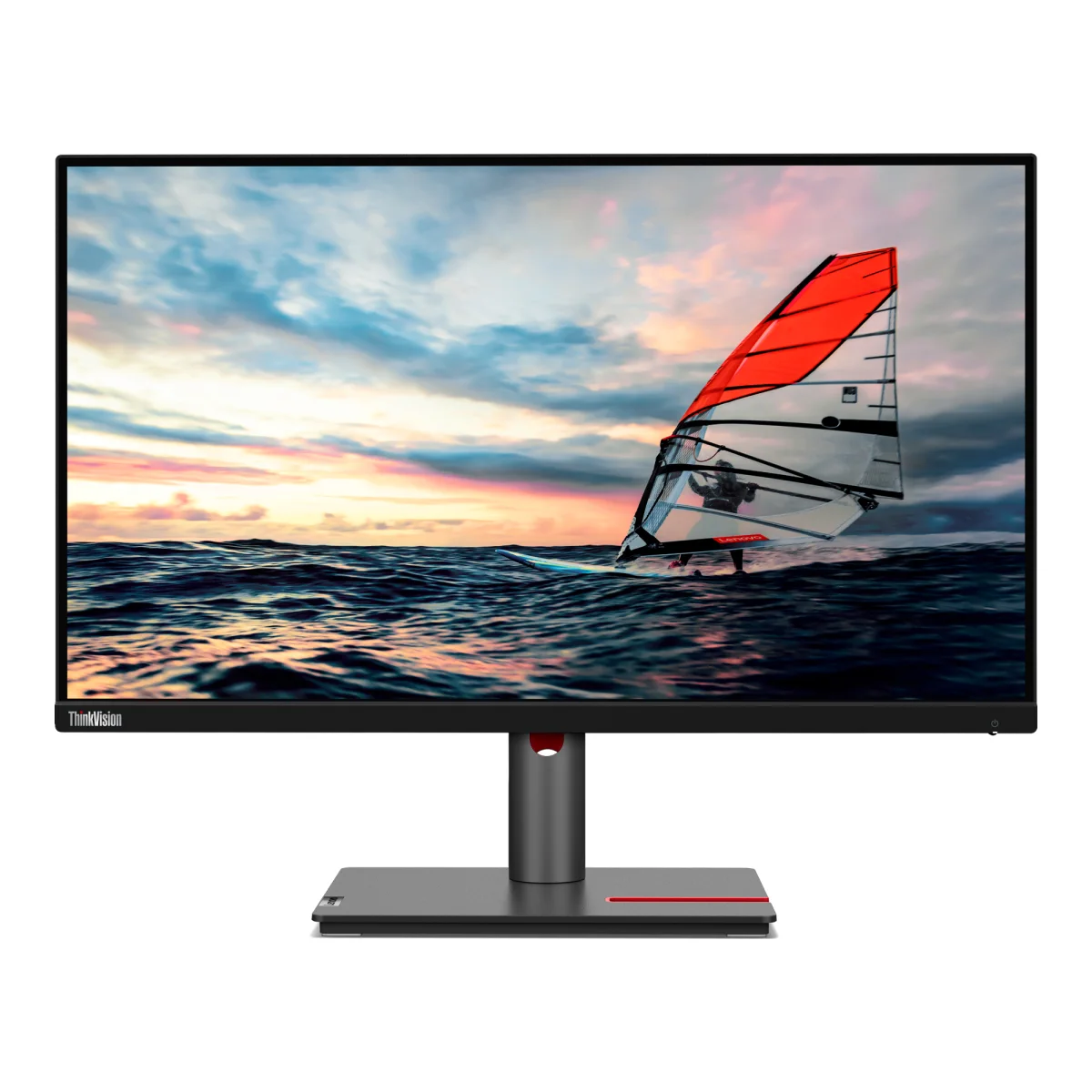
Lenovo ThinkVision P25i-30 is a 24.5-inch 1920 x 1080 IPS monitor with 100 Hz, HDMI 2.1, two DisplayPort 1.4 inputs and a four-port USB-A hub.
Editorial Verdict“A basic 1080p office monitor with a USB-A hub, but no USB-C, so laptops still need a separate charger.”
Key Findings & Trade-offs
A plain 24.5-inch IPS panel at 1920 x 1080 and 100 Hz, with a 250-nit peak that suits normal indoor office light more than bright rooms.
There is no USB-C input, DisplayPort Alt Mode or Ethernet, so a thin laptop will not get single-cable video and charging here. Video comes in over HDMI 2.1 or two DisplayPort 1.4 ports, and four USB-A ports sit on the built-in hub. Four regional model codes exist (WW, EU, US, UK).
24.5-inch IPS at 1920 x 1080 fits one or two windows side by side, but text is softer than on a 1440p or 4K screen of similar size.
100 Hz makes scrolling and cursor movement smoother than a typical 60 Hz office display.
One HDMI 2.1 and two DisplayPort 1.4 ports let you keep two or three computers connected and pick between them.
Four USB-A ports cover a keyboard, mouse and drives at the desk without reaching behind the computer.
- Desk setups with a desktop PC or a laptop that has full-size HDMI or DisplayPort output
- Anyone who wants four extra USB-A ports at the desk alongside a basic 24.5-inch screen
- Office use under normal indoor lighting where 1080p is enough
- You want one-cable USB-C video and charging from a thin laptop
- You need sharper text or more screen space than 1080p on 24.5 inches gives
- You work in a bright room and want more than 250 nits
Compatibility Notes
Well-Matched Laptops
Matched on verified wattage & port specs


Where to Check Availability
Direct merchant link (no redirect). Editorial specs are never influenced by availability.Verified Technical Specifications
- Wired Ethernet
- No
- USB-C Power Delivery
- No
- Weight
- 3.4 kg
- HDMI ports
- 1
- Panel
- IPS
- Refresh rate
- 100 Hz
- DisplayPort Alt Mode
- No
- USB-A ports
- 4
- HDMI version
- 2.1
- product family
- ThinkVision
- Display size
- 24.5″
- Built-in USB hub
- Yes
- DisplayPort outputs
- 2
- Resolution
- 1920 x 1080
- Peak brightness
- 250 nits
- DisplayPort version
- 1.4
Verified Configurations & Identifiers (4)
Frequently Asked Questions
Does the ThinkVision P25i-30 charge a laptop over USB-C?
No. It has no USB-C input and no USB-C Power Delivery, so the laptop needs its own charger.
What video inputs does the P25i-30 have?
One HDMI 2.1 port and two DisplayPort 1.4 ports. It does not support DisplayPort Alt Mode over USB-C.
What are the main screen specs of the P25i-30?
A 24.5-inch IPS panel at 1920 x 1080 with a 100 Hz refresh rate and 250 nits maximum brightness. The monitor weighs 3.4 kg.