Lenovo · 2026 · open_icecat
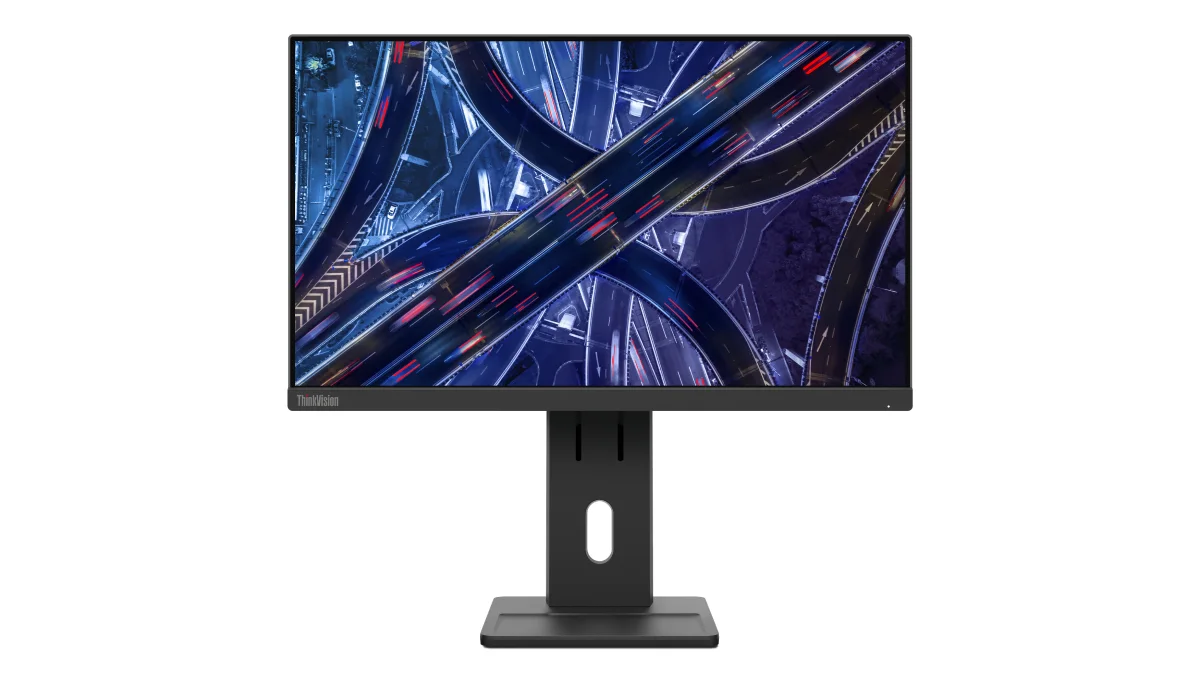
Lenovo ThinkVision E22-30 21.5-inch Full HD 75 Hz IPS Monitor
Lenovo ThinkVision E22-30 is a 21.5-inch 1920 x 1080 IPS monitor with a 75 Hz refresh rate, 250 nits brightness, and HDMI plus DisplayPort inputs.
Editorial Verdict“A basic Full HD office monitor: fine for documents, but no USB-C, no charging and no hub.”
Key Findings & Trade-offs
A plain 21.5-inch office panel: IPS, 1920 x 1080, 75 Hz and 250 nits. Video comes in over one HDMI 1.4 or one DisplayPort 1.2 input, with no USB-C, no power delivery and no USB hub, so a laptop charges separately and needs a free video output.
At 2.7 kg it moves between desks easily. Nine variants exist under regional model codes such as 63EBMAR2WW and 63EBMAT2UK, so check the code for your region.
21.5-inch IPS at 1920 x 1080 gives wide viewing angles and a pixel density that suits documents, email and web pages.
75 Hz is a modest step over 60 Hz for smoother scrolling and cursor movement, but this is not a gaming-class panel.
250 nits is enough for a controlled-light office, though a sunlit room may wash the image out.
One HDMI 1.4 and one DisplayPort 1.2 mean two video sources at most, with no USB hub or Ethernet built in.
- A budget second screen for spreadsheets, email and documents on an office desk
- A desktop PC or laptop that already has a free HDMI or DisplayPort output
- Shared desks where a 2.7 kg monitor gets moved around
- You want a single-cable USB-C setup that also charges the laptop
- You need more screen space or finer text than 1920 x 1080 gives
- You work in a bright room or need more than 250 nits
Compatibility Notes
Well-Matched Laptops
Matched on verified wattage & port specs


Where to Check Availability
Direct merchant link (no redirect). Editorial specs are never influenced by availability.Verified Technical Specifications
- Wired Ethernet
- No
- USB-C Power Delivery
- No
- Weight
- 2.7 kg
- HDMI ports
- 1
- Panel
- IPS
- Refresh rate
- 75 Hz
- DisplayPort Alt Mode
- No
- HDMI version
- 1.4
- product family
- ThinkVision
- Display size
- 21.5″
- Built-in USB hub
- No
- DisplayPort outputs
- 1
- Resolution
- 1920 x 1080
- Peak brightness
- 250 nits
- DisplayPort version
- 1.2
Verified Configurations & Identifiers (9)
Frequently Asked Questions
Does the Lenovo ThinkVision E22-30 have USB-C?
No. It has one HDMI 1.4 port and one DisplayPort 1.2 port, with no USB-C input, no DisplayPort Alt Mode and no power delivery.
What resolution and refresh rate does the E22-30 run?
It is a 21.5-inch IPS panel with a native resolution of 1920 x 1080 and a 75 Hz refresh rate.
Can the E22-30 charge my laptop or act as a USB hub?
No. It has no power delivery and no built-in USB hub, so the laptop needs its own charger and any peripherals connect elsewhere.