Lenovo · 2026 · open_icecat
Lenovo L27m-30 27-inch Full HD Monitor with 75W USB-C PD
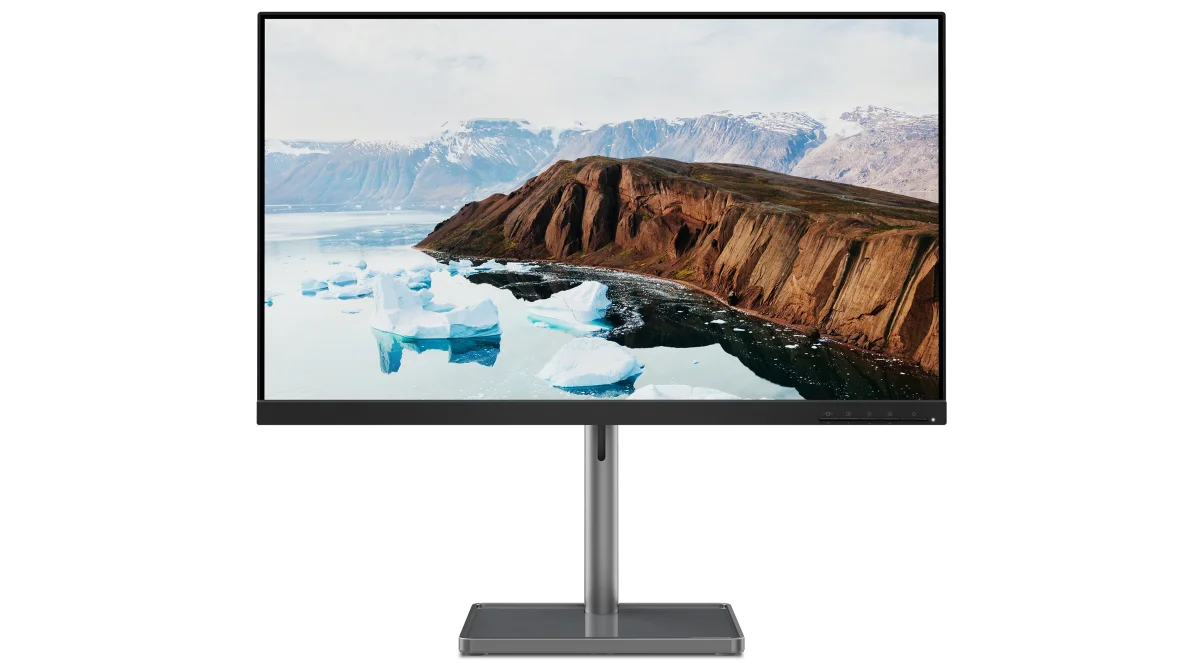
Lenovo L27m-30 is a 27-inch 1920 x 1080 IPS monitor with 75 Hz refresh, USB-C with 75 W power delivery and a built-in hub with four USB-A ports.
Editorial Verdict“A plain 1080p office monitor whose real value is single-cable USB-C charging at up to 75 W.”
Key Findings & Trade-offs
A 27-inch IPS panel at 1920 x 1080 is a modest pixel density, so text is readable but not razor sharp. With 75 Hz and 250 nits, it suits office and general desk use rather than gaming or HDR work.
The USB-C port carries DisplayPort Alt Mode plus up to 75 W of power, so one cable can handle video and laptop charging. Seven regional part numbers exist.
DisplayPort Alt Mode with up to 75 W power delivery means one cable can drive the screen and charge a laptop that needs 75 W or less.
Four USB-A ports on the monitor let you plug a keyboard, mouse and drives into the screen instead of the laptop.
1920 x 1080 on IPS gives wide viewing angles, but pixel density is low next to higher-resolution 27-inch panels.
250 nits and 75 Hz are fine for indoor office work, though bright rooms and fast motion will expose the limits.
- Laptop users who want one USB-C cable for display, charging and desk peripherals.
- Office and study setups where 1080p text size on a 27-inch screen is acceptable.
- A second screen for email, documents and browser windows.
- You want sharp text or photo work: 1080p at 27 inches and 250 nits is limiting.
- Your laptop draws more than 75 W under load.
- You need wired Ethernet through the monitor or a gaming panel faster than 75 Hz.
Compatibility Notes
Well-Matched Laptops
Matched on verified wattage & port specs


Where to Check Availability
Direct merchant link (no redirect). Editorial specs are never influenced by availability.Verified Technical Specifications
- Wired Ethernet
- No
- USB-C Power Delivery
- Yes
- Weight
- 4.1 kg
- HDMI ports
- 1
- Panel
- IPS
- Refresh rate
- 75 Hz
- DisplayPort Alt Mode
- Yes
- USB-A ports
- 4
- HDMI version
- 1.4
- Max USB-C PD
- 75 W
- Display size
- 27″
- Built-in USB hub
- Yes
- Resolution
- 1920 x 1080
- Peak brightness
- 250 nits
Verified Configurations & Identifiers (7)
Frequently Asked Questions
How much power does the Lenovo L27m-30 deliver over USB-C?
Up to 75 W. That covers laptops with a charging requirement at or below 75 W, while more demanding machines will need their own charger.
What resolution and refresh rate does the L27m-30 have?
It is a 27-inch IPS panel with a native resolution of 1920 x 1080 and a 75 Hz refresh rate, with a maximum brightness of 250 nits.
Does the L27m-30 have Ethernet or extra USB ports?
There is no Ethernet. The built-in hub provides four USB-A ports, and the video inputs are USB-C with DisplayPort Alt Mode plus one HDMI 1.4 port.