Lenovo · 2026 · open_icecat
Lenovo L24i-40 23.8-inch IPS Monitor
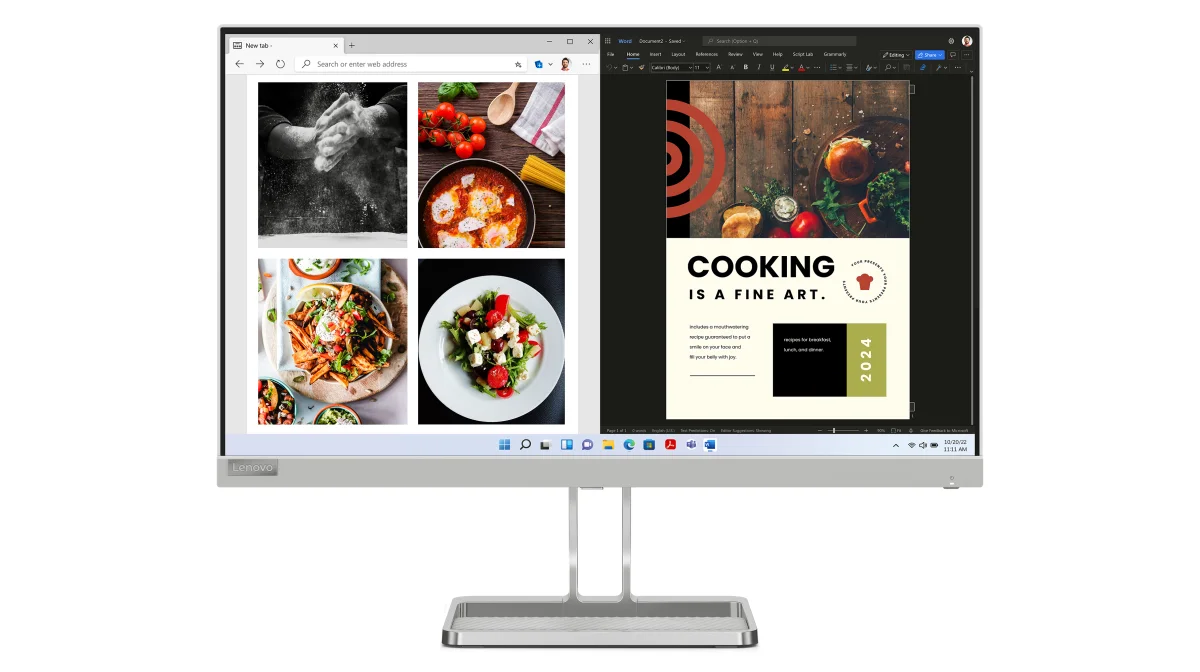
The Lenovo L24i-40 is a Full HD desktop monitor with a 100 Hz refresh rate for smoother scrolling through long documents and web pages.
Editorial Verdict“A straightforward work monitor for a simple desk setup.”
Key Findings & Trade-offs
At 250 nits, the screen has limited brightness headroom on a desk in direct sunlight. It makes more sense in a room where you can control the light.
The L24i-40 comes under five model codes, including 67A8KAC3MY. Use the full code when matching a unit to its spec sheet.
The 23.8-inch panel suits a desk where you want to keep the display compact.
At 3 kg, the monitor is manageable to move between desks.
Plug wired peripherals into your computer or dock. The monitor has no built-in USB hub.
- Laptop users who want to keep email visible on a second screen while they work.
- People setting up a desk for web forms, documents, and routine office work.
- You want a single cable to carry video and charge your laptop.
- You need enough screen space to keep several wide spreadsheets visible at once.
Compatibility Notes
Well-Matched Laptops
Matched on verified wattage & port specs


Where to Check Availability
Direct merchant link (no redirect). Editorial specs are never influenced by availability.Verified Technical Specifications
- Wired Ethernet
- No
- USB-C Power Delivery
- No
- Weight
- 3 kg
- HDMI ports
- 1
- Panel
- IPS
- Refresh rate
- 100 Hz
- DisplayPort Alt Mode
- No
- HDMI version
- 1.4
- Display size
- 23.8″
- Built-in USB hub
- No
- Resolution
- 1920 x 1080
- Peak brightness
- 250 nits
Verified Configurations & Identifiers (5)
Frequently Asked Questions
Can I connect the Lenovo L24i-40 directly over USB-C?
A USB-C to USB-C cable won't carry video to this monitor. The L24i-40 has no DisplayPort Alt Mode support.
Can I keep two HDMI devices plugged into the L24i-40?
The monitor has one HDMI input. To connect a second device directly, swap the cables.
Can I connect my laptop to Ethernet through the monitor?
The monitor has no Ethernet port. Use a network connection on your computer or dock.