Lenovo · 2026 · open_icecat
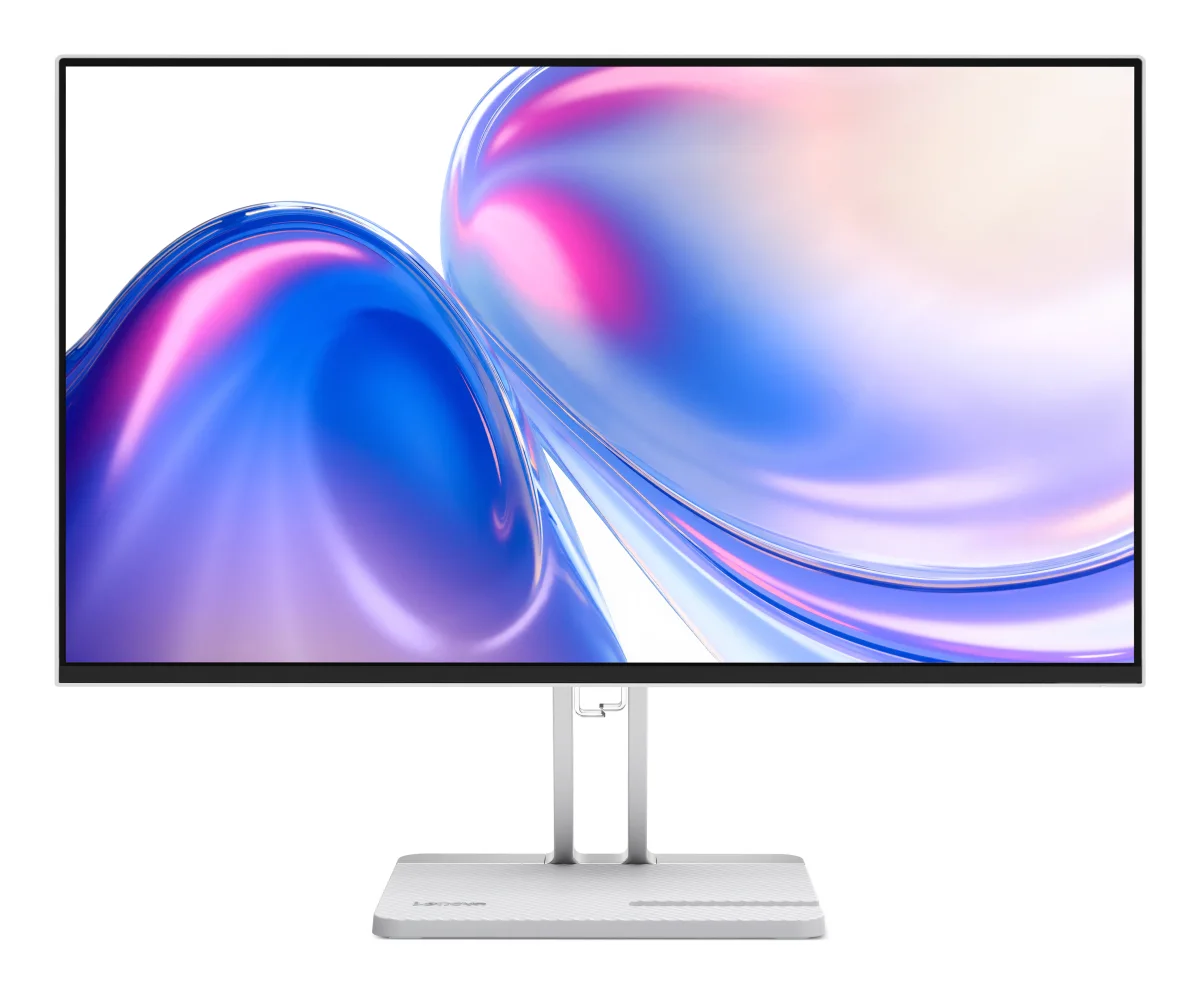
Lenovo L24-4C 23.8-inch Full HD 144 Hz IPS Monitor
Lenovo L24-4C is a 23.8-inch IPS monitor with a 1920 x 1080 panel, 144 Hz refresh and 250 nits. It has one HDMI 1.4 port and no USB-C.
Editorial Verdict“A basic 1080p IPS monitor whose only real perk is 144 Hz; it will not charge or dock a laptop.”
Key Findings & Trade-offs
The L24-4C is a plain 23.8-inch Full HD IPS monitor whose one standout is a 144 Hz refresh rate. It has no USB-C, no DisplayPort Alt Mode, no USB hub and no Ethernet, so a laptop connects over HDMI and keeps using its own charger.
Peak brightness is 250 nits, fine for indoor rooms and modest near a window. At 3 kg it is a desk monitor. Three model codes exist: 67DDKAC6MY, 67DDKAC6UK and 67DDKAC6EU.
On a 1920 x 1080 panel, motion looks smoother than on 60 Hz screens in games and when scrolling, and Full HD keeps the load on a graphics card light.
The IPS panel gives wide viewing angles, and 23.8 inches at 1080p is a familiar, easy-to-place desk size.
One HDMI 1.4 port is the connection to plan around, so check that your source actually offers 144 Hz at 1080p over HDMI.
Brightness is modest, so it works best in controlled room light rather than a sunny desk.
- Desktop or laptop gamers with an HDMI output who want 144 Hz at 1080p without paying for a higher resolution.
- Fixed-desk setups that need a simple second screen for browsing, documents and email over HDMI.
- You want one USB-C cable for video, charging and peripherals.
- You need a resolution above 1080p or brightness above 250 nits.
- You need a USB hub or Ethernet built into the monitor.
Compatibility Notes
Well-Matched Laptops
Matched on verified wattage & port specs


Where to Check Availability
Direct merchant link (no redirect). Editorial specs are never influenced by availability.Verified Technical Specifications
- Wired Ethernet
- No
- USB-C Power Delivery
- No
- Weight
- 3 kg
- HDMI ports
- 1
- Panel
- IPS
- Refresh rate
- 144 Hz
- DisplayPort Alt Mode
- No
- HDMI version
- 1.4
- Display size
- 23.8″
- Built-in USB hub
- No
- Resolution
- 1920 x 1080
- Peak brightness
- 250 nits
Verified Configurations & Identifiers (3)
Frequently Asked Questions
Does the Lenovo L24-4C have USB-C?
No. It has no USB-C Power Delivery and no DisplayPort Alt Mode. It has one HDMI 1.4 port, so a laptop must connect over HDMI and charge separately.
What resolution and refresh rate does the L24-4C use?
It is a 23.8-inch IPS panel with a native resolution of 1920 x 1080 and a 144 Hz refresh rate. Maximum brightness is 250 nits.
Does the L24-4C have a USB hub or Ethernet?
No. It has neither a built-in USB hub nor Ethernet, so it works as a display only and does not act as a dock.