HP · 2026 · open_icecat
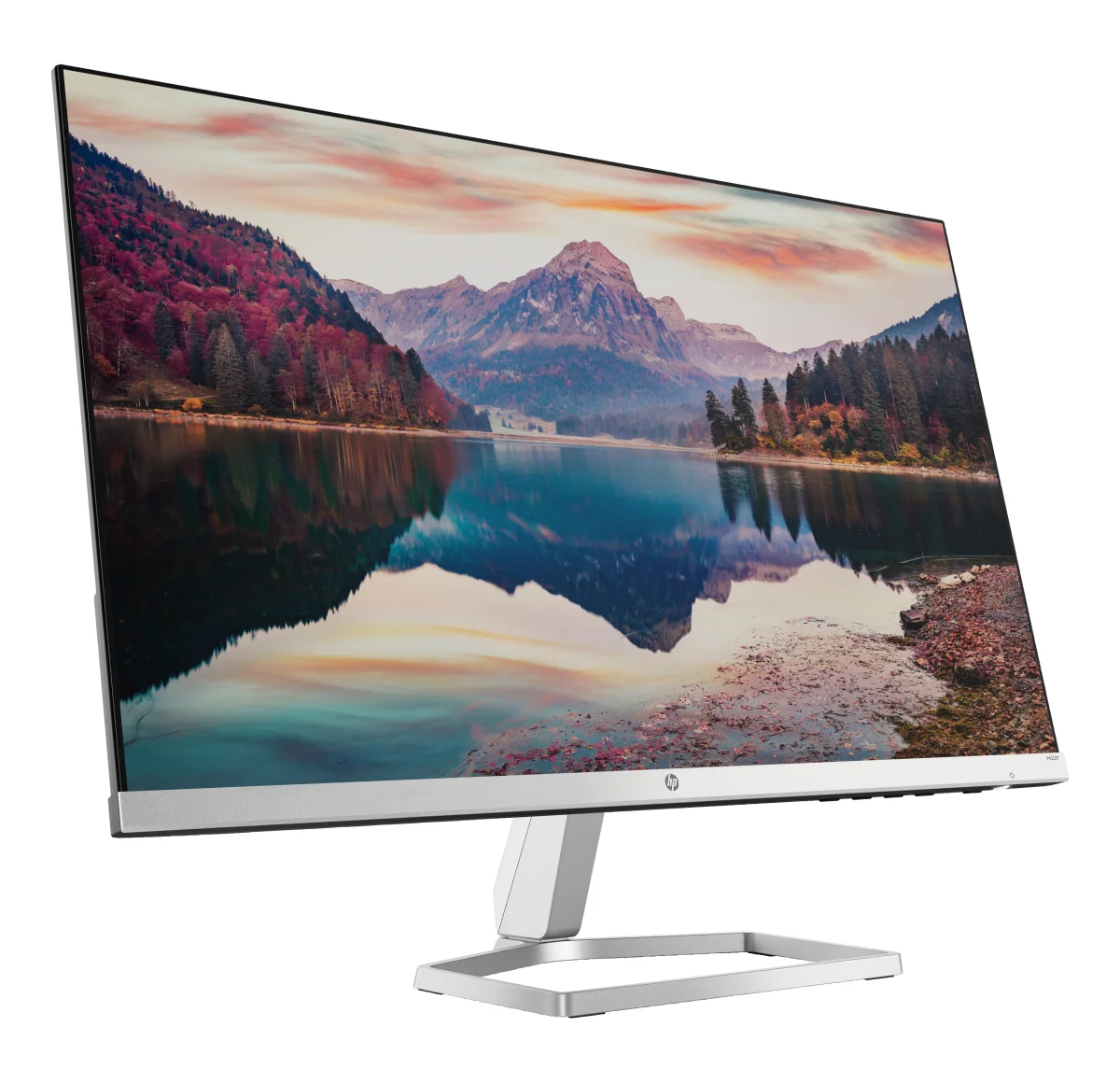
HP M22f 21.5-inch IPS Monitor
A compact Full HD monitor with up to 300 nits of brightness for everyday office work, from reading email and browsing to editing documents.
Editorial Verdict“A sensible second screen for a desk that’s short on space.”
Key Findings & Trade-offs
The small panel fits neatly beside a laptop and gives you a separate screen for reference material. Comparing two documents side by side on the monitor itself can feel cramped. The M22f has five part numbers, including 2D9J9AA#ABA and 2D9J9AA#ABB. Use the full part number to look up the exact model.
The 75 Hz refresh rate gives scrolling a little extra fluidity.
At 2.2 kg, the monitor is easy to move between desks.
The IPS panel is useful when a colleague beside you needs to read the screen.
- Home office users who spend most of the day in a single document or browser window.
- People who want to keep email or chat visible while working on their main display.
- You want to leave two HDMI devices plugged directly into the monitor.
- You regularly work with wide spreadsheets and want more room for columns.
- High refresh rates are a priority for your games.
Compatibility Notes
Well-Matched Laptops
Matched on verified wattage & port specs


Where to Check Availability
Direct merchant link (no redirect). Editorial specs are never influenced by availability.Verified Technical Specifications
- Weight
- 2.2 kg
- HDMI ports
- 1
- Panel
- IPS
- Refresh rate
- 75 Hz
- HDMI version
- 1.4
- Display size
- 21.5″
- Built-in USB hub
- No
- Resolution
- 1920 x 1080
- Peak brightness
- 300 nits
Verified Configurations & Identifiers (5)
Frequently Asked Questions
What is the native resolution of the HP M22f?
It is 1920 × 1080 pixels.
Can I connect the HP M22f directly to a laptop?
Yes. If your laptop has an HDMI output, connect it directly with an HDMI cable.