HP · 2026 · open_icecat
HP E24q G5 23.8-inch QHD IPS Monitor, 75 Hz, 4-Port USB Hub
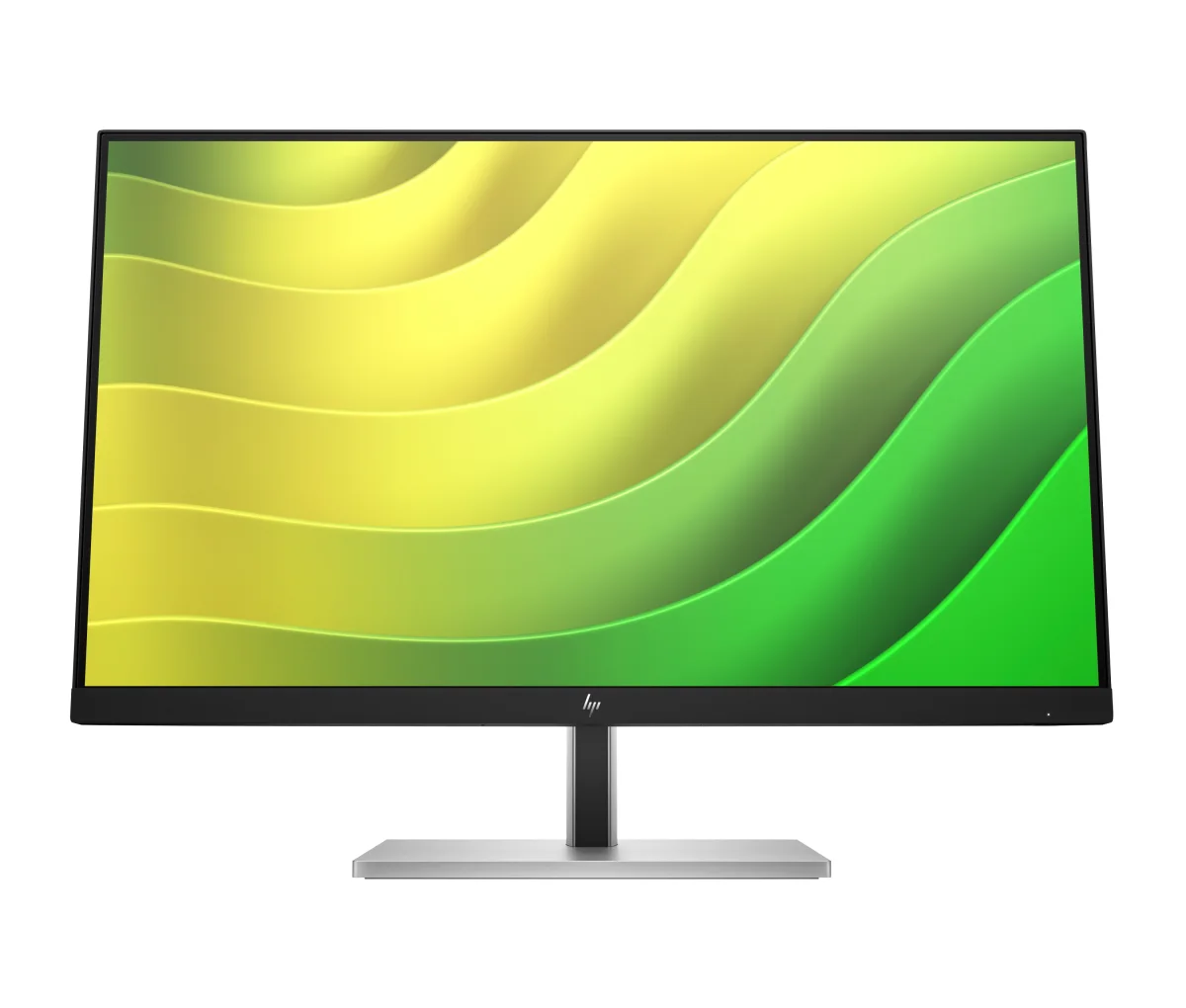
HP E24q G5 is a 23.8-inch 2560 x 1440 IPS monitor with a 75 Hz refresh rate, 300 nits brightness, HDMI 1.4, DisplayPort 1.2 and four USB-A ports.
Editorial Verdict“A straightforward QHD office monitor with four USB-A ports; 75 Hz and 300 nits keep it strictly everyday.”
Key Findings & Trade-offs
The E24q G5 is a plain 23.8-inch QHD office monitor: a 2560 x 1440 IPS panel at 75 Hz and up to 300 nits. Brightness is modest, so it suits normal indoor rooms better than sunlit desks, and 75 Hz is a small step up from 60 Hz rather than a gaming spec.
Video comes in over one HDMI 1.4 or one DisplayPort 1.2 input, and the built-in hub adds four USB-A ports. Six model codes exist, including 6N4F1AA#ABA, so match the exact code to your region.
2560 x 1440 on 23.8 inches gives more working room than 1080p at a size that still fits a normal desk.
Cursor movement and scrolling feel slightly smoother than at 60 Hz, but this is not a gaming-tier refresh rate.
Fine under typical indoor lighting, though it may look dim next to a bright window.
The built-in hub puts a keyboard, mouse and drives within reach of the monitor.
- Desk workers who want sharper text for documents and spreadsheets at 23.8 inches.
- Setups where a PC connects by DisplayPort or HDMI and the monitor hosts up to four USB-A peripherals.
- You want a high gaming refresh rate; 75 Hz is the ceiling.
- You work in very bright rooms; 300 nits is the maximum.
- You want single-cable docking with USB-C charging for your laptop.
Compatibility Notes
Well-Matched Laptops
Matched on verified wattage & port specs


Where to Check Availability
Direct merchant link (no redirect). Editorial specs are never influenced by availability.Verified Technical Specifications
- Weight
- 5.82 kg
- HDMI ports
- 1
- Panel
- IPS
- Refresh rate
- 75 Hz
- USB-A ports
- 4
- HDMI version
- 1.4
- Display size
- 23.8″
- Built-in USB hub
- Yes
- DisplayPort outputs
- 1
- Resolution
- 2560 x 1440
- Peak brightness
- 300 nits
- DisplayPort version
- 1.2
Verified Configurations & Identifiers (6)
Frequently Asked Questions
What resolution and refresh rate does the HP E24q G5 run?
It uses a 23.8-inch IPS panel at 2560 x 1440 with a 75 Hz refresh rate.
Which ports does the HP E24q G5 have?
One HDMI 1.4 input, one DisplayPort 1.2 input and four USB-A ports through the built-in USB hub.
How bright is the HP E24q G5?
Maximum luminance is 300 nits, which suits normal indoor lighting.