HP · 2026 · open_icecat
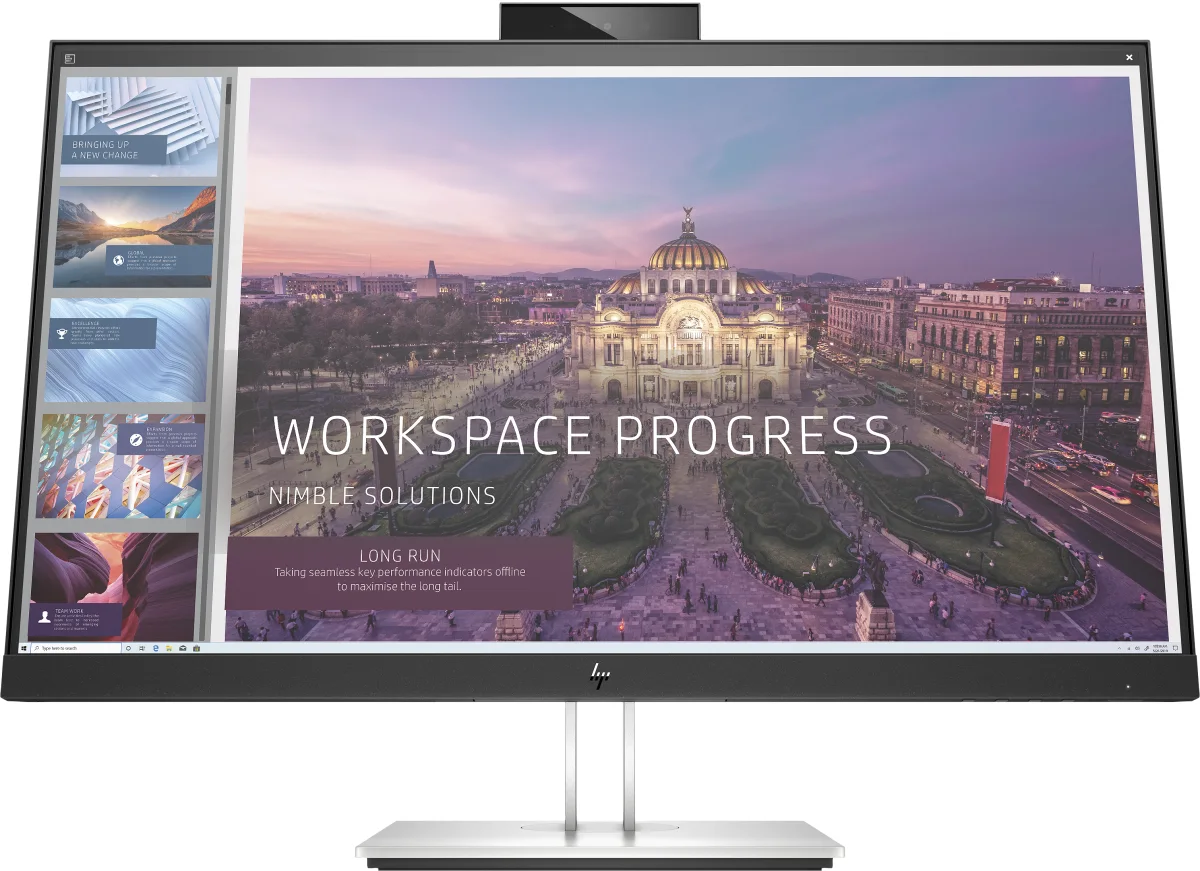
HP E24d G4 – 23.8″ USB-C monitor
This IPS docking monitor puts a four-port USB-A hub and up to 100 W of USB-C laptop charging at the screen, freeing up ports on the laptop.
Editorial Verdict“The built-in dock is the main reason to choose this office monitor.”
Key Findings & Trade-offs
At a fixed desk, one cable lets a compatible laptop send video, receive power and use the monitor’s hub. Your peripherals can stay plugged in when you take the laptop away. The 60 Hz refresh rate is fine for documents and spreadsheets, but it limits motion smoothness in fast games.
The screen tops out at 250 nits, so desk placement matters in a sunny room.
One HDMI 1.4 port and one DisplayPort 1.2 port give you two conventional video connections alongside USB-C.
At 6.86 kg, it makes sense as a monitor that stays on one desk.
- People who bring a work laptop back to the same desk each day.
- Anyone who wants to keep a wired keyboard and mouse plugged in at the desk.
- You regularly need several wide windows open side by side.
- You need multiple USB-C ports on the monitor.
Compatibility Notes
Well-Matched Laptops
Matched on verified wattage & port specs


Where to Check Availability
Direct merchant link (no redirect). Editorial specs are never influenced by availability.Verified Technical Specifications
- USB-C Power Delivery
- Yes
- Weight
- 6.86 kg
- HDMI ports
- 1
- Panel
- IPS
- Refresh rate
- 60 Hz
- DisplayPort Alt Mode
- Yes
- USB-A ports
- 4
- USB-C ports
- 1
- HDMI version
- 1.4
- Max USB-C PD
- 100 W
- Display size
- 23.8″
- Built-in USB hub
- Yes
- DisplayPort outputs
- 1
- Resolution
- 1920 x 1080
- Peak brightness
- 250 nits
- DisplayPort version
- 1.2
Verified Configurations & Identifiers (4)
Frequently Asked Questions
How many USB-C ports does the HP E24d G4 have?
It has one USB-C port.
What is the HP part number for this E24d G4?
The part number is 6PA50A4#ABA.