AOC · 2026 · open_icecat
AOC G4 Q27G4ZD: 26.5" OLED, 1440p, 280 Hz
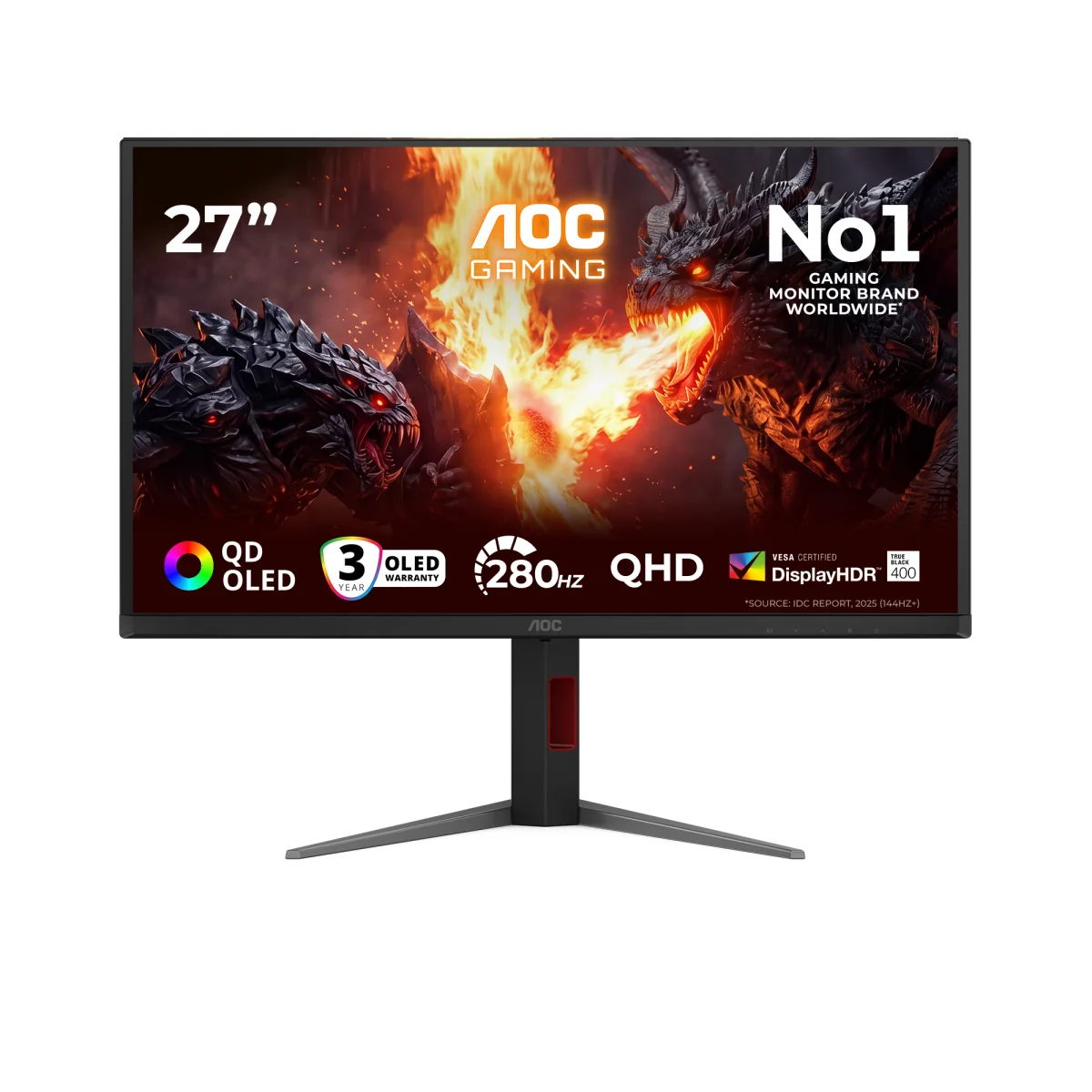
AOC G4 Q27G4ZD is a 26.5-inch 2560 x 1440 OLED gaming monitor with a 280 Hz refresh rate, one DisplayPort 1.4, two HDMI 2.0 and a USB hub.
Editorial Verdict“A 1440p OLED built for high frame rates, where DisplayPort 1.4 is the connection that matters.”
Key Findings & Trade-offs
The Q27G4ZD pairs an OLED panel with a 280 Hz refresh rate at 2560 x 1440, a resolution that is easier to drive at high frame rates than 4K. At 5.2 kg it is a desk monitor to set up once, not move around.
Video connects over one DisplayPort 1.4 or two HDMI 2.0 inputs, with a built-in USB hub for peripherals. This 2026 model comes in three variant codes (Q27G4ZD, /69 and /70) for Germany, Italy, Switzerland, Portugal, Austria and Belgium.
an OLED panel with a 280 Hz refresh rate gives fast, fluid motion for competitive and fast-paced games.
2560 x 1440 asks less of your graphics card than 4K, so high frame rates are easier to reach.
one DisplayPort 1.4 and two HDMI 2.0 let you keep a PC and a second source, such as a console, connected at once.
keyboard, mouse and other peripherals can plug in at the monitor instead of at the PC.
- Gamers with a desktop PC who want an OLED panel at 1440p and 280 Hz instead of a 4K screen.
- Players who want a PC and a console on separate inputs, using DisplayPort for the PC and HDMI for the other source.
- You want 4K resolution, since this panel is 2560 x 1440.
- You want a single-cable laptop setup, because the video inputs are DisplayPort and HDMI.
- You need a monitor that is easy to carry; at 5.2 kg it is meant to stay on a desk.
Compatibility Notes
Well-Matched Laptops
Matched on verified wattage & port specs


Where to Check Availability
Direct merchant link (no redirect). Editorial specs are never influenced by availability.Verified Technical Specifications
- Weight
- 5.2 kg
- HDMI ports
- 2
- Panel
- OLED
- Refresh rate
- 280 Hz
- HDMI version
- 2.0
- product family
- G4
- Display size
- 26.5″
- Built-in USB hub
- Yes
- DisplayPort outputs
- 1
- Resolution
- 2560 x 1440
- DisplayPort version
- 1.4
Verified Configurations & Identifiers (3)
Frequently Asked Questions
What resolution and refresh rate does the AOC Q27G4ZD have?
It is a 26.5-inch OLED monitor with a native resolution of 2560 x 1440 and a 280 Hz refresh rate.
Which ports does the Q27G4ZD have?
One DisplayPort 1.4 and two HDMI 2.0 inputs, plus a built-in USB hub.
Which input should I use for the highest refresh rate?
Start with DisplayPort 1.4, the newer of the two video standards on this monitor. HDMI 2.0 is the older standard and is better kept for secondary sources.