StarTech.com · 2026 · open_icecat
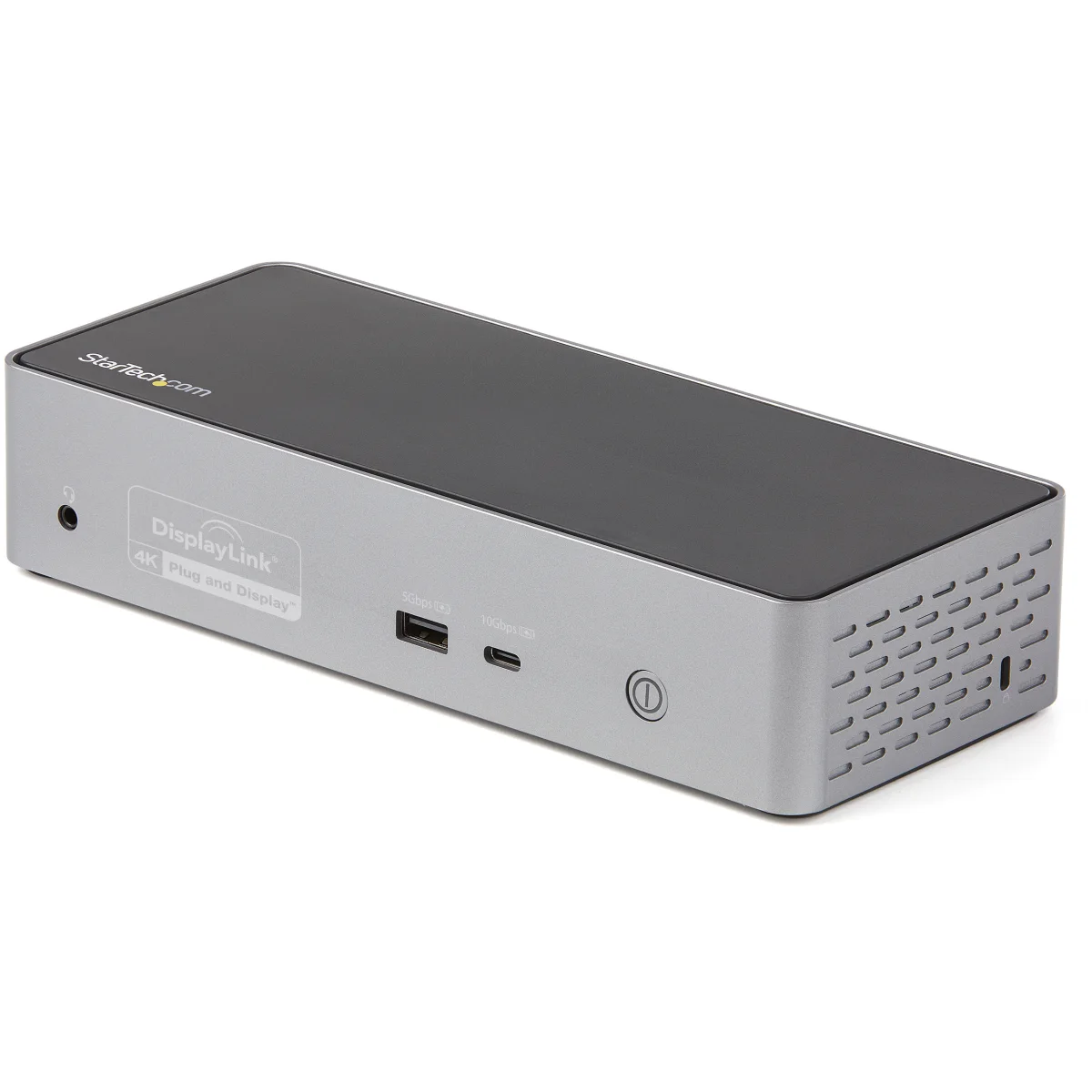
StarTech.com DK31C4DPPDAU USB-C Dock: Quad 4K60, 100W PD
StarTech.com DK31C4DPPDAU is a USB-C dock for AU and NZ with four external display outputs, 100 W power passthrough and Gigabit Ethernet.
Editorial Verdict“A 100 W quad-display USB-C dock for AU and NZ desks, with everything sharing one USB 3.2 Gen 2 link.”
Key Findings & Trade-offs
One USB 3.2 Gen 2 Type-C cable carries up to four external displays (maximum 3840 x 2160 at 60 Hz) through DisplayPort and HDMI outputs, plus Ethernet, four USB ports and audio. All of it shares that single host link.
This is the AU and NZ model, and at 0.543 kg it suits a desk more than a laptop bag. Power passthrough tops out at 100 W, which covers most thin laptops but not high-wattage workstations.
Up to four external displays at a maximum of 3840 x 2160 and 60 Hz, using DisplayPort and HDMI outputs, so a multi-monitor desk runs from one cable.
USB-C Power Delivery passes up to 100 W to the laptop, enough for most ultrabooks; heavier machines may charge slowly under load.
Ethernet runs at 10, 100 or 1000 Mbit/s, giving a stable wired connection to laptops without an RJ45 port.
Four USB ports (one USB-C, three USB-A) and a 3.5 mm audio jack cover peripherals, but they all share the USB 3.2 Gen 2 host connection.
- Office workers with a USB-C laptop who want a four-display desk running from one cable.
- Users in Australia or New Zealand who need wired Ethernet and up to 100 W charging in a single dock.
- Your laptop draws more than 100 W under load and needs full-speed charging.
- You need Thunderbolt or USB4 bandwidth, since this dock connects over USB 3.2 Gen 2.
- You want a dock to carry in a bag every day; at 0.543 kg it is a desk unit.
Compatibility Notes
Well-Matched Laptops
Matched on verified wattage & port specs


Where to Check Availability
Direct merchant link (no redirect). Editorial specs are never influenced by availability.Verified Technical Specifications
- Wired Ethernet
- Yes
- USB-C Power Delivery
- Yes
- Weight
- 0.543 kg
- HDMI ports
- 4
- Refresh rate
- 60 Hz
- USB-A ports
- 4
- Host interface
- USB 3.2 Gen 2 (3.1 Gen 2) Type-C
- max resolution
- 3840 x 2160
- Host PD passthrough
- 100 W
- DisplayPort outputs
- 4
- Max external displays
- 4
Verified Configurations & Identifiers (1)
Frequently Asked Questions
How many monitors can the StarTech DK31C4DPPDAU drive?
Up to four external displays, at a maximum of 3840 x 2160 and 60 Hz, using DisplayPort and HDMI outputs. Your laptop's own graphics and USB-C video support set the real limit.
How much power does the dock pass to the laptop?
USB-C Power Delivery passthrough is up to 100 W. Laptops that need more than 100 W under load will charge more slowly than with their own adapter.
Does the DK31C4DPPDAU have Ethernet?
Yes. It has a wired Ethernet port that supports 10, 100 and 1000 Mbit/s.