HP · 2026 · open_icecat
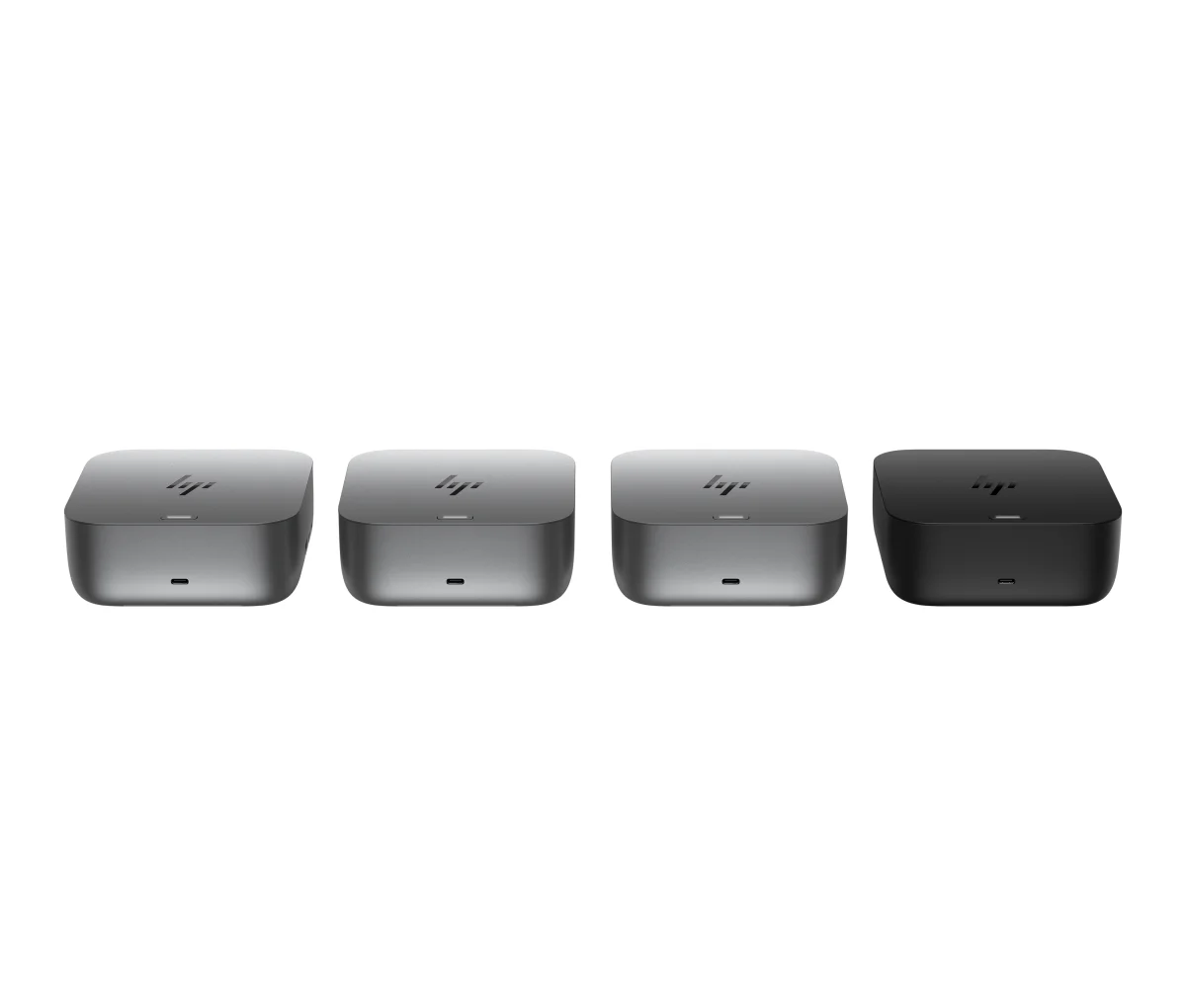
HP Thunderbolt 4 100W G6 Dock
HP’s desktop dock has Ethernet, three USB-A ports for peripherals and an HDMI output for connecting a monitor to your laptop at the desk.
Editorial Verdict“The G6 makes the most sense at a desk where your peripherals stay plugged in.”
Key Findings & Trade-offs
When you take your laptop with you, the cables and peripherals can stay plugged into the G6. If you use a mix of USB-A and USB-C accessories, decide which device will usually occupy the USB-C port. Keep that port within reach if you swap accessories often.
Leave a keyboard and mouse connected and you still have a port free for another device.
Plug your desk’s network cable into the dock to keep the laptop on a wired connection while it’s docked.
At 740 g, the dock adds noticeable weight if you carry it between desks.
- People who take their laptop with them and return to the same wired monitor and peripherals.
- Desks with a wired network connection and a keyboard and mouse that both use USB-A.
- Your laptop needs more than 100 W from the dock to charge at its full rate.
- You regularly need several dedicated USB-C accessory ports at once.
Compatibility Notes
Well-Matched Laptops
Matched on verified wattage & port specs


Where to Check Availability
Direct merchant link (no redirect). Editorial specs are never influenced by availability.Verified Technical Specifications
- Wired Ethernet
- Yes
- USB-C Power Delivery
- Yes
- Weight
- 0.74 kg
- HDMI ports
- 1
- Refresh rate
- 360 Hz
- USB-A ports
- 3
- USB-C ports
- 1
- Host PD passthrough
- 100 W
- Thunderbolt ports
- 1
- Thunderbolt version
- 4
Verified Configurations & Identifiers (5)
Frequently Asked Questions
What is the model code for this HP G6 dock?
The model code is D7NL4AA.
Will my monitor run at 360 Hz through the dock?
Check whether your laptop and monitor can reach 360 Hz together at your chosen resolution over the connection you plan to use.