ASUS · 2025 · open_icecat
ASUS Zenbook 14 UX3405CA: 14-inch OLED, 16 GB, 75 Wh
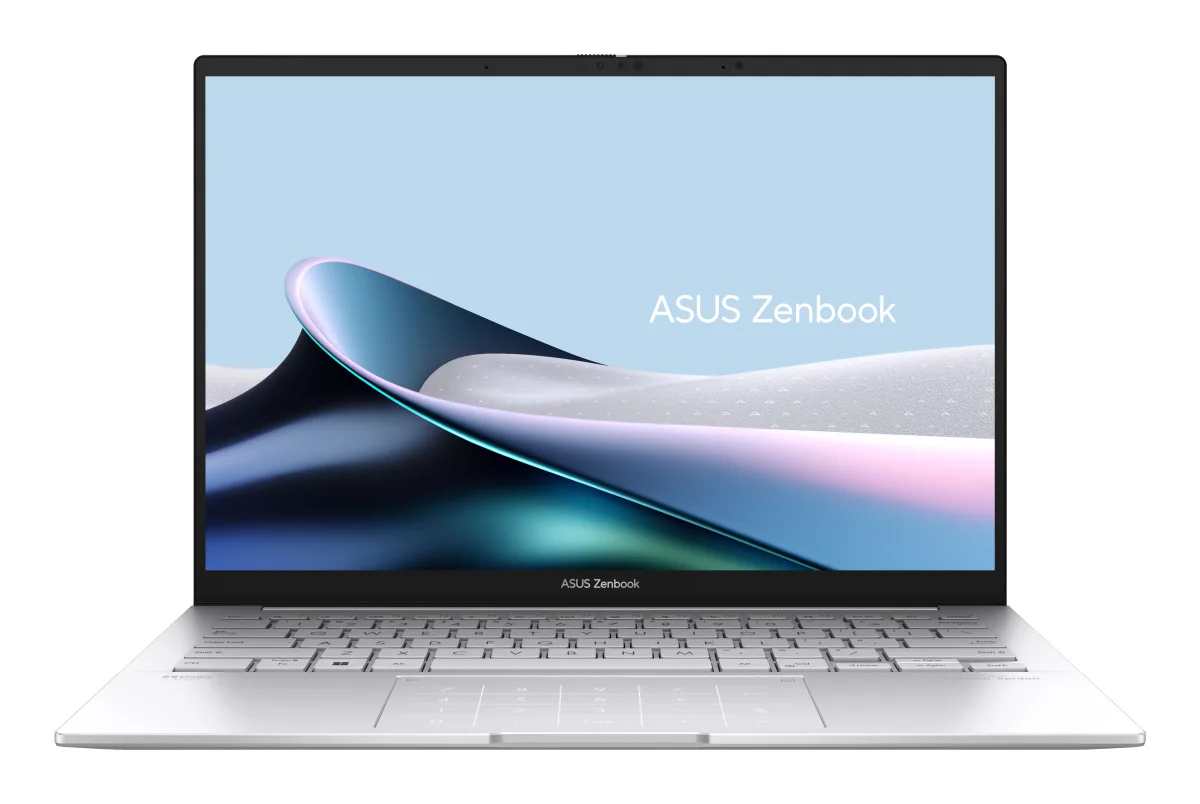
ASUS Zenbook 14 (UX3405CA) is a 1.22 kg, 14-inch 1920 x 1200 OLED laptop with a Core Ultra 5 225H, 16 GB RAM, 512 GB SSD and a 75 Wh battery.
Editorial Verdict“A light 14-inch OLED ultrabook with a 75 Wh battery and Thunderbolt 4, but only one 16 GB / 512 GB tier.”
Local LLM Capability (8k context · 4 GB OS reserve)
What fits in 16 GB on this chassis
Key Findings & Trade-offs
A 1.22 kg, 14-inch OLED Zenbook with two Thunderbolt 4 ports, one USB-A and one HDMI, so docks and monitors connect without adapters. Memory is 16 GB LPDDR5x and that is the maximum, so choose it knowing there is no RAM upgrade later.
Across 76 variants the hardware is one tier: Core Ultra 5 225H, Intel Arc 130T, 16 GB and 512 GB. The 60 Hz panel suits work and video, not fast motion.
The 14-inch 1920 x 1200 OLED panel gives deep contrast for documents and video, but 60 Hz is standard refresh, not smooth for fast motion.
75 Wh in a 1.22 kg body is a generous cell for an ultraportable, which points to long days away from a wall socket.
Two Thunderbolt 4 ports, one USB-A and one HDMI cover most desk setups. There is no Ethernet, so wired networking needs a dongle or dock.
Core Ultra 5 225H with Intel Arc 130T graphics suits office and light creative work rather than heavy gaming.
- Commuters and travellers who want a light 14-inch OLED laptop with a large 75 Wh battery.
- Desk users who want to dock over Thunderbolt 4 and also have HDMI and USB-A for older gear.
- Office and study work where 16 GB of RAM and 512 GB of storage are enough.
- You need more than 16 GB of RAM, since the range tops out there.
- You want a 120 Hz screen, because this panel runs at 60 Hz.
- You need built-in Ethernet or a gaming-class graphics card.
Compatibility Notes
Verified Compatible Desk Gear
Matched on verified wattage & port specs


Where to Check Availability
Direct merchant link (no redirect). Editorial specs are never influenced by availability.Verified Technical Specifications
- Operating system
- Windows 11 Home
- Wired Ethernet
- No
- Memory type
- LPDDR5x-SDRAM
- USB-C Power Delivery
- Yes
- Rated power supply
- 65 W
- Weight
- 1.22 kg
- Battery
- 75 Wh
- HDMI ports
- 1
- Rated max memory
- 16 GB
- Panel
- OLED
- Refresh rate
- 60 Hz
- DisplayPort Alt Mode
- Yes
- USB-A ports
- 1
- USB-C ports
- 2
- Display size
- 14″
- Resolution
- 1920 x 1200
- Thunderbolt ports
- 2
- Thunderbolt version
- 4
Verified Configurations & Identifiers (60)
Frequently Asked Questions
Does the ASUS Zenbook 14 UX3405CA have Thunderbolt?
Yes. It has two Thunderbolt 4 ports, which are also its two USB-C ports, and they support DisplayPort Alt Mode and USB-C Power Delivery.
Can I upgrade the RAM or storage on the UX3405CA?
Plan on no. RAM is 16 GB LPDDR5x, which is the maximum, and the range uses 512 GB storage, so pick the configuration you need from the start.
What charger does the Zenbook 14 UX3405CA use?
It uses a 65 W power adapter and also supports USB-C Power Delivery, so a compatible USB-C charger can charge it.