Lenovo · 2026 · open_icecat
Lenovo ThinkPad X13 Gen 2 (Intel): i5-1135G7, 8 GB, 512 GB
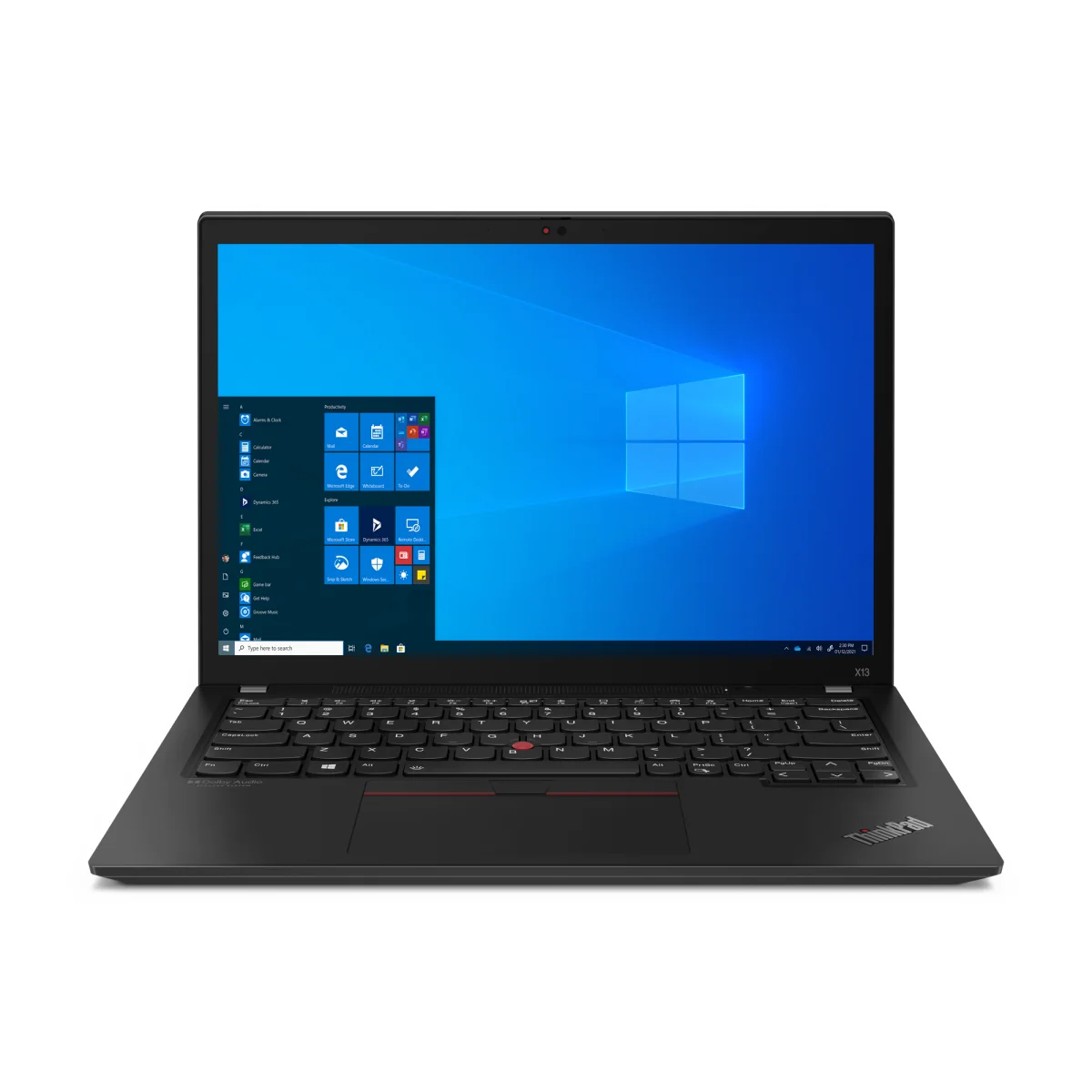
13.3-inch ThinkPad with Core i5-1135G7, 8 GB soldered RAM, 512 GB SSD and two Thunderbolt 4 ports, in a 1.25 kg chassis with USB-C charging.
Editorial Verdict“Light and well connected, but 8 GB of soldered RAM and a 41 Wh battery limit how long it stays comfortable.”
Local LLM Capability (8k context · 4 GB OS reserve)
What fits in 8 GB on this chassis
Key Findings & Trade-offs
This model uses a Core i5-1135G7 with Iris Xe graphics and 8 GB of LPDDR4x-4266 soldered to the board, so memory can't be expanded later. The 512 GB NVMe SSD sits in a single M.2 slot, the one part you can realistically change.
At 1.25 kg with a 41 Wh battery and a 65 W charger, it favours carrying comfort over endurance. The 300-nit IPS panel is workable indoors.
13.3-inch IPS at 1920 x 1200 and 300 nits. The Gen 1 was 1920 x 1080, so you get a little more vertical room, though brightness stays modest.
Both USB-C ports are Thunderbolt 4, where the Gen 1 had Thunderbolt 3. That helps with docking, but the USB-C count drops from three to two.
8 GB of LPDDR4x-4266 soldered with no slots. The Gen 1 went up to 16 GB, so this is a clear step back for anyone who keeps laptops for years.
41 Wh, down from 48 Wh on the Gen 1. A smaller pack means less headroom away from a charger, in exchange for a 1.25 kg body.
- Commuters and office staff who want a 1.25 kg 13-inch ThinkPad with USB-A and HDMI built in.
- Dock users who want Thunderbolt 4 on both USB-C ports.
- Browser, document and email work where 8 GB of RAM is enough for the long term.
- You want 16 GB of RAM, which the Gen 1 allowed and this model does not.
- You expect long runtime from a 41 Wh battery.
- You need more than two USB-C ports without a dock.
Compatibility Notes
Verified Compatible Desk Gear
Matched on verified wattage & port specs


Where to Check Availability
Direct merchant link (no redirect). Editorial specs are never influenced by availability.Verified Technical Specifications
- Operating system
- Windows 10 Pro
- nvme
- Yes
- Wired Ethernet
- Yes
- M.2 SSD slots
- 1
- Memory type
- LPDDR4x-SDRAM
- USB-C Power Delivery
- Yes
- Rated power supply
- 65 W
- Memory slots
- 0
- Weight
- 1.25 kg
- Battery
- 41 Wh
- HDMI ports
- 1
- Rated max memory
- 8 GB
- Panel
- IPS
- USB-A ports
- 2
- USB-C ports
- 2
- HDMI version
- 2.0
- Memory speed
- 4266 MT/s
- Storage interface
- PCI Express
- product family
- ThinkPad
- usb c charging
- Yes
- Display size
- 13.3″
- Resolution
- 1920 x 1200
- Thunderbolt ports
- 2
- Peak brightness
- 300 nits
- Thunderbolt version
- 4
Verified Configurations & Identifiers (60)
Frequently Asked Questions
Can I upgrade the RAM on the ThinkPad X13 Gen 2 (Intel)?
No. It has 8 GB of LPDDR4x-4266 soldered to the board and zero memory slots. Storage is the exception, with one M.2 slot for an NVMe SSD.
Does it charge over USB-C?
Yes. USB-C charging and Power Delivery are supported, and the supplied power adapter is rated 65 W.
What ports does it have?
Two Thunderbolt 4 USB-C ports, two USB-A ports and one HDMI 2.0 port. The Gen 1 had three USB-C ports, so this model has one fewer.