Lenovo · 2025 · energystar_v9, open_icecat
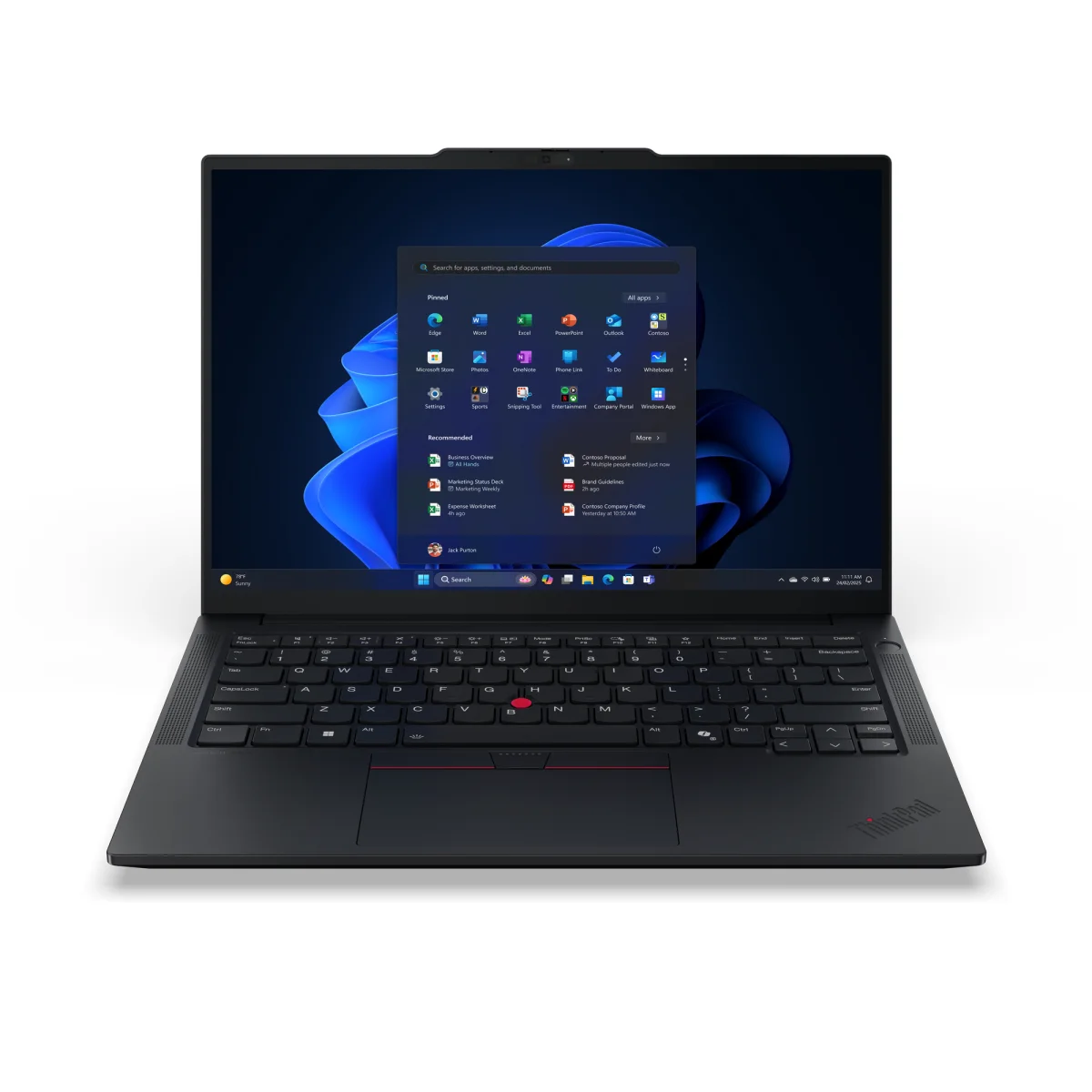
Lenovo ThinkPad E14 Gen 7 (Intel) 14-inch
This business laptop pairs Windows 11 Pro with a 1920 × 1200 IPS screen for everyday office work and built-in Ethernet for a wired network.
Editorial Verdict“An easy ThinkPad to carry between desks, with enough ports to settle in when you arrive.”
Local LLM Capability (8k context · 4 GB OS reserve)
What fits in 64 GB on this chassis
Key Findings & Trade-offs
Processor options span the 210H and Core Ultra 7 250H, 255H and 268V. Configurations range from 16 to 64 GB of DDR5, so there's room to choose more memory if you run several demanding apps at once. Every configuration comes with a 512 GB SSD, which can fill up quickly if you keep large projects on the laptop.
Down from 1.44 kg on the Gen 6 to 1.34 kg, a welcome saving for a daily commute.
Capacity rises from 57 to 64 Wh, giving you more energy to work with away from an outlet.
Two ports let you plug in a wired keyboard and mouse at the same time.
- Commuters who carry their laptop into the office most days.
- Office users who plug directly into a wired network at their desk.
- You regularly work in direct sunlight, where the 300-nit screen can be hard to read.
- You want smoother scrolling and motion than a 60 Hz panel offers.
Compatibility Notes
Verified Compatible Desk Gear
Matched on verified wattage & port specs


Where to Check Availability
Direct merchant link (no redirect). Editorial specs are never influenced by availability.Verified Technical Specifications
- Operating system
- Windows 11 Pro
- nvme
- Yes
- Wired Ethernet
- Yes
- M.2 SSD slots
- 1
- Memory type
- DDR5-SDRAM
- USB-C Power Delivery
- Yes
- Rated power supply
- 65 W
- Weight
- 1.34 kg
- Battery
- 64 Wh
- HDMI ports
- 1
- Rated max memory
- 64 GB
- Panel
- IPS
- Refresh rate
- 60 Hz
- USB-A ports
- 2
- USB-C ports
- 2
- HDMI version
- 2.1
- Touchscreen
- No
- Integrated NPU
- No
- Memory speed
- 5600 MT/s
- Storage interface
- PCI Express 4.0
- usb c charging
- Yes
- Display size
- 14″
- Resolution
- 1920 x 1200
- Thunderbolt ports
- 1
- Peak brightness
- 300 nits
- Thunderbolt version
- 4
Verified Configurations & Identifiers (60)
Frequently Asked Questions
Can I connect an external monitor without a dock?
Yes. You can plug a monitor directly into the HDMI 2.1 port.
Does the ThinkPad E14 Gen 7 have a touchscreen?
The built-in display is non-touch.