Lenovo · 2026 · open_icecat
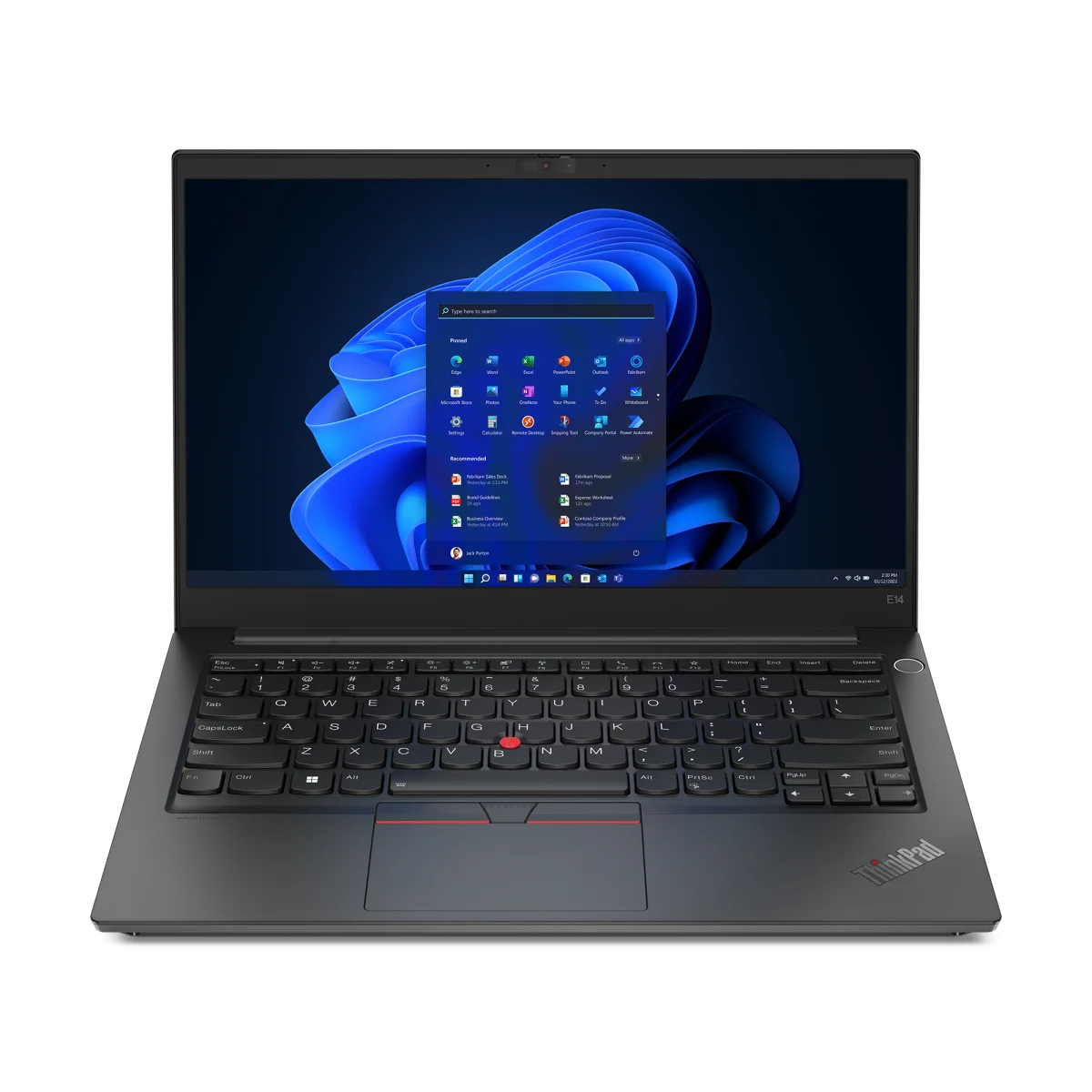
Lenovo ThinkPad E14 Gen 4 (Intel) Core i5-1235U, 8 GB, 512 GB
14-inch Full HD business laptop with a Core i5-1235U, 8 GB DDR4, 512 GB SSD, Thunderbolt 4, HDMI 2.1 and Ethernet. Weighs 1.59 kg.
Editorial Verdict“A port-rich 14-inch business laptop with Thunderbolt 4, but the RAM slot from the Gen 2 is gone.”
Local LLM Capability (8k context · 4 GB OS reserve)
What fits in 40 GB on this chassis
Key Findings & Trade-offs
This configuration pairs a Core i5-1235U with Iris Xe graphics, 8 GB of DDR4-3200 and a 512 GB NVMe SSD in a 1.59 kg body. The 45 Wh battery is modest and the IPS panel peaks at 300 nits, so it suits desks and classrooms better than sunny windows.
Versus the ThinkPad E14 Gen 2 (Intel), RAM slots fall from 1 to 0, a setback for upgrading. The supported maximum rises from 32 GB to 40 GB, which stays neutral until you confirm how that memory is added.
One Thunderbolt 4 USB-C, two USB-A, HDMI 2.1 and Ethernet cover a wired desk setup and a monitor without dongles.
RAM slots drop from 1 to 0, which is worse for upgrades. The supported maximum rises from 32 GB to 40 GB, which is a neutral change on paper.
One M.2 slot with PCIe 4.0 NVMe support gives the 512 GB drive a path to more capacity later.
A 14-inch 1920 x 1080 IPS panel at 300 nits is fine indoors, and the 45 Wh battery means the 65 W charger should travel with it.
- Office or classroom users who want a wired desk setup with Ethernet, HDMI and USB-A on the laptop itself.
- Anyone adding a Thunderbolt 4 dock for one-cable charging and peripherals.
- Buyers who want a 14-inch business machine at 1.59 kg without a heavy GPU.
- You want to upgrade RAM yourself, since the slot count dropped from 1 to 0 compared with the Gen 2.
- You need a bright screen for outdoor use, as the panel tops out at 300 nits.
- You need more than one USB-C port, since there is only one and it also handles charging.
Compatibility Notes
Verified Compatible Desk Gear
Matched on verified wattage & port specs


Where to Check Availability
Direct merchant link (no redirect). Editorial specs are never influenced by availability.Verified Technical Specifications
- Operating system
- Windows 11 Pro
- nvme
- Yes
- Wired Ethernet
- Yes
- M.2 SSD slots
- 1
- Memory type
- DDR4-SDRAM
- USB-C Power Delivery
- Yes
- Rated power supply
- 65 W
- Memory slots
- 0
- Weight
- 1.59 kg
- Battery
- 45 Wh
- HDMI ports
- 1
- Rated max memory
- 40 GB
- Panel
- IPS
- USB-A ports
- 2
- USB-C ports
- 1
- HDMI version
- 2.1
- Memory speed
- 3200 MT/s
- Storage interface
- PCI Express 4.0
- product family
- ThinkPad
- usb c charging
- Yes
- Display size
- 14″
- Resolution
- 1920 x 1080
- Thunderbolt ports
- 1
- Peak brightness
- 300 nits
- Thunderbolt version
- 4
Verified Configurations & Identifiers (60)
Frequently Asked Questions
Does the ThinkPad E14 Gen 4 (Intel) charge over USB-C?
Yes. USB-C charging is supported and the rated power supply is 65 W. There is only one USB-C port, and it is also the Thunderbolt 4 port.
Can I upgrade the RAM on this ThinkPad E14 Gen 4?
The RAM slot count is 0, down from 1 on the E14 Gen 2 (Intel). The platform supports up to 40 GB, but check how that memory is added before planning an upgrade.
Does it have Thunderbolt and HDMI?
Yes. It has one Thunderbolt 4 port and one HDMI 2.1 port, along with two USB-A ports and Ethernet.