ASUS · 2026 · energystar_v9, open_icecat
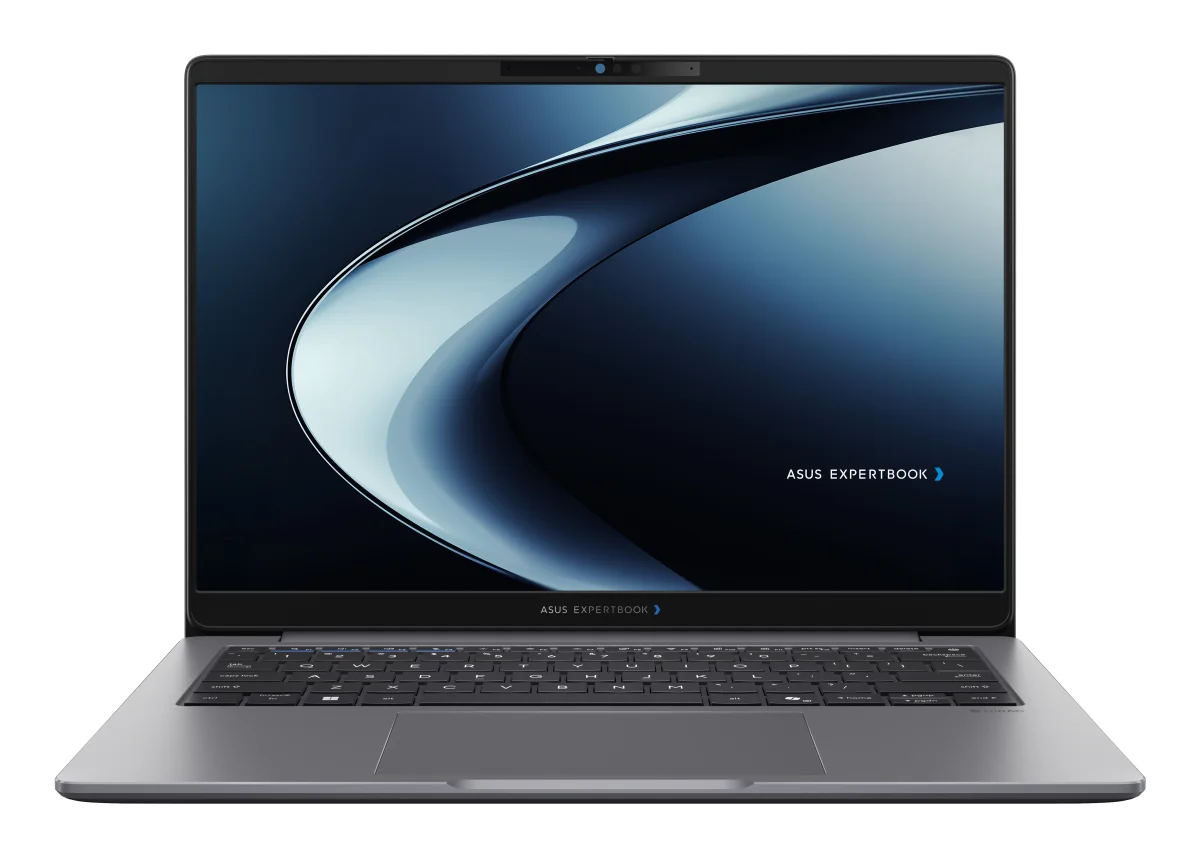
ASUS ExpertBook P5 G1 (P5406CCA) 14″ 144 Hz
This 1.42 kg business laptop combines a 70 Wh battery with a 2560 × 1600 display for working through spreadsheets and long documents.
Editorial Verdict“The ExpertBook suits a workday split between site visits and a desk.”
Local LLM Capability (8k context · 4 GB OS reserve)
What fits in 64 GB on this chassis
Key Findings & Trade-offs
The Core Ultra 7 options include the 255H, and RAM ranges from 16 to 64 GB. If you run virtual machines alongside your everyday apps, the higher memory tiers give those workloads more room. Every version comes with a 512 GB SSD, which can fill up quickly if you keep VM images and project archives on the laptop.
A maximum of 400 nits helps keep text readable in bright offices.
Two ports let you plug in a keyboard and mouse without a hub.
Connect directly to a wired office network without a USB adapter.
The installed edition fits workplaces that deploy Windows Pro.
- Finance and operations staff who keep tall reports open while reviewing figures.
- IT teams that want to service memory and storage on their fleet laptops.
- Staff who plug into a dock at a shared workstation each day.
- You need a touchscreen for on-screen annotation.
- You need two internal SSDs for separate system and project drives.
Compatibility Notes
Verified Compatible Desk Gear
Matched on verified wattage & port specs


Where to Check Availability
Direct merchant link (no redirect). Editorial specs are never influenced by availability.Verified Technical Specifications
- Operating system
- Windows 11 Pro
- nvme
- Yes
- Wired Ethernet
- Yes
- M.2 SSD slots
- 1
- Memory type
- DDR5-SDRAM
- USB-C Power Delivery
- Yes
- Rated power supply
- 90 W
- Memory slots
- 2
- Weight
- 1.42 kg
- Battery
- 70 Wh
- HDMI ports
- 1
- Rated max memory
- 64 GB
- Panel
- IPS
- Refresh rate
- 144 Hz
- DisplayPort Alt Mode
- Yes
- USB-A ports
- 2
- USB-C ports
- 2
- HDMI version
- 2.1
- Touchscreen
- No
- Integrated NPU
- Yes
- Storage interface
- PCI Express 4.0
- product family
- ExpertBook
- product series
- P5 G1
- usb c charging
- Yes
- Max USB-C PD
- 90 W
- Min USB-C PD
- 80 W
- Display size
- 14″
- Resolution
- 2560 x 1600
- Thunderbolt ports
- 1
- Peak brightness
- 400 nits
- Thunderbolt version
- 4
Verified Configurations & Identifiers (5)
Frequently Asked Questions
What graphics does the ASUS ExpertBook P5 G1 P5406CCA use?
It uses Intel Arc 140T graphics.
Does the ASUS ExpertBook P5 G1 have an NPU?
Yes, it has a dedicated NPU for local AI processing.