LG · 2024 · open_icecat
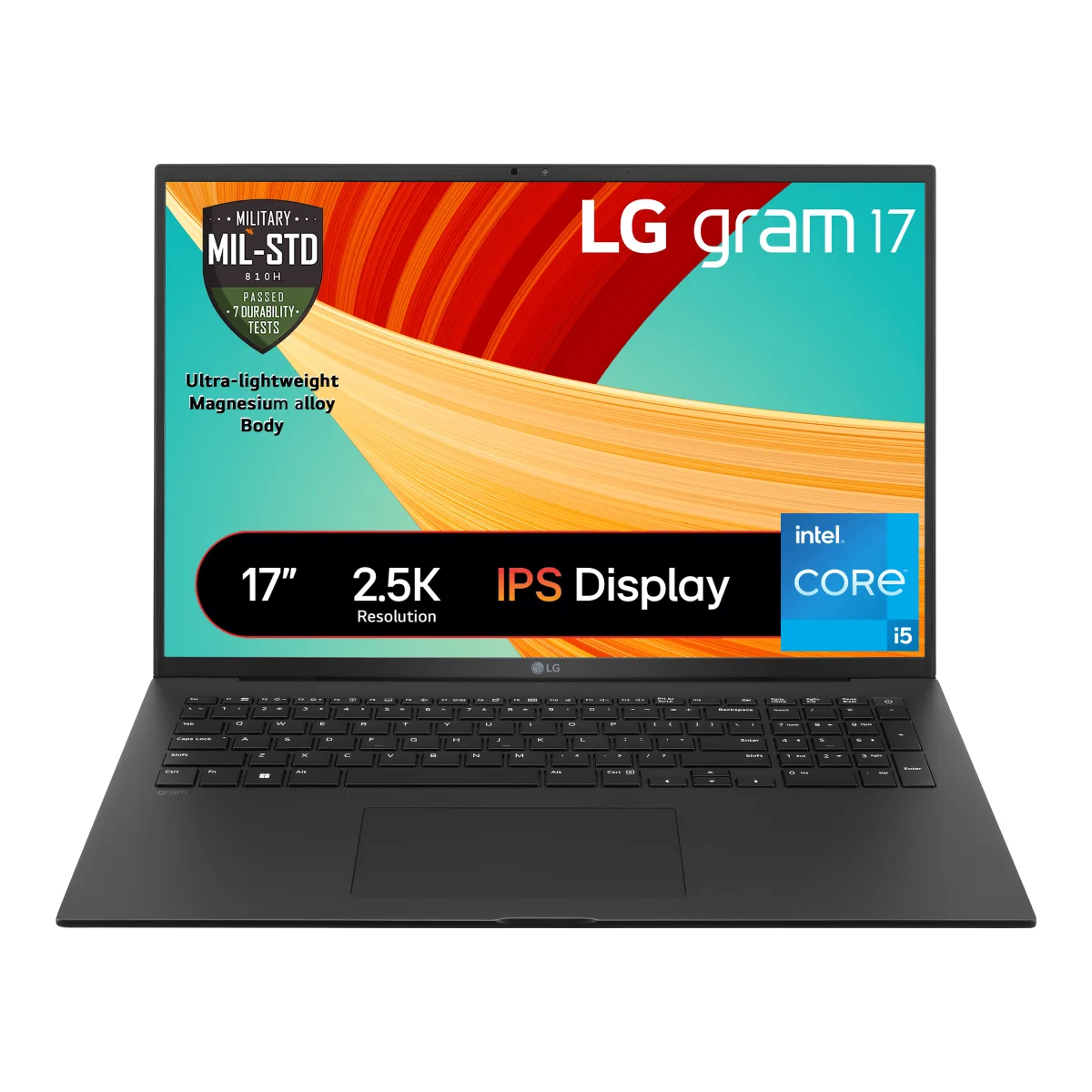
LG Gram 17 (17Z90RU): 17" WQXGA, Core i5, 1.35 kg
LG Gram 17Z90RU is a 17-inch 2560 x 1600 Windows 11 Pro laptop with a Core i5-1334U, 16 GB LPDDR5 and an 80 Wh battery at 1.35 kg.
Editorial Verdict“A light 17-inch laptop with Thunderbolt 4, held back by a 60 Hz panel and only 256 GB of storage.”
Local LLM Capability (8k context · 4 GB OS reserve)
What fits in 16 GB on this chassis
Key Findings & Trade-offs
The 2024 Gram 17 fits a 17-inch 2560 x 1600 IPS panel into a 1.35 kg body. The trade-off is a modest Core i5-1334U with Iris Xe graphics, a 60 Hz screen and 350 nits of peak brightness, so it suits documents and browsing better than heavy rendering.
Both variants carry 16 GB of LPDDR5 and a 256 GB NVMe SSD. 256 GB is tight for a 17-inch machine, which makes the M.2 slot worth noting.
a 17-inch 2560 x 1600 IPS panel at 1.35 kg is easy to carry for its size, though 350 nits favours indoor use.
80 Wh is a sizeable cell for a laptop this light and gives the large panel a decent energy reserve.
four USB-C (two of them Thunderbolt 4), two USB-A and one HDMI 2.0 cover most peripherals without a dock.
16 GB LPDDR5 at 4266 MT/s and a 256 GB PCIe 4.0 NVMe SSD, with one M.2 slot.
- Students and office users who want a large screen without carrying a heavy laptop.
- Desk setups built around a Thunderbolt 4 dock and an external monitor.
- Document, spreadsheet and browser-heavy work where Iris Xe graphics are enough.
- You need dedicated graphics for gaming, 3D or video rendering.
- You want a high-refresh screen, since the panel is 60 Hz.
- You store large libraries locally and do not want to replace the 256 GB SSD.
Compatibility Notes
Verified Compatible Desk Gear
Matched on verified wattage & port specs


Where to Check Availability
Direct merchant link (no redirect). Editorial specs are never influenced by availability.Verified Technical Specifications
- Operating system
- Windows 11 Pro
- nvme
- Yes
- M.2 SSD slots
- 1
- Memory type
- LPDDR5-SDRAM
- USB-C Power Delivery
- Yes
- Rated power supply
- 65 W
- Memory slots
- 2
- Weight
- 1.35 kg
- Battery
- 80 Wh
- HDMI ports
- 1
- Panel
- IPS
- Refresh rate
- 60 Hz
- DisplayPort Alt Mode
- Yes
- USB-A ports
- 2
- USB-C ports
- 4
- HDMI version
- 2.0
- Memory speed
- 4266 MT/s
- Storage interface
- PCI Express 4.0
- product family
- Gram
- usb c charging
- Yes
- Max USB-C PD
- 100 W
- Min USB-C PD
- 45 W
- Display size
- 17″
- Resolution
- 2560 x 1600
- Thunderbolt ports
- 2
- Peak brightness
- 350 nits
- Thunderbolt version
- 4
Verified Configurations & Identifiers (2)
Frequently Asked Questions
Can the LG Gram 17Z90RU charge over USB-C?
Yes. USB-C charging with Power Delivery is supported in a 45 W to 100 W range, and the supplied-class adapter is rated 65 W.
How many Thunderbolt ports does it have?
Two Thunderbolt 4 ports, out of four USB-C ports in total. It also has two USB-A ports and one HDMI 2.0 port.
Can I upgrade the SSD or RAM?
There is one M.2 slot for NVMe storage. Memory is LPDDR5 and both variants ship with 16 GB, so choose accordingly.