Lenovo · 2026 · open_icecat
Lenovo ThinkPad X1 Nano Gen 1 – 13″ IPS
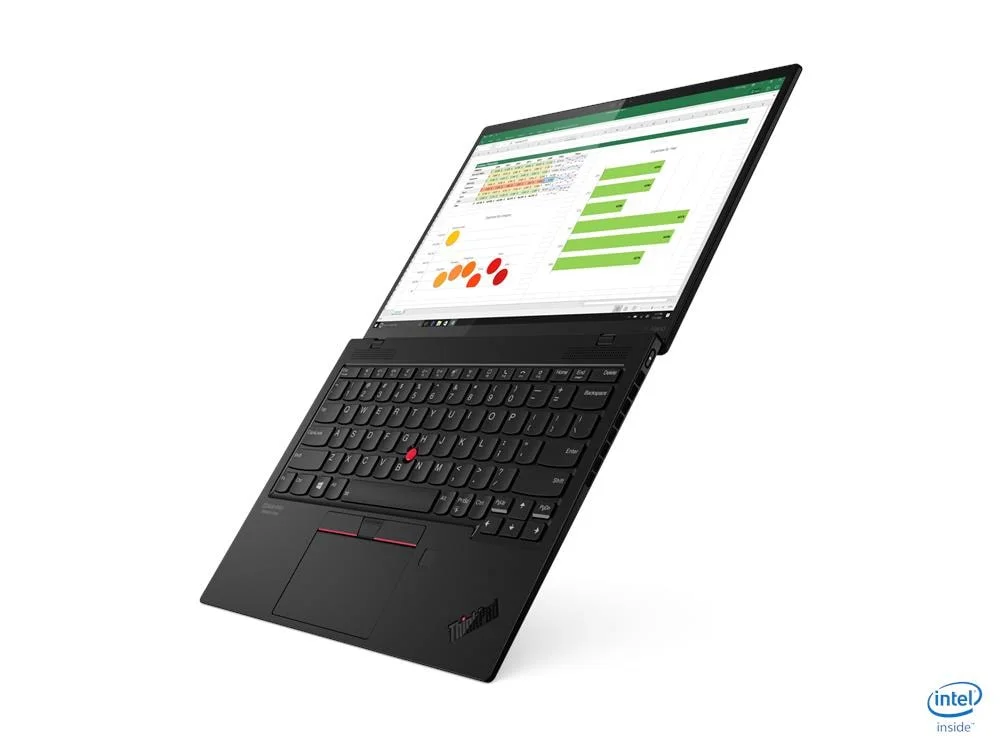
A 939 g business laptop with a 2160 × 1350 display and up to 450 nits of brightness. The tall screen keeps more of a long document in view.
Editorial Verdict“A travel-friendly ThinkPad for office work and a simple desk setup.”
Local LLM Capability (8k context · 4 GB OS reserve)
What fits in 16 GB on this chassis
Key Findings & Trade-offs
Across the range, the Core i5-1130G7 and integrated Intel Iris Xe graphics come with 16 GB of memory and a 512 GB SSD. That combination is a reasonable fit for office apps, browser tabs and video calls. Large photo and video collections can quickly eat into the space available for work files.
A modest energy reserve to weigh up if you spend long stretches away from a socket.
Use this interface as the starting point when checking replacement SSD compatibility.
Factor this version into any company rollout or software compatibility check.
- People who carry their work laptop between meetings and offices.
- Teams that keep most shared files on a server or in the cloud.
- Your software requires a dedicated GPU.
- You want to add a second internal drive alongside the original.
Compatibility Notes
Verified Compatible Desk Gear
Matched on verified wattage & port specs


Where to Check Availability
Direct merchant link (no redirect). Editorial specs are never influenced by availability.Verified Technical Specifications
- Operating system
- Windows 10 Pro
- nvme
- Yes
- Wired Ethernet
- No
- M.2 SSD slots
- 1
- Memory type
- LPDDR4x-SDRAM
- USB-C Power Delivery
- Yes
- Rated power supply
- 65 W
- Memory slots
- 0
- Weight
- 0.939 kg
- Battery
- 48 Wh
- Rated max memory
- 16 GB
- Panel
- IPS
- USB-C ports
- 2
- Memory speed
- 4266 MT/s
- Storage interface
- PCI Express 3.0
- product family
- ThinkPad
- usb c charging
- Yes
- Display size
- 13″
- Resolution
- 2160 x 1350
- Thunderbolt ports
- 2
- Peak brightness
- 450 nits
- Thunderbolt version
- 4
Verified Configurations & Identifiers (57)
Frequently Asked Questions
Can I plug in a USB-C accessory while charging?
Yes. There are two USB-C ports, so charging leaves the other port free for an accessory.
How do I connect to wired Ethernet?
Use an Ethernet adapter or a dock with an Ethernet port. The laptop has no built-in Ethernet port.