HP · 2026 · open_icecat
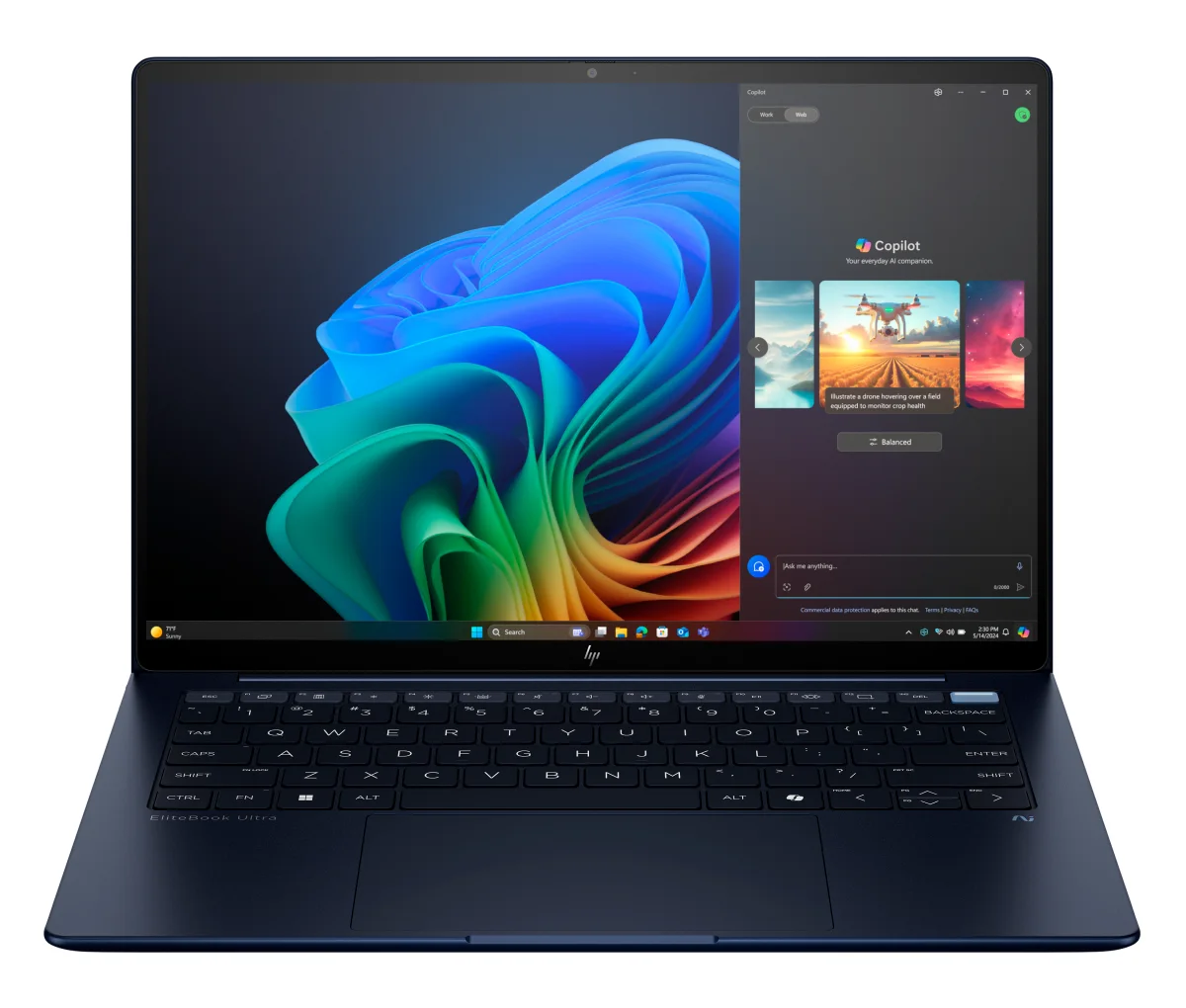
HP EliteBook Ultra G1i 14: Core Ultra 7 258V, 32 GB, 1.19 kg
HP EliteBook Ultra G1i 14 is a 1.19 kg business laptop with a Core Ultra 7 258V, 32 GB soldered LPDDR5x and three Thunderbolt 4 ports.
Editorial Verdict“Light, port-rich business ultrabook, but the 32 GB of RAM is fixed from day one.”
Local LLM Capability (8k context · 4 GB OS reserve)
What fits in 32 GB on this chassis
Key Findings & Trade-offs
The EliteBook Ultra G1i 14 gives up memory slots: the 32 GB of LPDDR5x-8533 is soldered, so there is no RAM upgrade later. Storage is more flexible, with one M.2 NVMe slot, although every variant ships with 512 GB.
There are three variants (D09GPET, D74W9EA, D74W6EA), two of them Wolf Pro Security Edition. All use the Core Ultra 7 258V with Arc 140V graphics, so the differences lie in the edition, not the chip.
Six USB-C ports, three of them Thunderbolt 4, plus one USB-A. Docking and external displays are well covered, while legacy USB-A devices need a hub beyond the single port.
Power Delivery from 65 W up to 100 W works over USB-C, so a compatible dock or travel charger can handle top-ups.
14-inch 2880 x 1800 IPS panel at up to 400 nits. The resolution is sharp for documents and side-by-side windows, but 400 nits is not a bright-sun screen.
1.19 kg with a 64 Wh battery, a sensible carry-everywhere balance for a 14-inch Notebook.
- Travelers who want a 14-inch business laptop at 1.19 kg with Thunderbolt 4 docking.
- Office users who connect through a USB-C dock and want 65–100 W Power Delivery charging.
- Anyone who values a sharp 2880 x 1800 screen and 32 GB of RAM in a compact body.
- You may need more than 32 GB of RAM later, because memory cannot be expanded.
- You rely on several USB-A peripherals and do not want to carry a hub.
- You need a discrete GPU, since graphics are the integrated Arc 140V.
Compatibility Notes
Verified Compatible Desk Gear
Matched on verified wattage & port specs


Where to Check Availability
Direct merchant link (no redirect). Editorial specs are never influenced by availability.Verified Technical Specifications
- Operating system
- Windows 11 Pro
- nvme
- Yes
- M.2 SSD slots
- 1
- Memory type
- LPDDR5x-SDRAM
- USB-C Power Delivery
- Yes
- Memory slots
- 0
- Weight
- 1.19 kg
- Battery
- 64 Wh
- Rated max memory
- 32 GB
- Panel
- IPS
- DisplayPort Alt Mode
- Yes
- USB-A ports
- 1
- USB-C ports
- 6
- Memory speed
- 8533 MT/s
- Storage interface
- PCI Express
- product family
- EliteBook
- product series
- Ultra
- usb c charging
- Yes
- Max USB-C PD
- 100 W
- Min USB-C PD
- 65 W
- Display size
- 14″
- Resolution
- 2880 x 1800
- Thunderbolt ports
- 3
- Peak brightness
- 400 nits
- Thunderbolt version
- 4
Verified Configurations & Identifiers (3)
Frequently Asked Questions
Can I upgrade the RAM in the HP EliteBook Ultra G1i 14?
No. The 32 GB of LPDDR5x-8533 is soldered and the laptop has no memory slots.
Does it charge over USB-C?
Yes. USB-C charging supports Power Delivery from 65 W to 100 W.
How many Thunderbolt ports does it have?
Three Thunderbolt 4 ports, out of six USB-C ports in total. There is also one USB-A port.