HP · 2026 · open_icecat
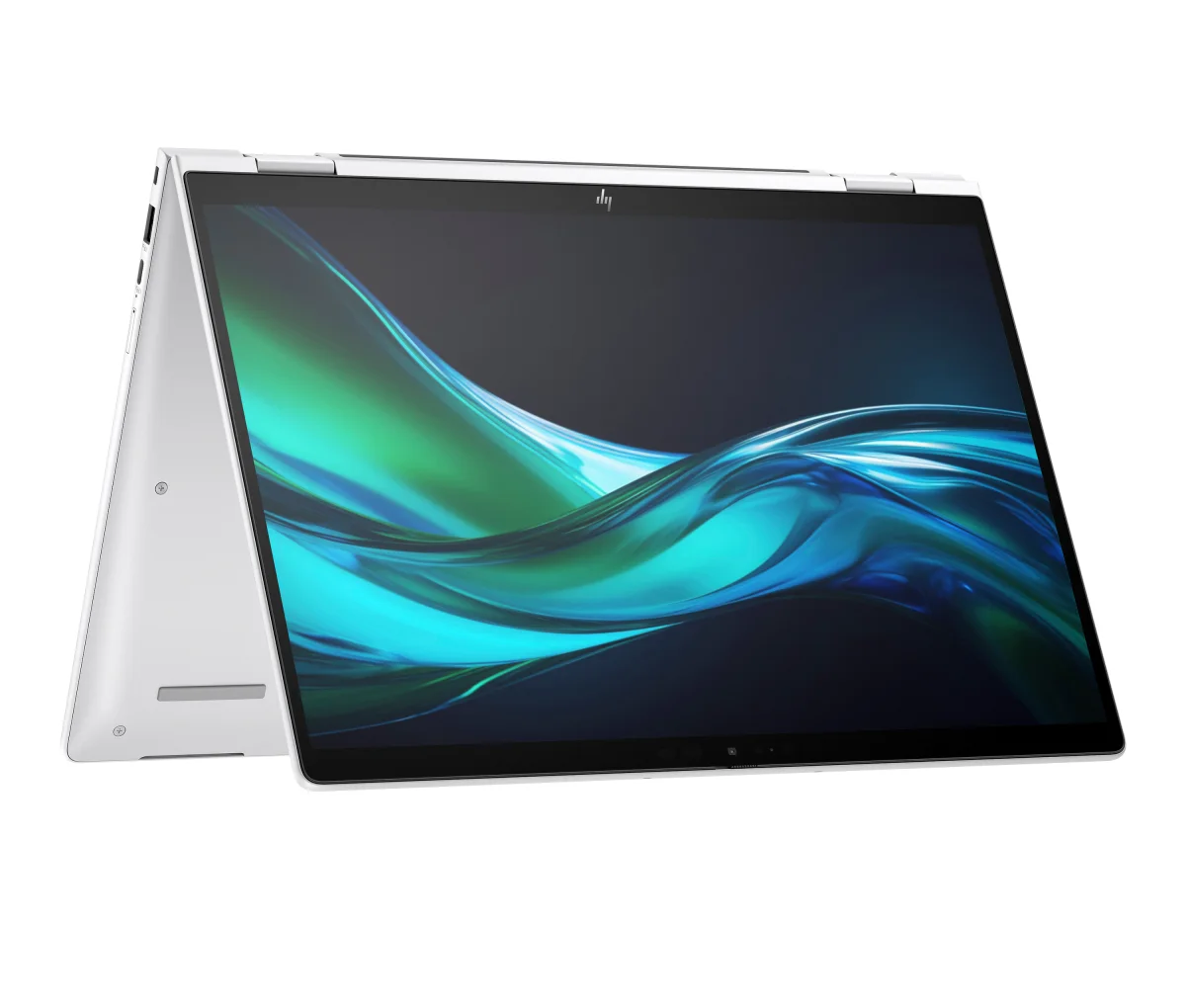
HP Elite x360 1040 G11: 14" 2-in-1, Core Ultra 7, 32 GB RAM
HP's 14-inch Elite x360 1040 G11 2-in-1 pairs a Core Ultra 7 165H with 32 GB soldered LPDDR5x, a 512 GB SSD and two Thunderbolt 4 ports.
Editorial Verdict“A light business convertible with fixed 32 GB of RAM and fewer USB-C ports than the G10.”
Local LLM Capability (8k context · 4 GB OS reserve)
What fits in 32 GB on this chassis
Key Findings & Trade-offs
The Elite x360 1040 G11 is a 1.38 kg, 14-inch convertible with a 1920 x 1200 IPS panel rated to 800 nits and a 68 Wh battery. Every configuration uses the Core Ultra 7 165H with Intel Arc Graphics, 32 GB of LPDDR5x and a 512 GB SSD.
Versus the G10, USB-C ports drop from five to three, which hurts if you plug in a lot. The RAM is soldered, so 32 GB is permanent, but the single M.2 slot leaves room to swap the SSD later.
Three USB-C ports (two Thunderbolt 4), one USB-A and HDMI 2.1. The G10 had five USB-C ports, so this is a step back, though HDMI and USB-A cover a monitor and an older accessory without a dongle.
32 GB of LPDDR5x at 7500 MT/s with zero slots. It is fast and roomy for office work, but it cannot be expanded.
14-inch IPS at 1920 x 1200 and up to 800 nits. That brightness helps in well-lit rooms, though the resolution is modest for a 14-inch panel.
1.38 kg with a 68 Wh battery, plus a 65 W power supply. It is easy to carry, and the charger is small next to workstation-class bricks.
- Mobile professionals who want a light 14-inch laptop that also folds into tablet mode.
- Dock users who can work with two Thunderbolt 4 ports plus HDMI and USB-A.
- Buyers who are fine with 32 GB of RAM for the whole life of the machine.
- You need more than 32 GB of RAM, since there is no way to add it later.
- You want five USB-C ports like the G10 offered.
- You prefer a higher-resolution or OLED panel; this one is a 1920 x 1200 IPS.
Compatibility Notes
Verified Compatible Desk Gear
Matched on verified wattage & port specs


Where to Check Availability
Direct merchant link (no redirect). Editorial specs are never influenced by availability.Verified Technical Specifications
- Operating system
- Windows 11 Pro
- nvme
- Yes
- M.2 SSD slots
- 1
- Memory type
- LPDDR5x-SDRAM
- Rated power supply
- 65 W
- Memory slots
- 0
- Weight
- 1.38 kg
- Battery
- 68 Wh
- HDMI ports
- 1
- Rated max memory
- 32 GB
- Panel
- IPS
- DisplayPort Alt Mode
- Yes
- USB-A ports
- 1
- USB-C ports
- 3
- HDMI version
- 2.1
- Memory speed
- 7500 MT/s
- Storage interface
- PCI Express 4.0
- product family
- Elite x360
- Display size
- 14″
- Resolution
- 1920 x 1200
- Thunderbolt ports
- 2
- Peak brightness
- 800 nits
- Thunderbolt version
- 4
Verified Configurations & Identifiers (60)
Frequently Asked Questions
Can I upgrade the RAM in the HP Elite x360 1040 G11?
No. It has 32 GB of soldered LPDDR5x-7500 and no RAM slots. The SSD sits in a single M.2 slot and is the only user-replaceable storage part.
Does the Elite x360 1040 G11 have Thunderbolt 4?
Yes, two of its three USB-C ports are Thunderbolt 4. It also has one USB-A port and an HDMI 2.1 port.
What changed from the Elite x360 1040 G10?
The only verified change is the USB-C port count, which falls from five to three. For anyone who uses many USB-C accessories, that is a downgrade.