Dell · 2024 · open_icecat
Dell Latitude 7450 · 14-inch · 1.33 kg
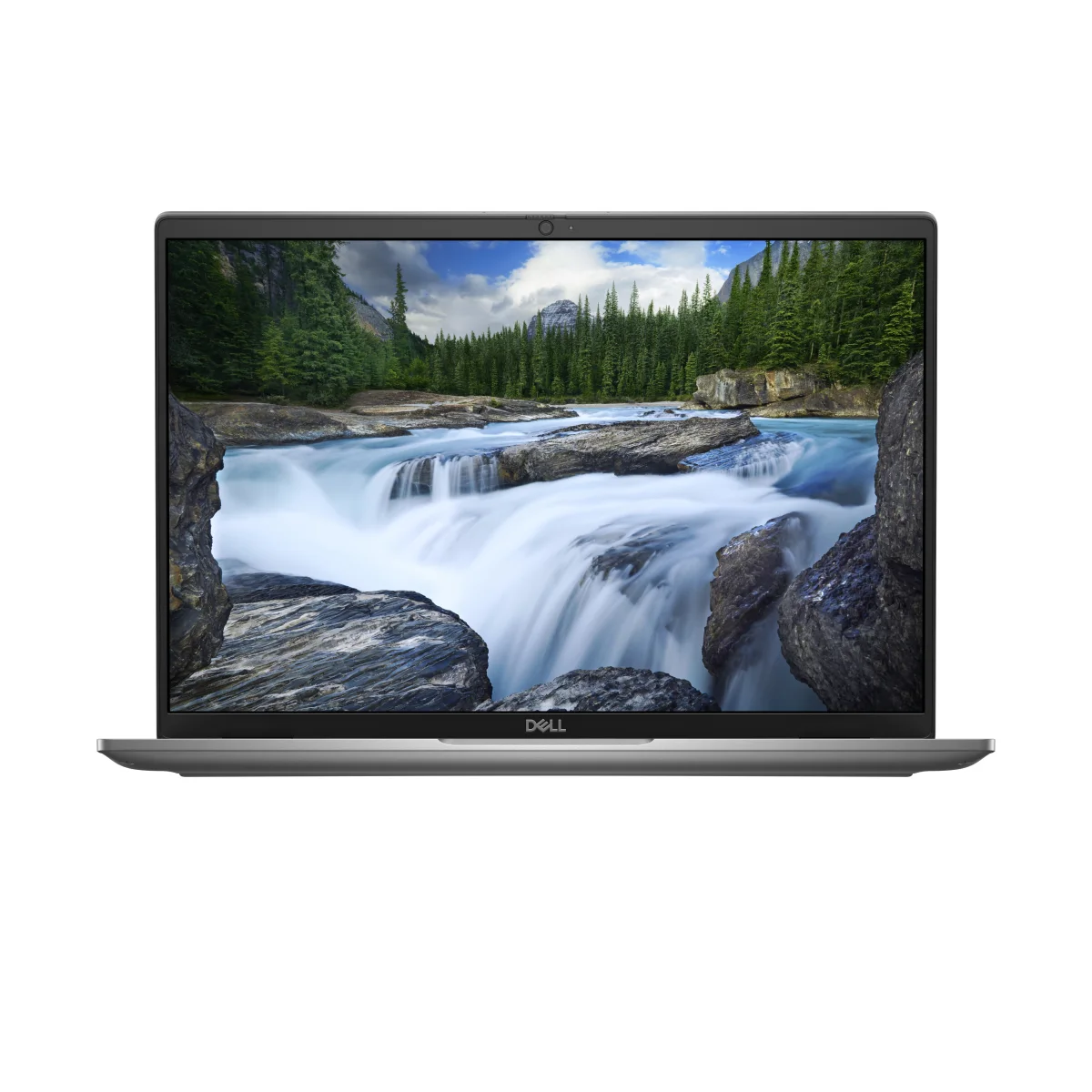
The Dell Latitude 7450 is a business laptop with an Intel Core Ultra 5 135U, Windows 11 Pro and a 57 Wh battery for work on the move.
Editorial Verdict“A compact office laptop that can handle basic desk peripherals without a hub.”
Local LLM Capability (8k context · 4 GB OS reserve)
What fits in 16 GB on this chassis
Key Findings & Trade-offs
Every configuration pairs 16 GB of LPDDR5x memory with a 256 GB SSD. That storage capacity is easier to work with if most documents live on a shared drive. If you sync large folders for offline work, check how much space they take up before relying on the internal SSD alone.
The 1920 × 1200 panel gives spreadsheets and documents more vertical room than 1920 × 1080.
The panel tops out at 250 nits, which makes it better suited to indoor desks than bright outdoor spaces.
Two ports let you keep a wired mouse and a USB headset plugged in at the same time.
- Staff who carry their laptop between client sites.
- IT teams looking to standardize on one memory and storage configuration.
- You regularly work outdoors in direct sunlight.
- You need room for a second internal SSD.
Compatibility Notes
Verified Compatible Desk Gear
Matched on verified wattage & port specs


Where to Check Availability
Direct merchant link (no redirect). Editorial specs are never influenced by availability.Verified Technical Specifications
- Operating system
- Windows 11 Pro
- nvme
- Yes
- Wired Ethernet
- No
- M.2 SSD slots
- 1
- Memory type
- LPDDR5x-SDRAM
- USB-C Power Delivery
- Yes
- Rated power supply
- 65 W
- Memory slots
- 0
- Weight
- 1.33 kg
- Battery
- 57 Wh
- HDMI ports
- 1
- Rated max memory
- 16 GB
- Panel
- WVA
- Refresh rate
- 60 Hz
- DisplayPort Alt Mode
- Yes
- USB-A ports
- 2
- USB-C ports
- 2
- HDMI version
- 2.1
- Memory speed
- 6400 MT/s
- Storage interface
- PCI Express 4.0
- product family
- Latitude
- product series
- 7000
- usb c charging
- Yes
- Display size
- 14″
- Resolution
- 1920 x 1200
- Thunderbolt ports
- 2
- Peak brightness
- 250 nits
- Thunderbolt version
- 4
Verified Configurations & Identifiers (38)
Frequently Asked Questions
Which graphics chip does the Dell Latitude 7450 use?
It uses integrated Intel Graphics.
Does the Dell Latitude 7450 have an Ethernet port?
For wired Ethernet, use a dock or adapter with an Ethernet port.
What is the refresh rate of the built-in screen?
The built-in display runs at 60 Hz.