ASUS · 2025 · open_icecat, ASUS US Tech Specs, ASUS Malaysia Tech Specs, ASUS US Press Release, ASUS US Store
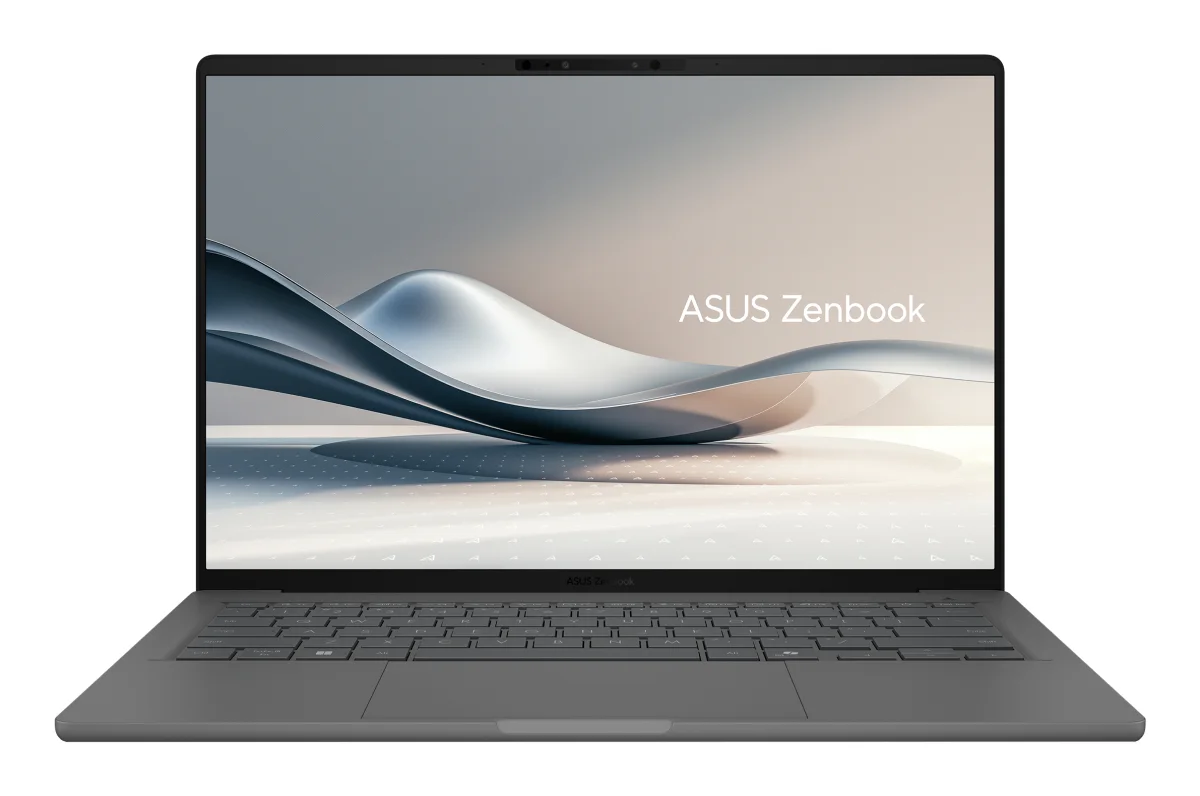
ASUS Zenbook A14 (UX3407QA) · 980 g
A compact Windows laptop with a 14-inch OLED screen, a 1920 × 1200 resolution that gives documents more vertical room, and a 70 Wh battery.
Editorial Verdict“A commuter’s laptop with enough ports for a wired desk setup.”
Local LLM Capability (8k context · 4 GB OS reserve)
What fits in 32 GB on this chassis
Key Findings & Trade-offs
Every configuration pairs the Snapdragon X1-26-100 with 32 GB of memory and a 1 TB SSD. That gives you room to keep several apps open and store files locally. Check that your everyday Windows apps and the drivers for any specialist peripherals you rely on work on Arm.
The built-in panel runs at 60 Hz, so scrolling and motion are limited to that refresh rate.
Plug in a mouse receiver or thumb drive directly.
Keep a peripheral connected while charging.
- Students carrying a laptop between lectures and the library.
- Writers and editors who spend most of the day in documents and browser tabs.
- You want a high-refresh built-in screen for fast motion.
- You plan to add a second internal SSD for project files.
Compatibility Notes
Verified Compatible Desk Gear
Matched on verified wattage & port specs


Where to Check Availability
Direct merchant link (no redirect). Editorial specs are never influenced by availability.Verified Technical Specifications
- Operating system
- Windows 11 Home
- nvme
- Yes
- M.2 SSD slots
- 1
- Memory type
- LPDDR5x-SDRAM
- USB-C Power Delivery
- Yes
- Rated power supply
- 65 W
- Memory slots
- 0
- Weight
- 0.98 kg
- Battery
- 70 Wh
- HDMI ports
- 1
- Rated max memory
- 32 GB
- Panel
- OLED
- Refresh rate
- 60 Hz
- DisplayPort Alt Mode
- Yes
- USB-A ports
- 1
- USB-C ports
- 2
- HDMI version
- 2.1
- Storage interface
- PCI Express 4.0
- Data rate
- 40 Gbps
- product family
- Zenbook
- product series
- A14
- usb c charging
- Yes
- Display size
- 14″
- Resolution
- 1920 x 1200
- Peak brightness
- 400 nits
Verified Configurations & Identifiers (40)
Frequently Asked Questions
Can I connect an HDMI monitor directly?
Yes. The laptop has one HDMI 2.1 port.
How bright is the OLED screen?
The maximum brightness is 400 nits.