ASUS · 2026 · open_icecat
ASUS Zenbook A14 UX3407NA: Snapdragon X2E, 32GB, 14" OLED
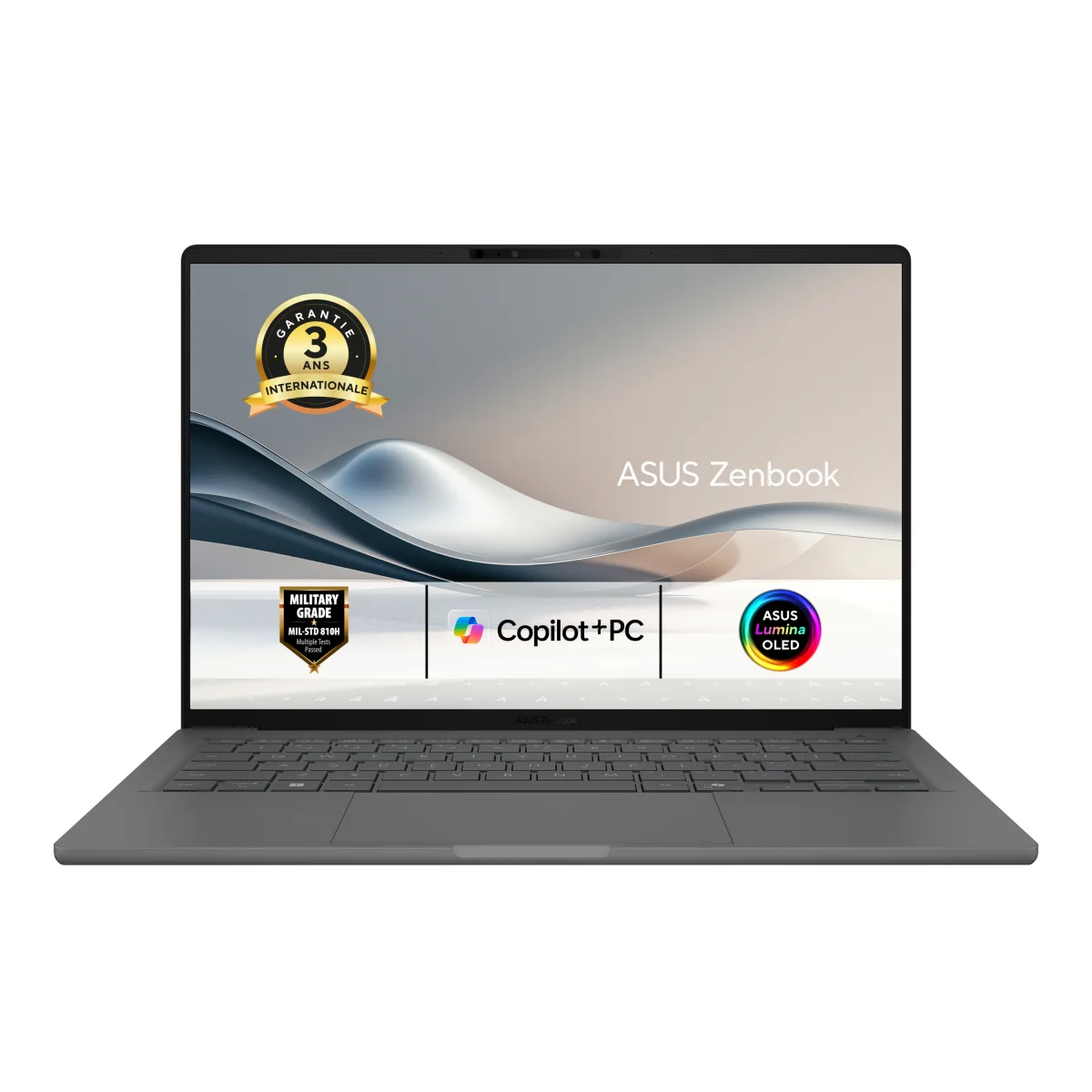
ASUS Zenbook A14 UX3407NA is a 0.99 kg, 14-inch OLED Copilot+ laptop with a Snapdragon X2E-88-100, 32 GB of LPDDR5x and a 70 Wh battery.
Editorial Verdict“A 0.99 kg OLED Snapdragon laptop with fixed 32 GB RAM; check your apps run on Windows on ARM first.”
Local LLM Capability (8k context · 4 GB OS reserve)
What fits in 32 GB on this chassis
Key Findings & Trade-offs
The A14 trades expandability for weight: its 32 GB of LPDDR5x is soldered with no RAM slots, and all 14 variants pair it with 1 TB of storage, so there is no memory tier to pick later. One M.2 slot with a PCIe 4.0 interface covers storage.
It runs Windows 11 Pro on Snapdragon, so confirm your key apps and drivers work on ARM first. A 70 Wh battery in a 0.99 kg body is the main draw.
0.99 kg with a 70 Wh battery, which is a large cell for a laptop this light and makes it easy to carry all day.
14-inch 1920 x 1200 OLED, up to 400 nits at 60 Hz. Good contrast, but it is neither a high-refresh nor an especially bright screen.
Two USB-C, one USB-A and one HDMI 2.1. There is no Ethernet port, so wired networking needs an adapter.
32 GB of LPDDR5x is soldered with zero RAM slots, while one M.2 PCIe 4.0 slot handles storage.
- Travellers who want a 14-inch laptop at 0.99 kg with a 70 Wh battery.
- Windows users whose software already runs on ARM and who want an OLED screen.
- People who charge over USB-C and want HDMI 2.1 without an adapter.
- You may want to add RAM later, since memory is soldered.
- You depend on x86-only software, drivers or peripherals that do not support Windows on ARM.
- You need a high-refresh display or a built-in Ethernet port.
Compatibility Notes
Verified Compatible Desk Gear
Matched on verified wattage & port specs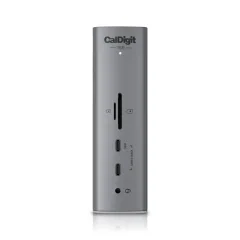


Where to Check Availability
Direct merchant link (no redirect). Editorial specs are never influenced by availability.Verified Technical Specifications
- Operating system
- Windows 11 Pro
- nvme
- Yes
- Wired Ethernet
- No
- M.2 SSD slots
- 1
- Memory type
- LPDDR5x-SDRAM
- USB-C Power Delivery
- Yes
- Rated power supply
- 100 W
- Memory slots
- 0
- Weight
- 0.99 kg
- Battery
- 70 Wh
- HDMI ports
- 1
- Rated max memory
- 32 GB
- Panel
- OLED
- Refresh rate
- 60 Hz
- DisplayPort Alt Mode
- Yes
- USB-A ports
- 1
- USB-C ports
- 2
- HDMI version
- 2.1
- Storage interface
- PCI Express 4.0
- product family
- Zenbook
- product series
- A14
- usb c charging
- Yes
- Max USB-C PD
- 100 W
- Min USB-C PD
- 45 W
- Display size
- 14″
- Resolution
- 1920 x 1200
- Peak brightness
- 400 nits
Verified Configurations & Identifiers (14)
Frequently Asked Questions
Can I upgrade the RAM on the Zenbook A14 UX3407NA?
No. It has 32 GB of LPDDR5x soldered to the board and zero RAM slots. Storage uses one M.2 slot with a PCIe 4.0 interface.
How does the Zenbook A14 UX3407NA charge?
It uses a 100 W power supply and also charges over USB-C with PD from 45 W to 100 W.
What ports does the Zenbook A14 UX3407NA have?
Two USB-C ports with DisplayPort Alt Mode, one USB-A port and one HDMI 2.1 port. There is no Ethernet port.