ASUS · 2025 · open_icecat
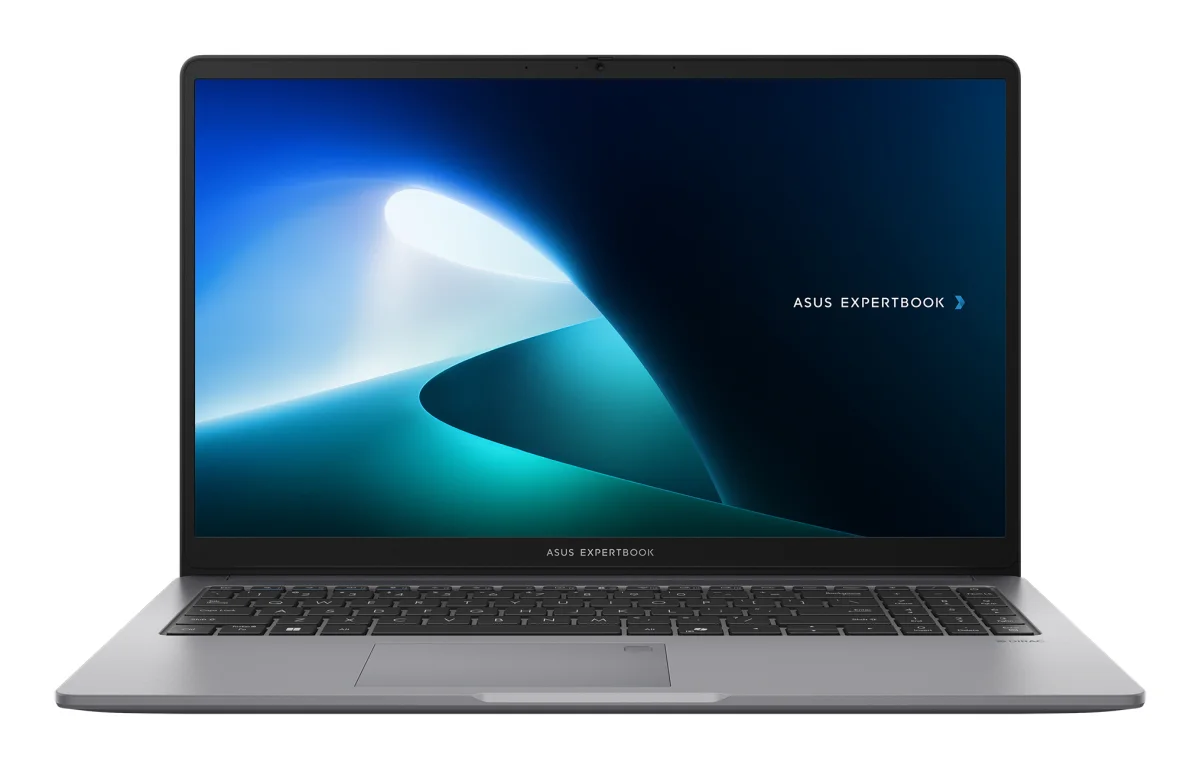
ASUS ExpertBook P1 PM1503CDA 15.6-inch Full HD
A business laptop with Windows 11 Pro, an AMD Ryzen 5 150 and Radeon 660M graphics for documents, spreadsheets and everyday web apps.
Editorial Verdict“This office laptop makes sense if you expect to upgrade it during its working life.”
Local LLM Capability (8k context · 4 GB OS reserve)
What fits in 64 GB on this chassis
Key Findings & Trade-offs
Every configuration pairs 16 GB of RAM with a 512 GB SSD. If you keep project files locally, check how much space they already take up. At 1.81 kg with a 50 Wh battery, this laptop suits a workday spent mainly at a desk near an outlet, with occasional trips to a meeting room.
Plug into a wired office network without a separate adapter.
Two USB-A ports can take a wired keyboard and mouse while both USB-C ports stay free.
The screen is better suited to indoor work than to direct sun.
A conventional refresh rate for office work.
- Small IT teams that maintain office laptops in-house.
- Administrative staff who regularly switch between a fixed workstation and meeting rooms.
- You carry your laptop all day and want to keep your bag light.
- You regularly work outdoors in direct sunlight.
Compatibility Notes
Verified Compatible Desk Gear
Matched on verified wattage & port specs


Where to Check Availability
Direct merchant link (no redirect). Editorial specs are never influenced by availability.Verified Technical Specifications
- Operating system
- Windows 11 Pro
- nvme
- Yes
- Wired Ethernet
- Yes
- M.2 SSD slots
- 1
- Memory type
- DDR5-SDRAM
- USB-C Power Delivery
- Yes
- Rated power supply
- 65 W
- Memory slots
- 2
- Weight
- 1.81 kg
- Battery
- 50 Wh
- HDMI ports
- 1
- Rated max memory
- 64 GB
- Refresh rate
- 60 Hz
- DisplayPort Alt Mode
- Yes
- USB-A ports
- 2
- USB-C ports
- 2
- HDMI version
- 1.4
- Storage interface
- PCI Express 4.0
- product family
- ExpertBook
- product series
- P1
- usb c charging
- Yes
- Display size
- 15.6″
- Resolution
- 1920 x 1080
- Peak brightness
- 300 nits
Verified Configurations & Identifiers (29)
Frequently Asked Questions
Can I add a second internal SSD to the ExpertBook P1 PM1503CDA?
There is one M.2 slot. To increase internal storage, replace the existing SSD.
Can I connect a monitor without a dock?
Yes. The HDMI 1.4 port lets you connect an HDMI monitor directly.