ASUS · 2026 · open_icecat
ASUS ExpertBook P3 G2 (P3606CMA) 16" Core 7 350, 16 GB
ASUS ExpertBook P3 G2 is a 16-inch business laptop with Core 7 350, 16 GB DDR5, 512 GB SSD, 1.8 kg and USB-C charging up to 65 W.
Editorial Verdict“A plain, serviceable 16-inch work laptop whose main draw is a RAM slot and an M.2 slot you can actually use.”
Local LLM Capability (8k context · 4 GB OS reserve)
What fits in 32 GB on this chassis
Key Findings & Trade-offs
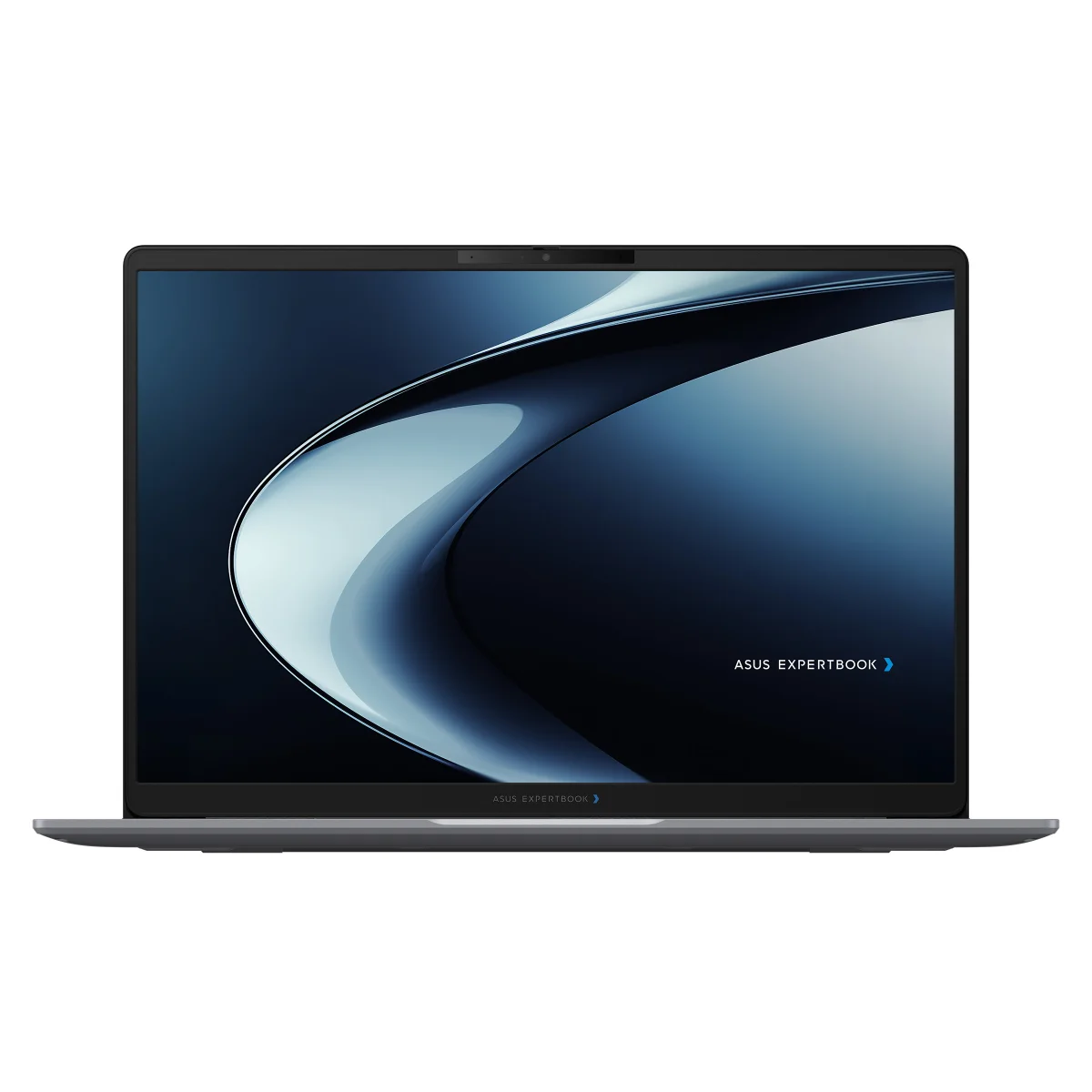
The P3606CMA is a 16-inch, 1920 x 1200 business laptop at 1.8 kg with a 50 Wh battery, so it suits a desk-and-bag routine better than an ultraportable lifestyle. The 60 Hz panel peaks at 300 nits, which covers office work and not much beyond it.
All five variants use the Core 7 350 with 16 GB RAM and a 512 GB SSD. The useful part is the single DDR5 slot (up to 32 GB) and the M.2 slot, so you can grow later instead of overbuying now.
One DDR5 slot supports up to 32 GB and one M.2 slot takes a PCIe 4.0 NVMe SSD, so the 16 GB / 512 GB configuration is a starting point rather than a ceiling.
Two USB-C, two USB-A, one HDMI 2.1 and Ethernet cover a monitor and a wired network without a dongle.
Power Delivery runs in a 55–65 W range, so a 65 W USB-C charger matches the top of what the laptop accepts.
A 16-inch 1920 x 1200 panel at 60 Hz and 300 nits, in a 1.8 kg body with a 50 Wh battery. Expect a full-size laptop to carry, not a featherweight.
- Office users who want a large 16-inch screen and the option to add RAM or swap the SSD later.
- Desk-based setups that use wired Ethernet, HDMI and USB-A peripherals directly.
- Teams that standardize on Windows 11 Pro and USB-C charging.
- You need a light bag: 1.8 kg is noticeable for daily carrying.
- You do photo or video work that needs a bright, high-refresh screen: the panel is 60 Hz and 300 nits.
- You need more than 32 GB of RAM or a second internal drive: there is one RAM slot and one M.2 slot.
Compatibility Notes
Verified Compatible Desk Gear
Matched on verified wattage & port specs


Where to Check Availability
Direct merchant link (no redirect). Editorial specs are never influenced by availability.Verified Technical Specifications
- Operating system
- Windows 11 Pro
- nvme
- Yes
- Wired Ethernet
- Yes
- M.2 SSD slots
- 1
- Memory type
- DDR5-SDRAM
- USB-C Power Delivery
- Yes
- Memory slots
- 1
- Weight
- 1.8 kg
- Battery
- 50 Wh
- HDMI ports
- 1
- Rated max memory
- 32 GB
- Refresh rate
- 60 Hz
- DisplayPort Alt Mode
- Yes
- USB-A ports
- 2
- USB-C ports
- 2
- HDMI version
- 2.1
- Storage interface
- PCI Express 4.0
- product family
- ExpertBook
- product series
- P3 G2
- usb c charging
- Yes
- Max USB-C PD
- 65 W
- Min USB-C PD
- 55 W
- Display size
- 16″
- Resolution
- 1920 x 1200
- Peak brightness
- 300 nits
Verified Configurations & Identifiers (5)
Frequently Asked Questions
Can I upgrade the RAM and SSD on the ExpertBook P3 G2?
Yes. There is one DDR5 slot supporting up to 32 GB, while all variants come with 16 GB. There is also one M.2 slot for a PCIe 4.0 NVMe SSD, and variants come with 512 GB.
Can the ExpertBook P3 G2 charge over USB-C?
Yes. USB-C Power Delivery charging is supported in a 55–65 W range, with 65 W as the maximum.
What video outputs does the P3606CMA have?
One HDMI 2.1 port, plus DisplayPort Alt Mode over USB-C. It has two USB-C ports in total.