ASUS · 2026 · open_icecat, ASUS Vivobook Go 14 (E1404F) technical specifications, energystar_v9
ASUS Vivobook Go 14 E1404F: Ryzen 5 7520U, 14" Full HD
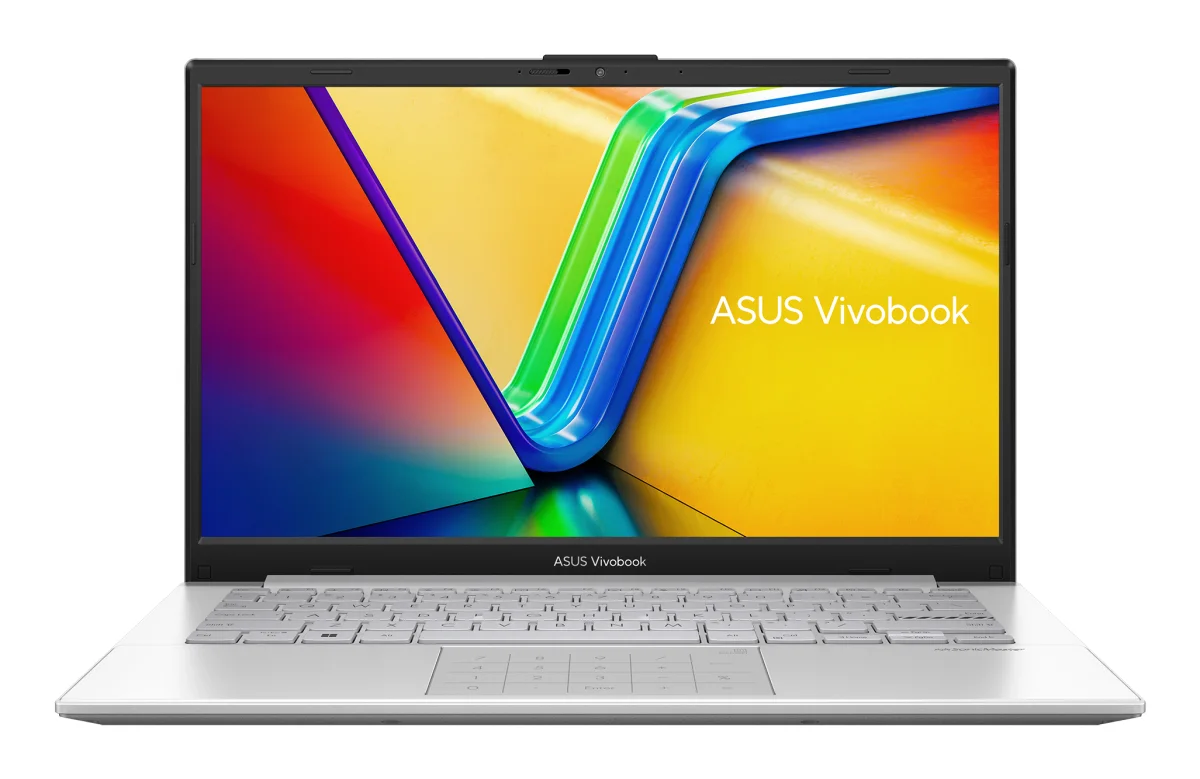
ASUS Vivobook Go 14 E1404F is a 1.38 kg Windows 11 laptop with a Ryzen 5 7520U, 14-inch 1080p display, 8–16 GB RAM and 512 GB SSD.
Editorial Verdict“A light, basic Ryzen 5 laptop held back by a dim 250-nit screen and a USB-C port that cannot charge.”
Local LLM Capability (8k context · 4 GB OS reserve)
What fits in 16 GB on this chassis
Key Findings & Trade-offs
The E1404F is a plain 14-inch Windows 11 Home laptop built around a Ryzen 5 7520U and Radeon 610M graphics. The LPDDR5 memory is soldered with no slots, so the 8 GB or 16 GB you pick is what you keep, while the single M.2 slot lets you swap the SSD later.
The 45 W adapter does all the charging because the USB-C port does not. Variants all carry 512 GB of storage, with RAM ranging from 8 to 16 GB.
Ryzen 5 7520U with Radeon 610M graphics covers office work, browsing and video calls. There is no NPU, so do not expect on-device AI features.
1.38 kg with a 42 Wh battery is easy to carry, but the modest capacity means the 45 W adapter should travel with it.
14-inch 1920 x 1080 at 60 Hz, 250 nits, no touch. Fine indoors, but it will look dim near a window or outdoors.
8 GB or 16 GB of soldered LPDDR5 and 512 GB of NVMe storage across variants, with one M.2 slot for the drive.
- Students and home users who want a 1.38 kg Windows laptop for documents, browsing and video calls.
- Buyers comfortable carrying a dedicated 45 W charger and using HDMI for a second screen.
- Anyone who wants to replace or enlarge the SSD later through the M.2 slot.
- You want to charge from a USB-C charger or power bank, since the USB-C port does not charge the laptop.
- You work near windows or outdoors and need more than a 250-nit, 60 Hz screen.
- You expect to add RAM later or need more than 16 GB.
Compatibility Notes
Verified Compatible Desk Gear
Matched on verified wattage & port specs


Where to Check Availability
Direct merchant link (no redirect). Editorial specs are never influenced by availability.Verified Technical Specifications
- Operating system
- Windows 11 Home
- nvme
- Yes
- Wired Ethernet
- No
- M.2 SSD slots
- 1
- Memory type
- LPDDR5-SDRAM
- Rated power supply
- 45 W
- Memory slots
- 0
- Weight
- 1.38 kg
- Battery
- 42 Wh
- HDMI ports
- 1
- Rated max memory
- 8 GB
- Refresh rate
- 60 Hz
- USB-A ports
- 2
- USB-C ports
- 1
- HDMI version
- 1.4
- Touchscreen
- No
- Integrated NPU
- No
- Storage interface
- PCI Express 3.0
- product family
- Vivobook Go
- product series
- 14
- usb c charging
- No
- Display size
- 14″
- Resolution
- 1920 x 1080
- Peak brightness
- 250 nits
Verified Configurations & Identifiers (22)
Frequently Asked Questions
Can the Vivobook Go 14 E1404F charge over USB-C?
No. USB-C charging is not supported. The laptop charges from its 45 W adapter, so keep that with you when travelling.
Can I upgrade the RAM or SSD?
RAM cannot be upgraded: it is soldered LPDDR5 with no slots, in 8 GB or 16 GB variants. The SSD can be changed through one M.2 slot that uses PCI Express 3.0 NVMe.
Which ports does the E1404F have?
One USB-C, two USB-A and one HDMI 1.4 port. There is no Ethernet port.