Acer · 2026 · open_icecat
Acer Chromebook Plus Spin 714 (CP714-1HN) – 14″ IPS
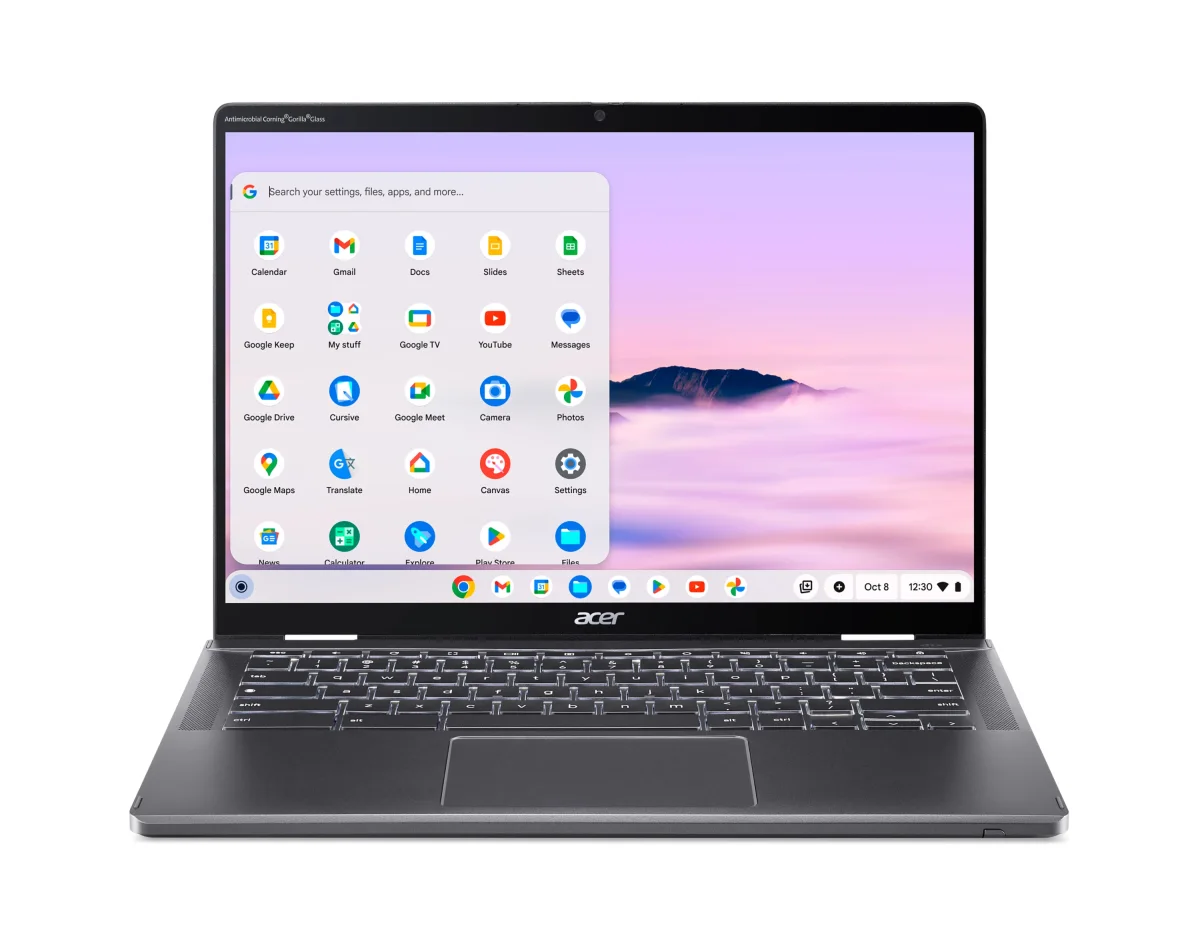
This ChromeOS convertible has a 1920 × 1200 touchscreen, a 53 Wh battery and a 1.45 kg chassis that folds back into tablet mode for reading.
Editorial Verdict“The folding screen earns its keep if you regularly switch between typing and marking up documents.”
Local LLM Capability (8k context · 4 GB OS reserve)
What fits in 16 GB on this chassis
Key Findings & Trade-offs
Every version pairs the Intel Core Ultra 5 125U with 16 GB of RAM and a 512 GB SSD. That gives you room to keep several browser tabs open and store work or course materials offline. The integrated Intel Graphics is better suited to slides and video playback than demanding 3D projects.
The 16:10 panel gives you extra vertical space for documents and web pages.
The screen reaches 340 nits, so a shaded seat is a better bet than one in direct sunlight.
One full-size USB port lets you plug in a mouse or flash drive directly.
- Students who annotate readings by touch and type up assignments on the same device.
- People who work mainly in a browser and use a dock at their desk.
- Your work depends on Windows desktop software.
- You want a built-in screen faster than 60 Hz.
Compatibility Notes
Verified Compatible Desk Gear
Matched on verified wattage & port specs


Where to Check Availability
Direct merchant link (no redirect). Editorial specs are never influenced by availability.Verified Technical Specifications
- Operating system
- ChromeOS
- nvme
- Yes
- Wired Ethernet
- No
- M.2 SSD slots
- 1
- Memory type
- LPDDR5x-SDRAM
- USB-C Power Delivery
- Yes
- Rated power supply
- 65 W
- Memory slots
- 0
- Weight
- 1.45 kg
- Battery
- 53 Wh
- HDMI ports
- 1
- Rated max memory
- 16 GB
- Panel
- IPS
- Refresh rate
- 60 Hz
- DisplayPort Alt Mode
- Yes
- USB-A ports
- 1
- USB-C ports
- 2
- HDMI version
- 2.0
- Memory speed
- 6400 MT/s
- Storage interface
- PCI Express 4.0
- product family
- Chromebook
- usb c charging
- Yes
- Max USB-C PD
- 65 W
- Min USB-C PD
- 65 W
- Display size
- 14″
- Resolution
- 1920 x 1200
- Thunderbolt ports
- 2
- Peak brightness
- 340 nits
- Thunderbolt version
- 4
Verified Configurations & Identifiers (7)
Frequently Asked Questions
Can I connect an HDMI monitor without a dock?
Yes. The Spin 714 has a built-in HDMI 2.0 port.
How do I connect the Spin 714 to wired Ethernet?
A wired connection requires an external Ethernet adapter or a compatible dock with Ethernet.