Acer · 2026 · open_icecat
Acer Chromebook 315 CB315-8HT: 15.6" FHD, 8 GB, 65 W USB-C
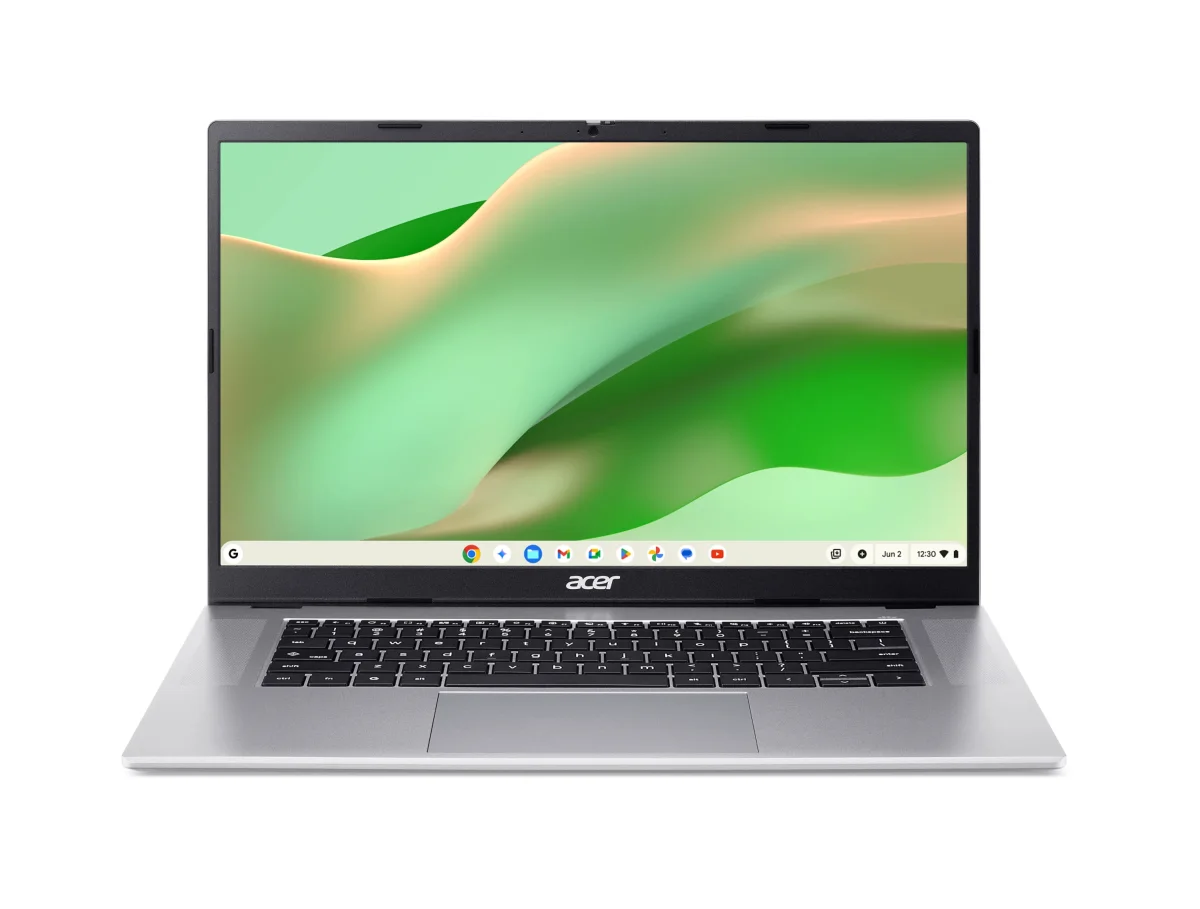
Acer Chromebook 315 (CB315-8HT) is a 15.6-inch Full HD ChromeOS laptop with a MediaTek MT8189, 8 GB soldered RAM and 65 W USB-C charging.
Editorial Verdict“A plain 15.6-inch ChromeOS laptop with fixed 8 GB RAM and handy 65 W USB-C charging.”
Local LLM Capability (8k context · 4 GB OS reserve)
What fits in 8 GB on this chassis
Key Findings & Trade-offs
A large-screen Chromebook with a MediaTek MT8189GV/AZ and 8 GB of LPDDR5x soldered to the board, so the memory you buy is the memory you keep. Storage is 128 GB on both variants, which suits ChromeOS and cloud-first use but gets tight with big local files.
At 1.48 kg with a 45 Wh battery, it fits a backpack but is not a featherweight. The two variants (NX.JWBEG.002 and NX.JWBEC.003) share the same RAM and storage.
15.6-inch 1920 x 1080 panel at 60 Hz with 300 nits maximum brightness. Fine for documents and video indoors, but dim near a sunny window.
8 GB LPDDR5x at 6400 MT/s with no RAM slots. Enough for everyday browser and app use, but there is no way to add more later.
Two USB-C and two USB-A ports, with USB-C charging at 65 W and DisplayPort Alt Mode. One cable can power the laptop and drive a monitor.
1.48 kg and a 45 Wh battery. Easy enough to carry between rooms or classes, though it is no ultraportable.
- Students and households who want a big screen for browsing, documents and streaming on ChromeOS.
- Anyone who wants to share one 65 W USB-C charger between this laptop and a phone or tablet.
- Desk-based users who occasionally plug into an external display over USB-C.
- You need more than 8 GB of RAM, since it is soldered and cannot be expanded.
- You want the lightest possible laptop; 1.48 kg is noticeable in a bag all day.
- You rely on Windows or macOS desktop software.
Compatibility Notes
Verified Compatible Desk Gear
Matched on verified wattage & port specs


Where to Check Availability
Direct merchant link (no redirect). Editorial specs are never influenced by availability.Verified Technical Specifications
- Operating system
- ChromeOS
- Wired Ethernet
- Yes
- Memory type
- LPDDR5x-SDRAM
- USB-C Power Delivery
- Yes
- Memory slots
- 0
- Weight
- 1.48 kg
- Battery
- 45 Wh
- Rated max memory
- 8 GB
- Refresh rate
- 60 Hz
- DisplayPort Alt Mode
- Yes
- USB-A ports
- 2
- USB-C ports
- 2
- Memory speed
- 6400 MT/s
- product family
- Chromebook
- product series
- 315
- usb c charging
- Yes
- Max USB-C PD
- 65 W
- Min USB-C PD
- 65 W
- Display size
- 15.6″
- Resolution
- 1920 x 1080
- Peak brightness
- 300 nits
Verified Configurations & Identifiers (2)
Frequently Asked Questions
Can I upgrade the RAM on the Acer Chromebook 315 CB315-8HT?
No. It has 8 GB of LPDDR5x soldered to the board, zero RAM slots and a supported maximum of 8 GB.
Does the CB315-8HT charge over USB-C?
Yes. USB-C charging is supported at 65 W Power Delivery, and the laptop has two USB-C ports in total.
Can it connect to an external monitor?
Yes, USB-C supports DisplayPort Alt Mode, so a USB-C monitor or a USB-C display adapter can be used for video output.